



For years, businesses protected their data like a medieval castle: build a thick wall (a…
Read More
Did you know that over seventy percent of UK small businesses now depend on cloud productivity tools like Microsoft 365 to keep operations running smoothly? With remote work and flexible offices on the rise across Lancashire and Manchester, finding the right digital solutions has never been more critical. Discover what sets Microsoft 365 apart and how it supports small teams in simplifying daily tasks, improving security, and fostering strong connections.
| Point | Details |
|---|---|
| Comprehensive Productivity Suite | Microsoft 365 offers essential applications that streamline collaboration and improve productivity for small businesses in Lancashire and Manchester. |
| Focus on Data Security | Implement robust security measures, including multi-factor authentication and data encryption, to protect sensitive information and comply with UK regulations. |
| Flexible Subscription Models | Choose from a range of subscription plans tailored to different business sizes and needs, ensuring cost-effectiveness. |
| Avoid Implementation Pitfalls | Engage local IT support and invest in staff training to mitigate common issues during Microsoft 365 deployment and enhance operational efficiency. |
Microsoft 365 is a powerful productivity suite designed specifically to empower small businesses across Lancashire and Manchester. According to research from Microsoft’s official resource, the platform offers an integrated collection of tools that transform how small teams collaborate and work.
At its core, Microsoft 365 provides small businesses with a comprehensive cloud-based environment featuring essential applications like:
For small businesses in Preston, Blackburn, and across Lancashire, these tools mean more than just software. They represent a strategic approach to increasing productivity and enabling remote work capabilities. As digital marketplace research indicates, Microsoft 365 creates a secure, integrated workspace that allows businesses to work smarter, not harder.
By centralising communication, document management, and collaboration tools, Microsoft 365 helps small businesses reduce IT complexity and focus on what truly matters – growing their enterprise. Learn more about cloud computing for small businesses.
Microsoft 365 offers small businesses in Lancashire a powerful suite of integrated applications designed to streamline workflow and enhance productivity. According to Microsoft’s official research, the platform provides web versions of core productivity tools that enable real-time collaboration from any device.
The key integration tools in Microsoft 365 include:
As digital marketplace research indicates, the platform’s collaborative applications like Outlook, Teams, OneDrive, and SharePoint create a unified workspace that transcends traditional communication barriers. For small businesses in Manchester and across the North West, this means enhanced connectivity and reduced communication friction.
The seamless integration between applications allows businesses to move data effortlessly, track project progress, and maintain comprehensive communication channels. Discover pro tips for maximizing Microsoft 365 to unlock your team’s full potential and transform how you work.
Setting up Microsoft 365 for small businesses in Lancashire and Manchester requires careful planning and strategic implementation. UK Government security guidance provides crucial insights into deploying the platform securely and effectively for small and medium enterprises.
The setup process involves several critical steps:
According to Microsoft’s data protection guidance, UK SMEs must prioritize data compliance and security during the migration process. This means carefully configuring permissions, understanding data residency requirements, and ensuring all sensitive information remains protected.
For businesses across Lancashire seeking a smooth transition, understanding the office IT setup process can significantly streamline your Microsoft 365 implementation and minimize potential disruptions to your daily operations.
For small businesses across Lancashire and Manchester, Microsoft 365 provides robust security frameworks designed to protect sensitive information and meet stringent UK data protection standards. UK Government security guidance offers critical insights into implementing comprehensive security measures that safeguard your business’s digital assets.
Key security features and compliance strategies include:
According to Microsoft’s data protection guidance, organizations must implement comprehensive strategies that go beyond basic data backup. This means actively managing permissions, understanding data residency requirements, and creating robust incident response plans.
For Lancashire businesses looking to enhance their data privacy practices, understanding how to handle data privacy updates can provide a critical foundation for maintaining secure and compliant digital operations.
Microsoft 365 offers flexible subscription models designed to meet the diverse needs of small businesses across Lancashire and Manchester. Microsoft’s official resources highlight the range of options available, ensuring businesses can find a plan that matches their budget and operational requirements.
Subscription options typically fall into three primary categories:
According to digital marketplace research, Microsoft 365 pricing is structured to provide scalable solutions for small businesses. Pricing generally ranges from £5 to £20 per user per month, depending on the selected features and level of functionality required.
Here’s a comparison of Microsoft 365 subscription options for small businesses:
| Plan Type | Monthly Cost (per user) | Key Features |
|---|---|---|
| Basic | £5–£7 | Web apps 1TB OneDrive Email & Calendar |
| Standard | £10–£13 | Desktop apps Teams Meetings Shared Mailboxes |
| Premium | £17–£20 | Advanced security Device management Threat protection |
For Lancashire businesses looking to optimize their technology investment, understanding the nuanced differences between subscription tiers can significantly impact your operational efficiency.
Learn more about maximizing your Microsoft 365 investment to ensure you select the most cost-effective solution for your specific business needs.
Navigating Microsoft 365 implementation for small businesses in Lancashire requires strategic local support and a clear understanding of potential challenges. UK Government security guidance emphasizes the importance of working with knowledgeable local IT partners who understand regional business needs.
Common pitfalls to avoid during Microsoft 365 implementation include:
According to Microsoft’s data protection guidance, businesses must develop comprehensive strategies that go beyond basic technology deployment. This means selecting a local IT support provider who can offer personalized guidance, ongoing support, and expertise specific to Lancashire and Manchester’s business landscape.
For businesses across Lancashire seeking reliable support, understanding how to choose the right IT support partner can make the difference between a smooth Microsoft 365 implementation and a potential operational disruption.
Do you find yourself struggling with a confusing Office 365 setup, security concerns or delayed teamwork? Many small businesses feel overwhelmed by cloud migration, data protection rules and managing user access discussed in our complete guide above. At J700 Group, we understand these challenges because we specialise in helping SMEs across Lancashire and the North West master Microsoft 365 solutions. Our local experts make your transition smooth and secure, ensuring you benefit from every feature without missing a beat.
Learn more about Microsoft solutions for small businesses
Don’t let IT issues or missed updates slow your business. Get personalised advice and ongoing support from a Lancashire-based team who knows what you need. Take the first step toward a seamless Office 365 experience by contacting us today at J700 Group Contact Page. Your staff and your business deserve IT that simply works.
Microsoft 365 is a cloud-based productivity suite that offers essential applications like Word, Excel, PowerPoint, Teams, and Outlook, tailored to enhance collaboration and efficiency for small businesses.
To set up Microsoft 365, assess your business needs, choose appropriate licensing, configure user accounts, enable security settings, and migrate existing data to the cloud.
Microsoft 365 includes multi-factor authentication, data encryption, advanced threat protection, compliance management to meet GDPR requirements, and regular security updates to safeguard sensitive information.
Microsoft 365 offers flexible subscription plans ranging from £5 to £20 per user per month, depending on the features and functionality required. Plans usually include Basic, Standard, and Premium options.
For years, businesses protected their data like a medieval castle: build a thick wall (a…
Read More
For many small and medium-sized businesses, cybersecurity is still viewed as an IT problem. Firewalls,…
Read More
Cloud technology is no longer a luxury or a cost-saving alternative to on-site servers. For…
Read More
Remember when we jokingly wondered if Apple was borrowing our name? Well, the rumours were…
Read More
AI hasn’t just changed the way we work, it has completely rewritten the rulebook for…
Read More
For many businesses, the office phone is like part of the furniture, it’s always there,…
Read More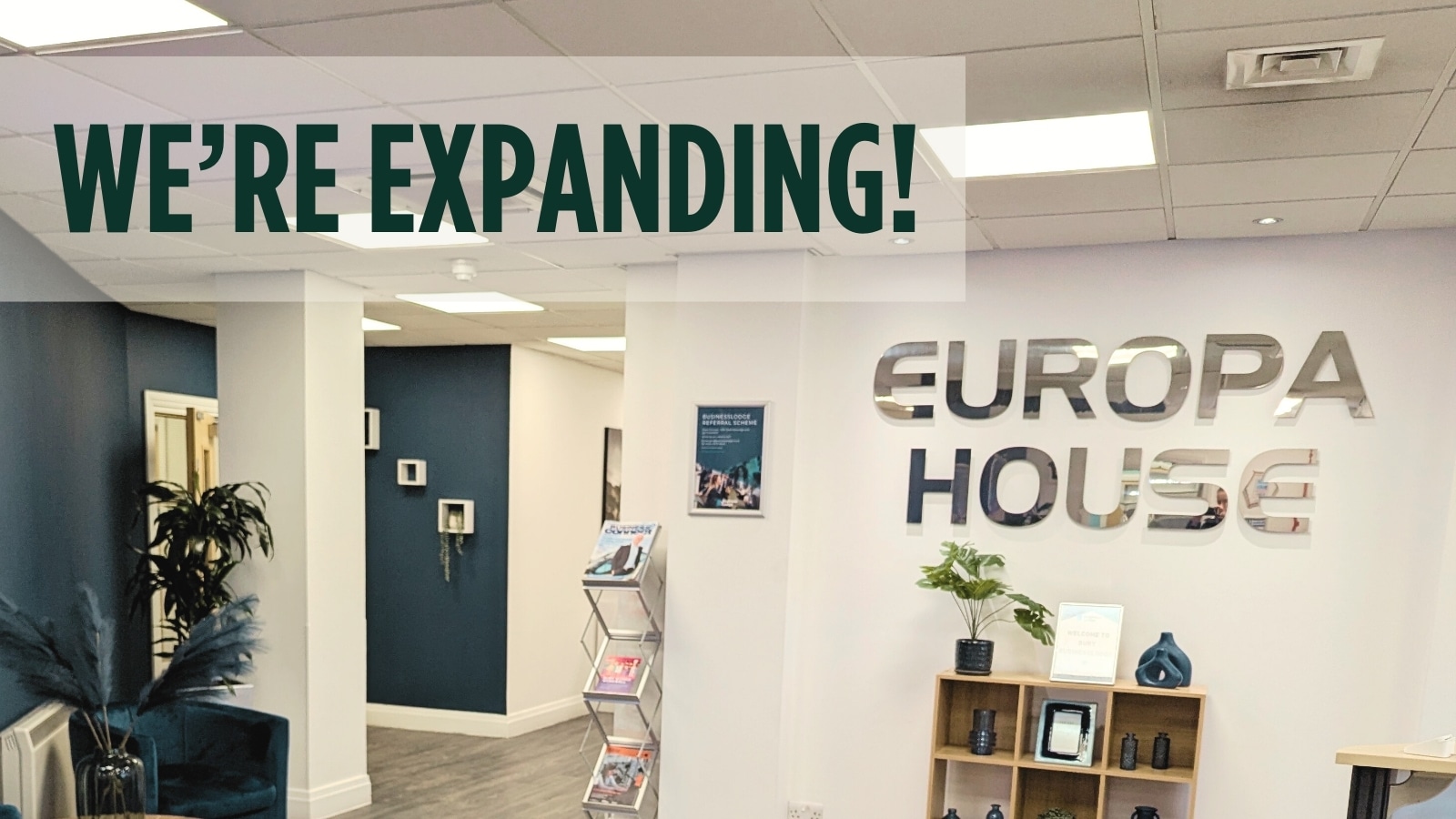
We are thrilled to announce a significant milestone in the J700 Group journey. To keep…
Read More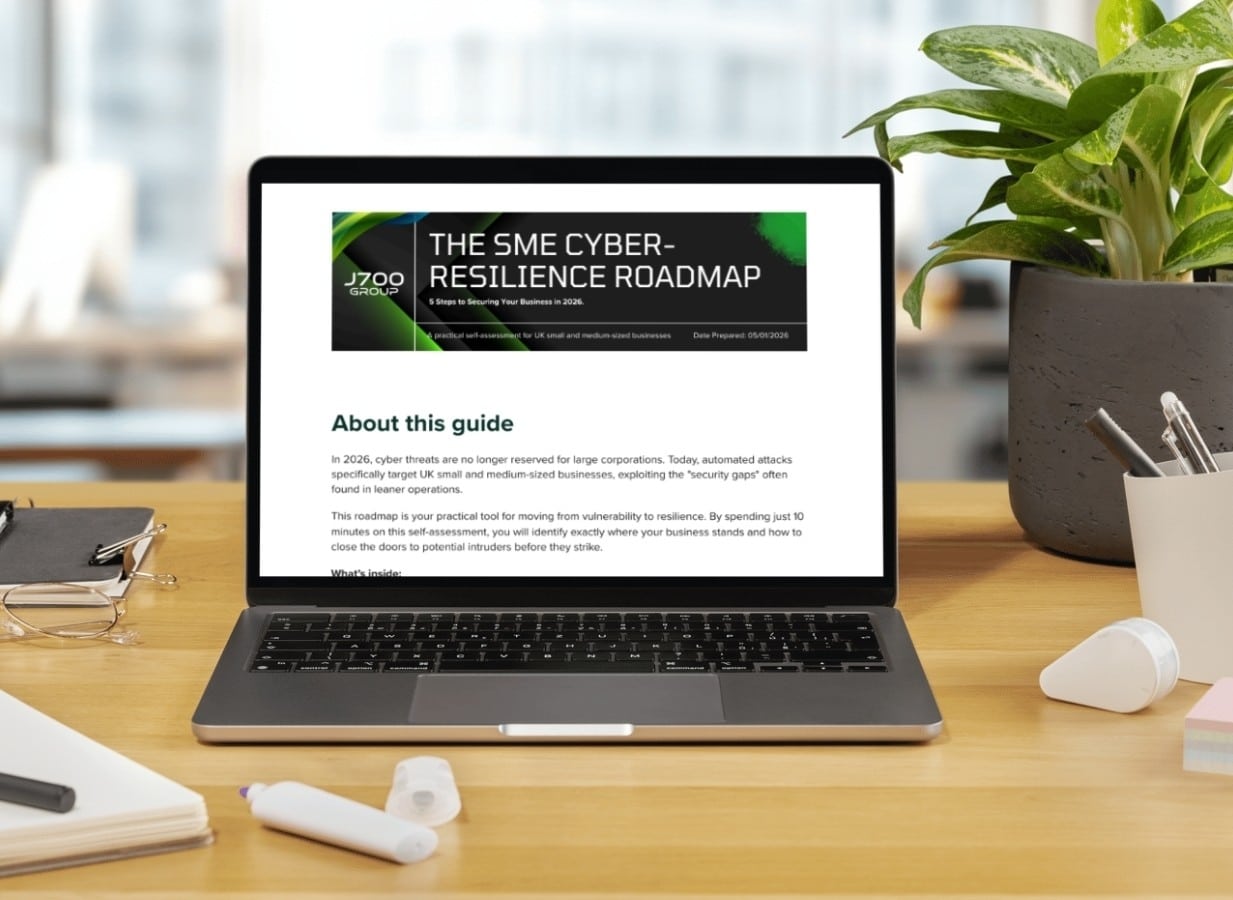
For years, many small and medium-sized business owners in the North West have operated under…
Read More
In a modern healthcare setting, the stethoscope and the blood pressure cuff aren’t the only…
Read More
When people hear the word cybersecurity, they often imagine complex systems, expensive software and specialist…
Read More
As we count down to midnight, most of us are thinking about gym memberships or…
Read More
It’s Christmas Eve in Lancashire. The Preston bypass is a nightmare, the last-minute dash to…
Read More
For many businesses, the Christmas period means quieter offices, reduced staffing and systems left running…
Read More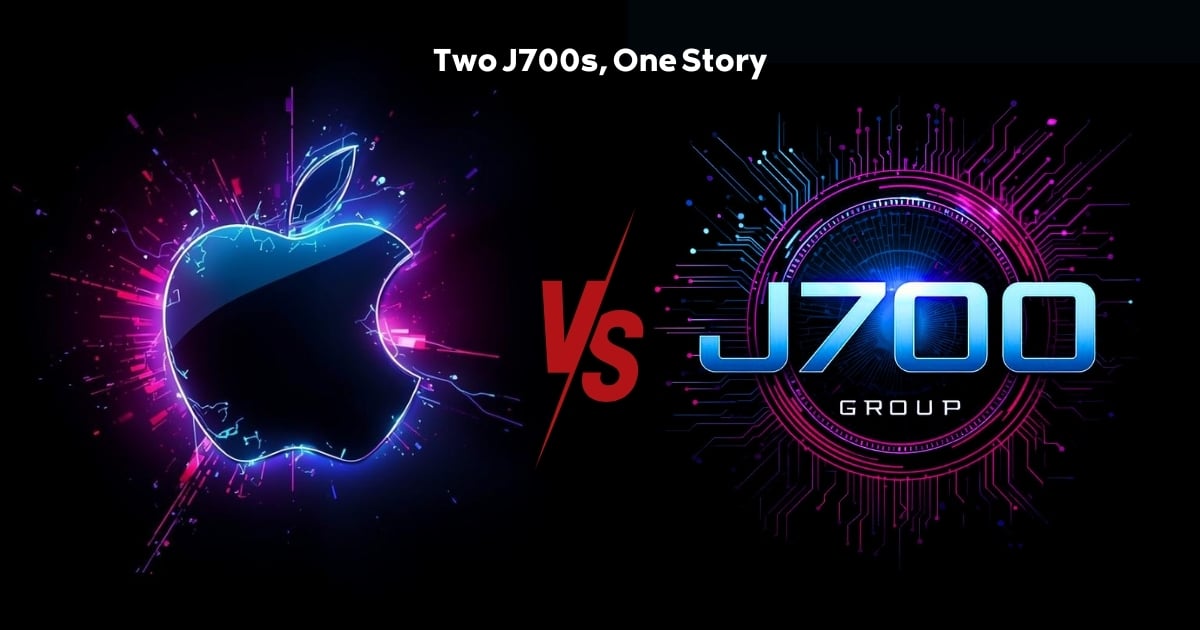
Or: Why we’d like to have a word with Tim Cook this Christmas. There are…
Read More
Hackers Love Christmas: Learn Why your Business Could be at Risk This Holiday SeasonThe festive…
Read More
In recent months, high-profile companies like Land Rover and Co-op have made headlines due to…
Read More
Explore 7 essential tips for effective cloud solutions comparison to find the best fit for…
Read More
Learn how to secure business data for UK SMEs with this step-by-step guide focused on…
Read More
Cybersecurity basics explained for UK businesses—core concepts, major threats, essential safeguards, and compliance requirements. A…
Read More
Discover the essential role of IT support desks, core functions, key benefits, types of support,…
Read More
Discover 10 microsoft 365 alternatives for UK SMEs, comparing features and benefits to help your…
Read More
Discover the best microsoft 365 alternatives in our comparison of 10 top products to enhance…
Read More
Discover a business connectivity checklist with 7 actionable steps to boost IT reliability, security, and…
Read More
Discover 7 essential business continuity planning steps to protect your SME. Learn practical strategies for…
Read More
Small Business Office 365 comprehensive guide for UK SMEs: core features, setup process, security essentials,…
Read More
Small Business Office 365 guide for UK firms. Learn core features, setup, security, costs, and…
Read More
Small business Office 365 guide covering essential features, security, costs, local support, and practical benefits…
Read More
Follow this cybersecurity checklist for SMEs to secure your business in Lancashire and Manchester. Step-by-step…
Read More
Follow this cybersecurity checklist for SMEs to boost protection, reduce risks, and secure business data…
Read More
Cloud security explained: A comprehensive guide for UK businesses covering threat types, protection strategies, compliance,…
Read More
Data protection strategies for UK SMEs—types, key components, GDPR compliance, business risks, and best practices…
Read More
Why cybersecurity matters for UK businesses: core concepts, main risks, common threats, legal requirements, and…
Read More
Comprehensive guide to IT issues Lancashire businesses face, including security threats, system downtime, cloud solutions,…
Read More
Comprehensive guide on cyber security threats in the UK. Learn common types, key characteristics, real-world…
Read More
Follow this IT security checklist for a step-by-step process to secure your business effectively in…
Read More
Explore the benefits of managed IT services for businesses in Manchester and Lancashire, enhancing efficiency…
Read More
Explore the role of cybersecurity in business. Understand its importance, how it works, and key…
Read More
Discover 7 key advantages of Microsoft 365 for SMEs that can enhance productivity, collaboration, and…
Read More
Explore why use managed IT services and how they benefit businesses. Gain comprehensive insights on…
Read More
Comprehensive guide explaining cyber threats, focusing on their importance, how they work, and the key…
Read More