
Existing 3CX systems
3CX Support & Migration
J700 has supported 3CX systems for many years and continues to support existing 3CX customers. For new business communications deployments, Yeastar is now our preferred platform. If you use 3CX today, we can help you maintain it, make practical changes or assess a planned move to Yeastar.
- Existing 3CX support
- UK-based team
- Est. 2015
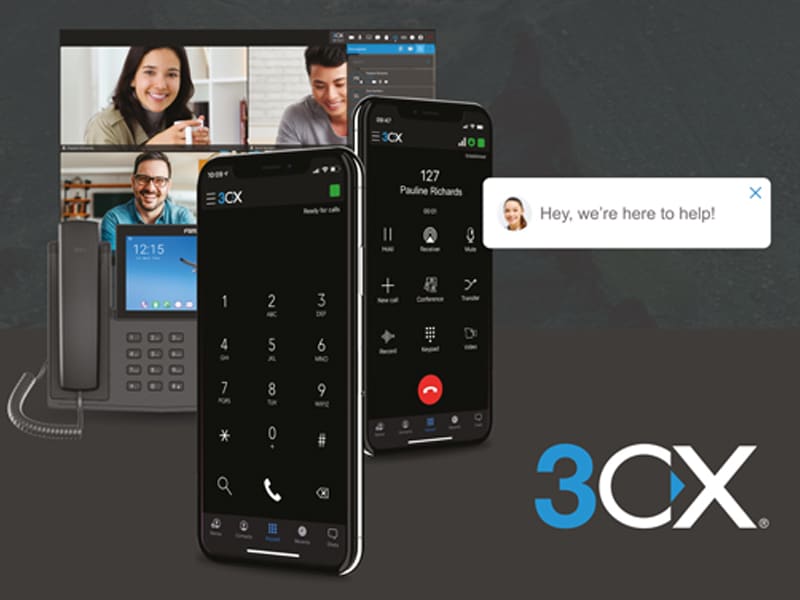
Your system, your pace
Staying on 3CX can be the right decision.
We support existing 3CX environments: users, numbers, call routing, handsets, SIP trunks and the connectivity around them. Staying on 3CX can be the right decision; migration is an option, not a requirement.
Existing 3CX customers across Lancashire, Greater Manchester and the wider North West who need support, changes, an upgrade review or an impartial assessment of their next platform.
Keep your current system working for office, home and mobile users while understanding which changes are practical now and which would be better addressed in a planned transition.
Where J700 starts
We review access, licensing, current configuration, users, numbers, devices, call flows and connectivity first. We then agree the scope of support or a staged migration assessment without assuming every setting or handset will transfer.
For new business communications deployments, Yeastar is now our preferred platform. Explore Yeastar phone systems.
Where we help
Practical support for the system you already use.
Your current 3CX setup needs attention
Review supported changes to users, business hours, queues, routing and voicemail without assuming a full replacement is needed.
Support arrangements have changed
Assess access, licensing, handsets, SIP service and ownership before agreeing a practical support scope.
A platform change feels risky
Map numbers, devices, integrations and call flows before deciding whether to stay on 3CX or migrate to Yeastar.
How J700 supports your 3CX environment
Support, changes and a clear view of what comes next.
Existing-system support
Review the current 3CX estate and agree ongoing support, maintenance and practical changes where access and licensing permit.
Call-flow changes
Assess business hours, departments, queues, forwarding and voicemail against how your team handles calls today.
Upgrade and integration review
Check version, handsets, SIP and supported Microsoft 365 or CRM requirements before recommending changes.
Migration assessment
Compare the current configuration with supported Yeastar P-Series migration options and identify what needs rebuilding or testing.
How we work
Understand it, agree the path, change and verify.
- 1
Understand the current setup
Review users, locations, numbers, call flows, devices, integrations and connectivity.
- 2
Agree the right path
Determine whether to maintain or change the current 3CX environment, or plan a supported move to Yeastar.
- 3
Change and verify
Test the agreed call flows, users, numbers, handsets and connectivity before and after any change or cutover.
An option, not a requirement
Thinking about a move to Yeastar?
Yeastar provides an official migration path for supported 3CX environments. We assess your configuration first to confirm what can move automatically and what needs rebuilding or review. Existing SIP handsets may be reusable depending on make, model, firmware and provisioning support.
Practical answers
3CX support questions
Does J700 still support existing 3CX systems?
Yes. J700 continues to support existing 3CX customers, subject to access, licensing, configuration and an agreed support scope. You do not have to migrate to receive support.
Is J700 still recommending 3CX for new deployments?
Yeastar is J700's preferred platform for new business communications deployments. An existing estate, contract or specific verified technical requirement may make another approach more suitable.
Can staff use 3CX away from the office?
3CX can support remote and mobile working options. The configuration depends on your users, devices, security and connectivity, which are assessed during discovery.
Can we keep our existing phone numbers?
Number porting may be possible where the current provider, number type and chosen service support it. We confirm feasibility before a transition is scheduled and do not promise a fixed porting timescale.
Can our existing 3CX system integrate with Microsoft 365 or our CRM?
We can assess supported integrations in your current environment. J700 confirms the system version, licensing and integration method before recommending a change.
Can an existing 3CX system work across multiple offices?
Multi-site use depends on your current configuration and each location's users, network and connectivity. We can review what is supported in your environment.
What internet connection does 3CX need?
The right connection depends on user numbers, call patterns, other network traffic and resilience needs. J700 assesses the connectivity and network context rather than assuming any connection is suitable.
Can J700 manage an existing 3CX system?
J700 can review an existing 3CX environment and discuss whether support or a managed takeover is practical. Access, licensing, configuration and current-provider arrangements must be assessed first.
Can we move from 3CX to Yeastar?
Yeastar provides an official migration path for supported 3CX environments. We assess your configuration first to confirm what can move automatically and what needs rebuilding or review. Existing SIP handsets may be reusable depending on make, model, firmware and provisioning support.
Need help with your existing 3CX system?
Tell us what needs attention today. We can discuss continued support, practical changes or whether a planned move to Yeastar makes sense.