



For years, businesses protected their data like a medieval castle: build a thick wall (a…
Read More
Getting your new office up and running depends entirely on the strength of your IT setup. Businesses that skip a proper needs assessment often discover costly mistakes only when it’s too late. Yet, documenting each department’s precise technology needs can stop budget overruns before they begin, giving you an unexpectedly clear roadmap for IT success right from day one.
| Key Point | Explanation |
|---|---|
| 1. Conduct a thorough needs assessment | Evaluate your current technology to identify gaps and requirements. This sets the foundation for effective IT infrastructure. |
| 2. Develop a structured IT setup plan | Create a detailed plan that outlines immediate and future IT needs while considering budget constraints and technological adaptability. |
| 3. Prioritise compatibility in procurement | Select hardware and software with strong integration capabilities to ensure a seamless technology ecosystem. |
| 4. Implement comprehensive training for staff | Design tiered, interactive training that caters to all skill levels, enhancing adoption and proficiency in new systems. |
| 5. Perform rigorous system performance testing | Conduct thorough tests to validate IT infrastructure under operational loads, ensuring reliability and efficiency before deployment. |
Launching an effective office IT setup begins with a comprehensive needs assessment. This crucial initial step determines the technological foundation that will support your business operations and strategic objectives. Understanding your specific requirements helps prevent costly mistakes and ensures your technology infrastructure aligns seamlessly with your organisational goals.
Begin by conducting a thorough evaluation of your current technological landscape. Examine your existing hardware, software, and network infrastructure to identify potential gaps or limitations. Consider factors such as the number of employees, their specific job functions, collaboration needs, and anticipated growth. This assessment should explore critical questions about your business operations: What tasks are most technology dependent? What software applications are essential for daily productivity? How many workstations and devices will require configuration?
A strategic approach involves mapping out your technology ecosystem comprehensively. Document each department’s unique technological requirements, recognising that marketing might need different tools compared to finance or sales teams. Pay special attention to specialised software needs, integration capabilities, and potential scalability challenges. According to the UK Government’s Workplace Design Guide, successful technology implementation relies on understanding precise organisational workflows and user requirements.
Translate your initial assessment into a detailed technology roadmap that outlines immediate and future IT infrastructure needs. This plan should balance current operational requirements with potential future expansion. Consider factors like budget constraints, performance expectations, and technological compatibility. Prioritise solutions that offer flexibility and can adapt to evolving business demands. Create a structured inventory that includes:
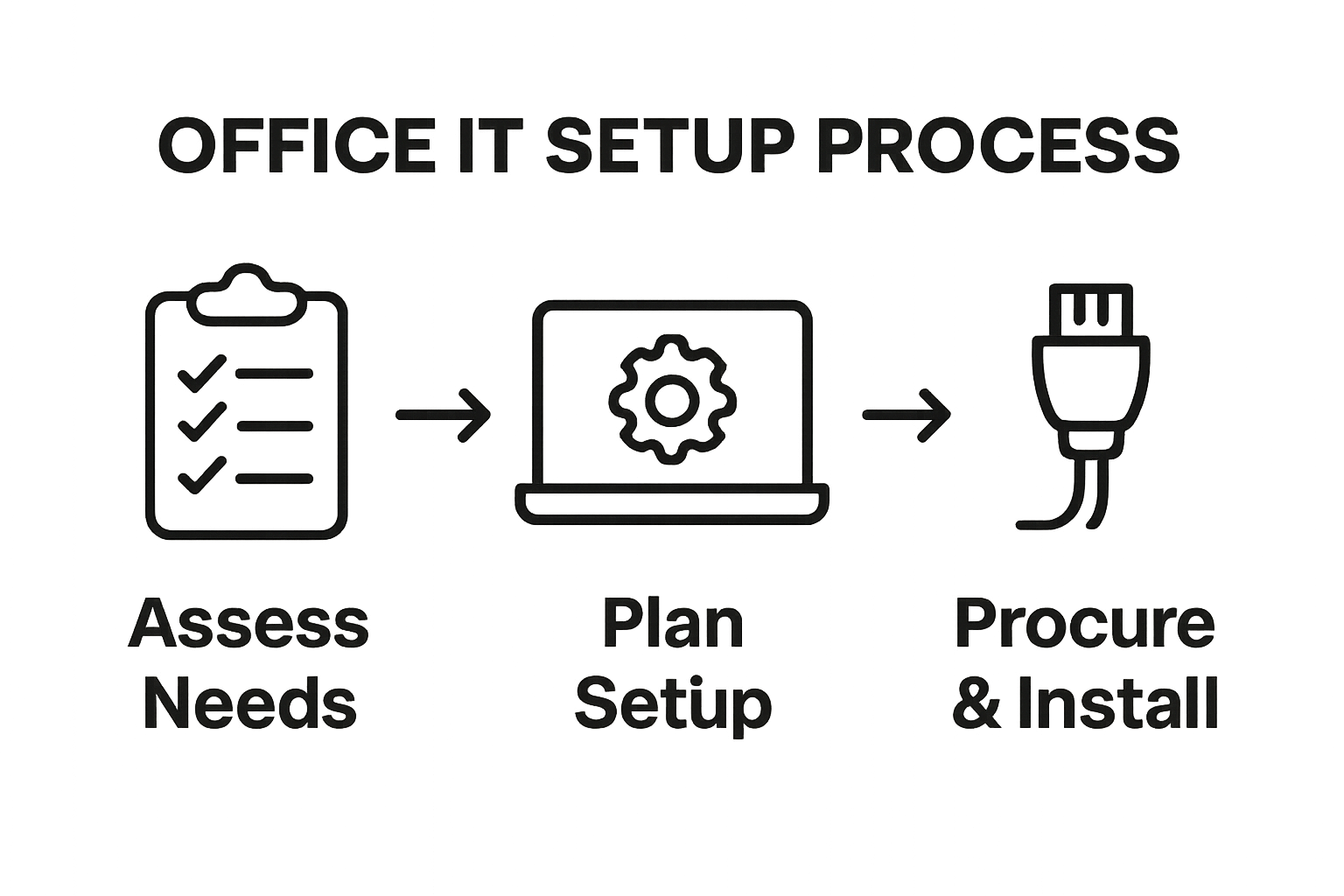
By meticulously assessing your IT needs, you establish a solid foundation for a successful office technology setup that supports efficient, secure, and scalable business operations.
After completing your initial needs assessment, the next critical phase involves developing a comprehensive and structured IT setup plan. This strategic document serves as a blueprint for implementing your technology infrastructure, transforming your initial assessment into a actionable roadmap that guides every aspect of your office technology deployment.
A robust IT setup plan requires meticulous attention to detail and forward thinking. Begin by translating your organisational requirements into a chronological implementation strategy. Prioritise critical systems and technologies that are essential for immediate business operations, while simultaneously planning for future scalability. This involves creating a detailed timeline that outlines hardware procurement, software installation, network configuration, and system integration processes.
Consider creating a phased approach that minimises operational disruption. Break down the implementation into manageable stages, allowing for incremental upgrades and continuous performance evaluation. This strategy enables your organisation to adapt and refine the technology setup as you progress. According to the UK Government’s Service Manual, effective configuration management is crucial for maintaining system stability and ensuring smooth technological transitions.
Developing a structured IT setup plan demands careful financial planning and resource allocation. Create a comprehensive budget that encompasses hardware costs, software licensing, professional installation services, and potential training expenses. Your budget should include both immediate implementation costs and projected maintenance expenditures. Consider potential hidden expenses such as:
By developing a detailed, flexible IT setup plan, you establish a strategic framework that supports your organisation’s technological evolution, ensuring efficient, secure, and adaptable business operations.
Procuring the right hardware and software represents a pivotal moment in your office IT setup process, transforming your strategic plan into tangible technological infrastructure. This critical step requires careful consideration of performance, compatibility, scalability, and budget constraints to ensure your technology investments effectively support your business operations.
Begin by translating your detailed technology requirements into specific hardware and software specifications. Prioritise compatibility and integration capabilities across your planned technology ecosystem. Consider factors such as processor speed, memory capacity, storage requirements, and network connectivity when selecting computer systems. For software, evaluate solutions that offer seamless interoperability, robust security features, and potential for future upgrades.
Research potential vendors meticulously, comparing their product offerings, support services, warranty conditions, and pricing structures. Request comprehensive product demonstrations and trial periods whenever possible to validate performance and user experience. Look beyond initial purchase costs and consider long term maintenance expenses, potential upgrade paths, and ongoing technical support requirements. According to the University of York’s IT services guidance, standardising equipment across an organisation can significantly streamline management and support processes.
Once you have identified suitable hardware and software solutions, develop a structured procurement strategy that minimises risks and maximises value. Create a comprehensive checklist to guide your purchasing decisions, ensuring each acquisition meets your predefined technological and operational criteria. Key considerations during the procurement process include:
After procurement, conduct thorough verification tests to confirm that purchased hardware and software meet your specifications.
The following table provides an overview of key hardware and software procurement criteria to ensure your office IT setup meets all operational and integration requirements.
| Procurement Factor | Description |
|---|---|
| Compatibility | Ensures new solutions work seamlessly with existing systems and planned architecture |
| Scalability | Ability to support organisational growth and future technological requirements |
| Vendor Reliability | Reputation and history of the supplier in terms of support and product quality |
| Security Compliance | Meets necessary cybersecurity standards and protects organisational data |
| Licensing & Usage Rights | Legitimacy and suitability of licensing agreements for all users |
| Technical Support Options | Availability of comprehensive technical assistance, both during and after deployment |
| Maintenance Costs | Assessment of long-term expenses for updates, repairs, and ongoing system support |
Configuring and installing IT equipment marks a pivotal transition from planning to operational readiness. This intricate process demands precision, systematic approach, and careful attention to technical and organizational requirements. Successfully navigating this stage ensures your technology infrastructure functions seamlessly and supports your business objectives effectively.
Begin the installation process by creating a controlled, well-prepared environment for your new equipment. Establish a dedicated workspace with appropriate electrical connections, proper ventilation, and protection from potential physical damage. Carefully unpack hardware components, referencing manufacturer guidelines to prevent accidental damage during setup. Start with network infrastructure configuration, ensuring robust connectivity and secure network parameters. This involves configuring routers, switches, and establishing secure wireless networks that provide reliable and protected internet access across your organization.
Proceed with individual device configuration, focusing on standardizing settings across workstations. Install operating systems, implement security protocols, and configure user access permissions. Pay close attention to creating consistent user profiles, email configurations, and shared network resources. According to the UK Government’s guidance on digital technology standards, maintaining uniformity in equipment configuration enhances overall system reliability and simplifies future management.
Transition to software installation, prioritizing essential business applications and ensuring compatibility across your technology ecosystem. Install productivity suites, communication tools, and specialized software required for specific departmental functions. Create standardized software images that can be quickly deployed across multiple workstations, reducing individual configuration time and maintaining consistency. Implement robust cybersecurity measures during this phase, including:
Complete the installation process with comprehensive system validation.
Below is a checklist table outlining critical verification points and completion criteria during the configuration and installation phase of your office IT setup.
| Verification Point | Key Criteria for Completion |
|---|---|
| Hardware Setup | All devices physically installed, connected, and powered correctly |
| Network Configuration | Routers, switches, and connections established with secure access |
| Operating System Installation | Each workstation has the correct OS configured and updated |
| Security Protocols | Antivirus, firewalls, and user permissions active and operational |
| Software Deployment | Essential business applications uniformly installed across all workstations |
| System Validation | Initial functionality tested and discrepancies resolved |
| Data Backup | Backup and recovery systems verified prior to full operation |
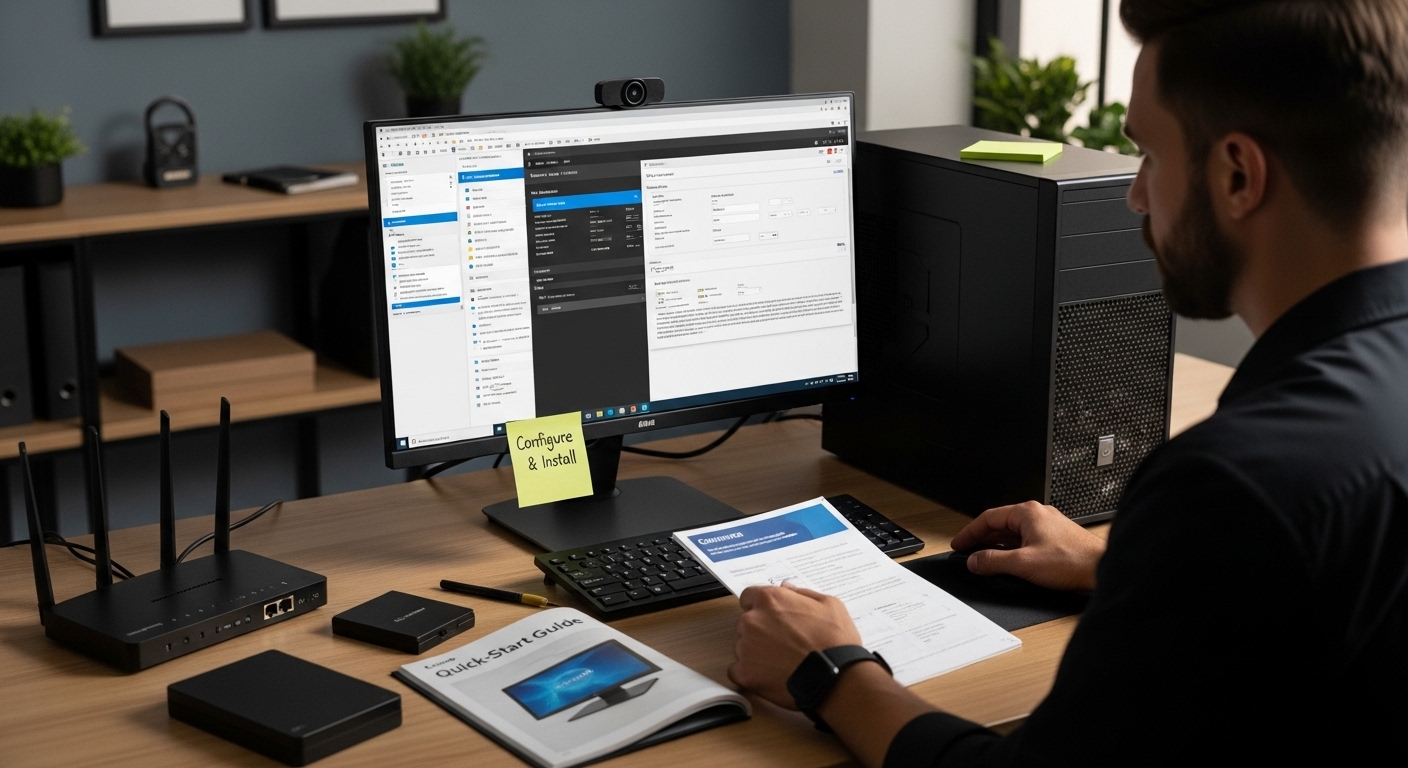
System performance testing represents a critical validation phase in your office IT setup process, ensuring that your newly configured technology infrastructure delivers the reliability, speed, and efficiency your business demands. This comprehensive evaluation goes beyond simple functionality checks, diving deep into the operational capabilities of your entire technological ecosystem.
Initiate your performance testing with a systematic approach that simulates real-world usage scenarios. Create controlled testing environments that replicate typical workplace conditions, allowing you to assess system responses under various operational loads. Begin by establishing baseline performance metrics for each critical system, including network connectivity, individual workstation performance, server response times, and software application responsiveness. This approach enables you to identify potential bottlenecks, performance limitations, and areas requiring further optimization before full deployment.
Conduct thorough performance tests across multiple dimensions. Evaluate network bandwidth, processing speeds, storage access times, and inter-system communication protocols. Pay special attention to concurrent user scenarios, testing how your infrastructure performs when multiple employees simultaneously access shared resources, network drives, and collaborative platforms. According to the UK Government’s Service Manual, rigorous performance testing helps mitigate potential operational disruptions and ensures system reliability.
Document all test results meticulously, creating a comprehensive performance profile for your IT infrastructure. Identify and prioritize any discovered performance limitations or potential improvement areas. Your verification process should include:
When performance issues emerge, develop targeted optimization strategies. This might involve adjusting hardware configurations, refining software settings, or redesigning network architecture. Remember that performance testing is an iterative process requiring continuous monitoring and incremental improvements. By approaching system performance testing with diligence and precision, you establish a robust technological foundation that supports efficient and reliable business operations.
Training staff on new IT systems represents a critical bridge between technological implementation and operational effectiveness. This crucial step transforms your carefully configured infrastructure from a technical setup into a fully functional business asset by ensuring every team member can confidently and competently utilise the new technology.
Craft a multifaceted training approach that acknowledges the diverse technological skill levels within your organisation. Begin by conducting an initial skills assessment to understand the baseline knowledge and potential learning gaps among your staff. Design training modules that cater to different proficiency levels, ensuring that both technology novices and experienced users find value in the educational programme. Consider creating tiered training resources that range from basic system navigation to advanced feature utilisation.
Structure your training programme to be interactive and hands-on, moving beyond traditional lecture-style presentations. Incorporate practical demonstration sessions where staff can directly interact with new systems under guided supervision. Develop scenario-based learning experiences that mirror real workplace situations, allowing employees to understand how new technologies solve actual business challenges. According to the UK Department of Health and Social Care’s technology training initiatives, practical, context-driven training significantly enhances technological adoption and user confidence.
Roll out your training programme systematically, beginning with key department leaders who can subsequently support their teams. Create comprehensive documentation, including step-by-step guides, video tutorials, and quick reference materials that employees can access independently. Establish multiple learning channels to accommodate different learning preferences:
Implement a continuous feedback mechanism to monitor training effectiveness and identify areas requiring additional support. Schedule follow-up training sessions and provide ongoing technical support to address emerging questions or challenges. By investing time and resources in thorough staff training, you ensure smooth technological integration, minimise operational disruptions, and empower your team to leverage new IT systems effectively.
Struggling to create a seamless office IT setup can quickly drain time and resources. From assessing specific business needs to configuring secure and reliable technology, the steps can feel overwhelming. In the article above, you learned that missed details and lack of proper system testing can leave your business open to slowdowns, interruptions, or cyber risks. If you want technology that truly matches your business goals and practical support throughout every phase, you need a partner that speaks your language.

Speak to Lancashire’s trusted IT specialists today. J700 Group delivers proactive managed IT services, robust cybersecurity, cloud solutions, and seamless business connectivity tailored for SMEs. Our team will help you avoid costly mistakes and keep your operations running smoothly. Act now and let us turn your IT setup plan into a strong business advantage. Contact our local experts here and take the stress out of technology for good.
The first step is to assess your IT needs and requirements by evaluating your current technological landscape and identifying gaps, limitations, and specific requirements for different departments within your organisation.
Develop a technology roadmap by translating your initial needs assessment into a detailed plan that outlines both immediate and future IT infrastructure needs, balancing current operational requirements with potential growth and adaptability.
Prioritise compatibility and integration capabilities, performance specifications, vendor reliability, long-term maintenance costs, and cybersecurity compliance when selecting hardware and software solutions for your IT setup.
Staff training is crucial as it bridges the gap between implementation and operational effectiveness. Providing comprehensive training ensures that employees can confidently use the new technology, enhancing productivity and minimising disruptions.
For years, businesses protected their data like a medieval castle: build a thick wall (a…
Read More
For many small and medium-sized businesses, cybersecurity is still viewed as an IT problem. Firewalls,…
Read More
Cloud technology is no longer a luxury or a cost-saving alternative to on-site servers. For…
Read More
Remember when we jokingly wondered if Apple was borrowing our name? Well, the rumours were…
Read More
AI hasn’t just changed the way we work, it has completely rewritten the rulebook for…
Read More
For many businesses, the office phone is like part of the furniture, it’s always there,…
Read More
We are thrilled to announce a significant milestone in the J700 Group journey. To keep…
Read More
For years, many small and medium-sized business owners in the North West have operated under…
Read More
In a modern healthcare setting, the stethoscope and the blood pressure cuff aren’t the only…
Read More
When people hear the word cybersecurity, they often imagine complex systems, expensive software and specialist…
Read More
As we count down to midnight, most of us are thinking about gym memberships or…
Read More
It’s Christmas Eve in Lancashire. The Preston bypass is a nightmare, the last-minute dash to…
Read More
For many businesses, the Christmas period means quieter offices, reduced staffing and systems left running…
Read More
Or: Why we’d like to have a word with Tim Cook this Christmas. There are…
Read More
Hackers Love Christmas: Learn Why your Business Could be at Risk This Holiday SeasonThe festive…
Read More
In recent months, high-profile companies like Land Rover and Co-op have made headlines due to…
Read More
Explore 7 essential tips for effective cloud solutions comparison to find the best fit for…
Read More
Learn how to secure business data for UK SMEs with this step-by-step guide focused on…
Read More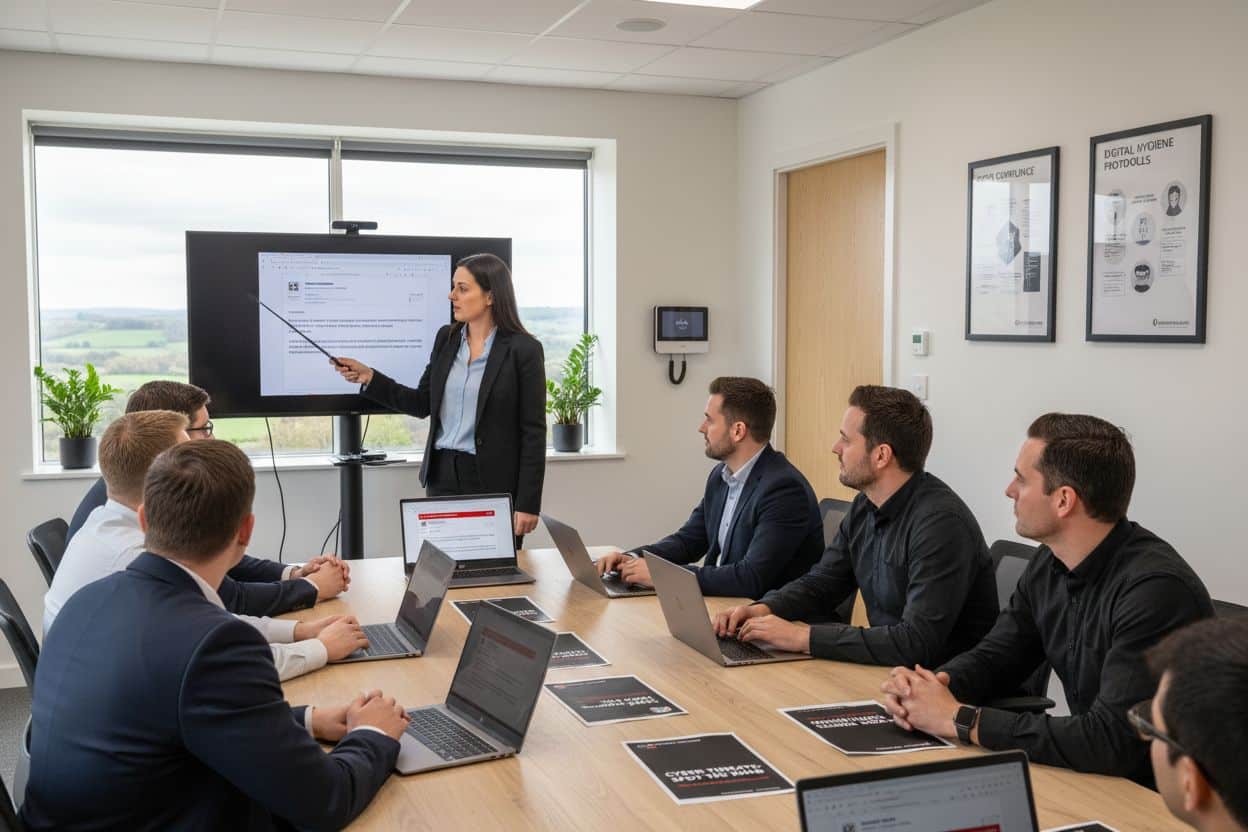
Cybersecurity basics explained for UK businesses—core concepts, major threats, essential safeguards, and compliance requirements. A…
Read More
Discover the essential role of IT support desks, core functions, key benefits, types of support,…
Read More
Discover 10 microsoft 365 alternatives for UK SMEs, comparing features and benefits to help your…
Read More
Discover the best microsoft 365 alternatives in our comparison of 10 top products to enhance…
Read More
Discover a business connectivity checklist with 7 actionable steps to boost IT reliability, security, and…
Read More
Discover 7 essential business continuity planning steps to protect your SME. Learn practical strategies for…
Read More
Small Business Office 365 comprehensive guide for UK SMEs: core features, setup process, security essentials,…
Read More
Small Business Office 365 guide for UK firms. Learn core features, setup, security, costs, and…
Read More
Small business Office 365 guide covering essential features, security, costs, local support, and practical benefits…
Read More
Follow this cybersecurity checklist for SMEs to secure your business in Lancashire and Manchester. Step-by-step…
Read More
Follow this cybersecurity checklist for SMEs to boost protection, reduce risks, and secure business data…
Read More
Cloud security explained: A comprehensive guide for UK businesses covering threat types, protection strategies, compliance,…
Read More
Data protection strategies for UK SMEs—types, key components, GDPR compliance, business risks, and best practices…
Read More
Why cybersecurity matters for UK businesses: core concepts, main risks, common threats, legal requirements, and…
Read More
Comprehensive guide to IT issues Lancashire businesses face, including security threats, system downtime, cloud solutions,…
Read More
Comprehensive guide on cyber security threats in the UK. Learn common types, key characteristics, real-world…
Read More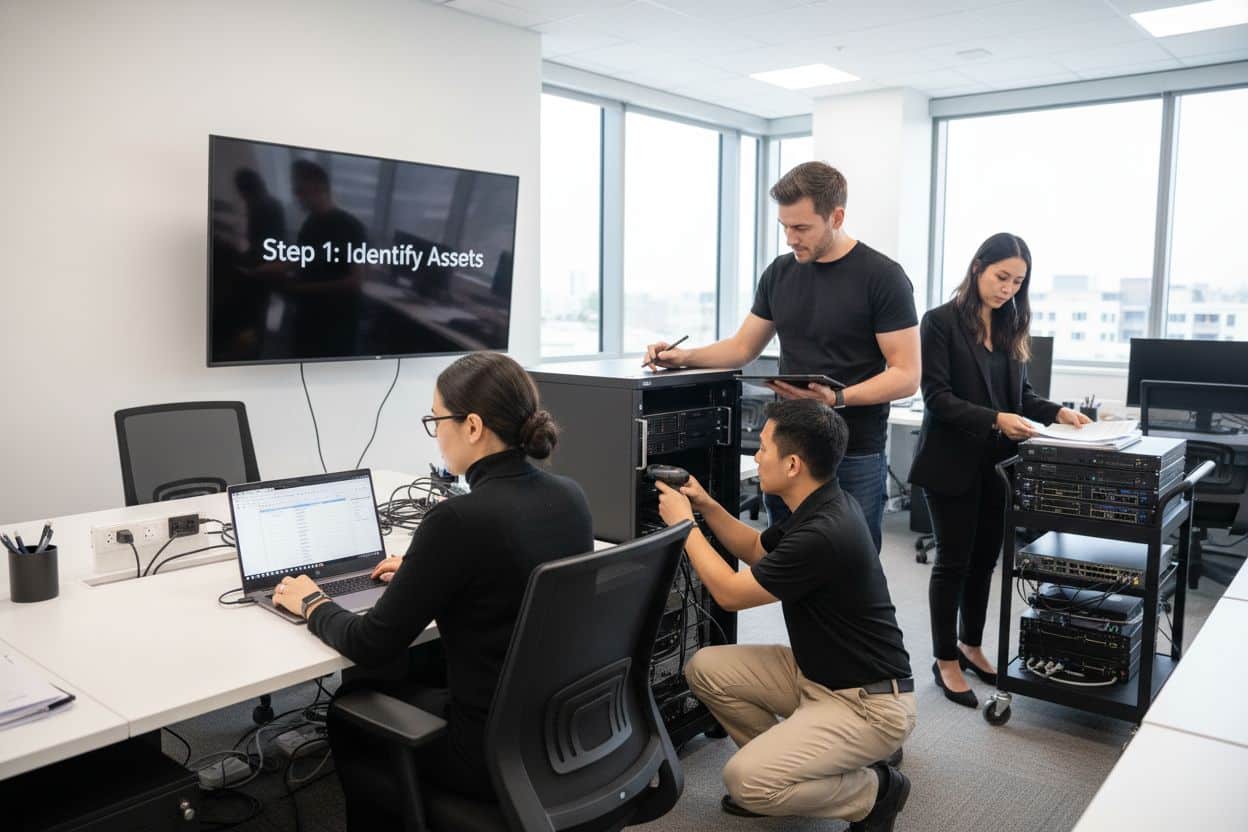
Follow this IT security checklist for a step-by-step process to secure your business effectively in…
Read More
Explore the benefits of managed IT services for businesses in Manchester and Lancashire, enhancing efficiency…
Read More
Explore the role of cybersecurity in business. Understand its importance, how it works, and key…
Read More
Discover 7 key advantages of Microsoft 365 for SMEs that can enhance productivity, collaboration, and…
Read More
Explore why use managed IT services and how they benefit businesses. Gain comprehensive insights on…
Read More
Comprehensive guide explaining cyber threats, focusing on their importance, how they work, and the key…
Read More