



For years, businesses protected their data like a medieval castle: build a thick wall (a…
Read More
Microsoft 365 is transforming how people work across the globe and it is more than just Word and Excel bundled together. Over a million companies worldwide now rely on its cloud-based suite for daily business. That sounds huge, but here is what surprises most people. The real strength is not in familiar apps but in how every tool, from OneDrive to Teams, connects instantly and lets entire offices work together from anywhere at any time.
| Takeaway | Explanation |
|---|---|
| Microsoft 365 is a cloud-native productivity suite. | It integrates applications, cloud services, and security features for seamless workspace collaboration. |
| Supports flexible remote work environments. | Enables teams to collaborate in real-time from different locations using cloud-based applications. |
| Offers advanced security features. | Protects organisational data with multi-factor authentication and continuous security updates. |
| Scalable solutions tailored to business needs. | Allows organisations to choose appropriate tools and adjust services as they grow. |
| Streamlines technology management. | Consolidates disparate tools into one platform, reducing complexity for IT departments. |
Microsoft 365 represents a comprehensive cloud-based productivity suite designed to transform how businesses and individuals approach work and collaboration. Unlike traditional software packages, this integrated platform combines powerful applications, cloud services, and intelligent tools into a unified ecosystem that adapts to modern workplace requirements.
At its core, Microsoft 365 (previously known as Office 365) is more than just a collection of applications. It is an intelligent cloud-based solution that provides a seamless blend of productivity tools, communication platforms, and advanced security features. The platform includes familiar applications like Word, Excel, PowerPoint, and Outlook, alongside advanced cloud services such as OneDrive, Teams, and SharePoint.
Our comprehensive guide on Microsoft 365 solutions can help you understand the deeper nuances of this powerful platform. The key distinguishing factor of Microsoft 365 is its cloud-native architecture, which enables real-time collaboration, remote accessibility, and sophisticated data management across multiple devices and locations.
The Microsoft 365 ecosystem offers several critical components that set it apart from traditional software solutions:
According to Microsoft’s official documentation, the platform is designed to be scalable, with different subscription models tailored for individual users, small businesses, and large enterprises. This flexibility allows organisations to choose precisely the tools and services that match their specific operational requirements, making Microsoft 365 a truly adaptable solution for modern digital workplaces.
The following table presents a comparison of the key components within the Microsoft 365 ecosystem and their primary functions to illustrate how each supports business productivity.
| Component | Main Function |
|---|---|
| Word, Excel, PowerPoint, Outlook | Core productivity and communication applications |
| OneDrive | Secure cloud storage and file synchronisation |
| Teams | Real-time communication and collaboration platform |
| SharePoint | Document management and collaborative workspaces |
| Azure Cloud Services | Powers cloud infrastructure and application delivery |
| Power BI | Provides analytics and business intelligence |
| Power Automate | Enables intelligent workflow automation |
| Advanced Security Features | Multi-factor authentication and threat protection |
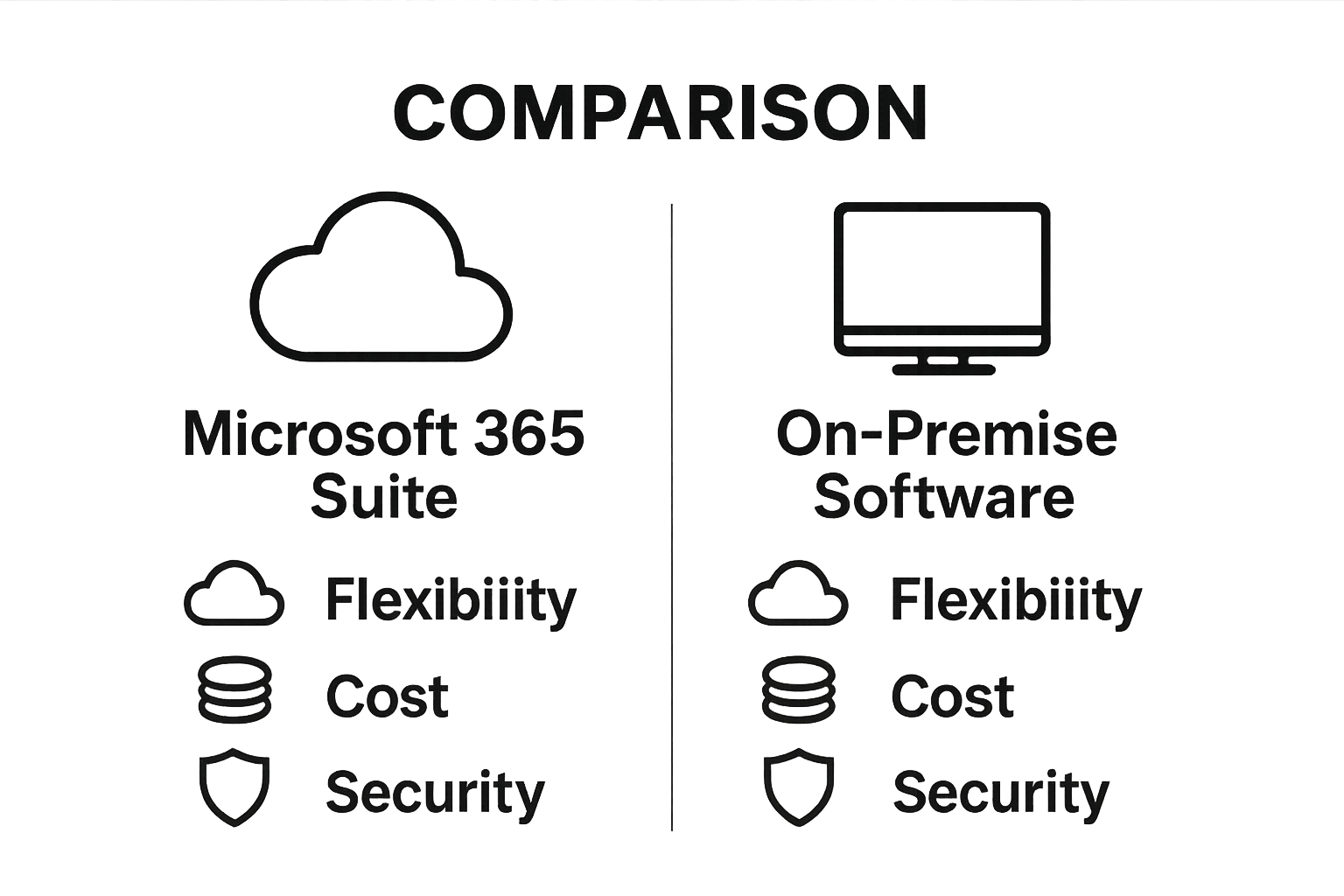
In today’s rapidly evolving digital landscape, businesses require robust technological solutions that can seamlessly adapt to changing workplace dynamics. Microsoft 365 emerges as a transformative platform that addresses critical challenges faced by organisations across various sectors, providing integrated tools that enhance productivity, collaboration, and operational efficiency.
The modern workplace demands unprecedented flexibility, and Microsoft 365 delivers precisely what businesses need. Our insights on hybrid office working reveal how this platform supports distributed teams by providing consistent access to work resources from anywhere. With cloud-based applications and synchronisation capabilities, employees can collaborate in real-time, regardless of their physical location, ensuring business continuity and maintaining high performance standards.
Microsoft 365 offers strategic advantages that extend far beyond traditional software solutions. The platform provides businesses with powerful capabilities that directly impact operational effectiveness:
According to UK government digital transformation research, cloud-based platforms like Microsoft 365 are becoming essential for organisations seeking to modernise their technological infrastructure. The platform’s ability to integrate multiple productivity tools, communication channels, and security protocols makes it an indispensable solution for businesses aiming to stay competitive in a digital-first world.
One of the most significant benefits of Microsoft 365 is its ability to simplify technological complexity. By consolidating various business tools into a single, cohesive ecosystem, the platform reduces the technical overhead for IT departments.
To clarify how Microsoft 365 provides strategic business benefits, the table below organises these advantages alongside brief explanations to aid quick understanding.
| Strategic Advantage | Explanation |
|---|---|
| Cost Efficiency | Reduces infrastructure expenses by eliminating need for on-premise hardware |
| Scalability | Allows adjustment of user licences and services as businesses grow |
| Advanced Security | Protects against cyber threats with comprehensive security measures |
| Remote Collaboration | Enables distributed teams to work together from any location |
| Simplified IT Management | Centralised management and automatic updates reduce complexity |
| Flexible Access | Supports real-time collaboration across various devices and locations |
Microsoft 365 operates as an integrated cloud-based platform, delivering a sophisticated ecosystem of interconnected productivity tools and services. Unlike traditional software installations, this platform leverages cloud computing to provide seamless, dynamic functionality across multiple devices and user environments.
At the heart of Microsoft 365 is a robust cloud architecture that enables real-time collaboration and data synchronisation. The platform uses Azure Cloud Services to ensure that applications like Word, Excel, and Teams function seamlessly across desktop, mobile, and web interfaces. Our guide on cybersecurity protection highlights how this cloud infrastructure also provides advanced security mechanisms that protect user data and organisational resources.
Microsoft 365 comprises several critical functional components that work together to create a comprehensive productivity environment:
According to NHS Digital’s technology insights, the platform’s ability to provide consistent functionality across different devices and locations makes it particularly valuable for organisations requiring flexible working arrangements.
Security is a fundamental aspect of Microsoft 365’s operational framework. The platform incorporates multi-layered authentication and protection protocols, including multi-factor authentication, advanced threat protection, and continuous security updates. These mechanisms ensure that organisations can maintain robust digital security while providing employees with flexible and accessible technological resources.
Microsoft 365 represents a sophisticated technological ecosystem designed to empower businesses with comprehensive digital solutions. By integrating multiple tools and services into a unified platform, the system transforms traditional workplace productivity and collaboration approaches.
The core architecture of Microsoft 365 is built around cloud-native technologies that enable seamless connectivity and intelligent functionality. Our exploration of technology trends reveals how platforms like Microsoft 365 are revolutionising workplace technology by providing flexible, scalable solutions that adapt to evolving business needs.
Microsoft 365 encompasses a wide range of interconnected tools designed to streamline organisational workflows and enhance collaborative capabilities:
According to Gartner’s digital workplace research, integrated service platforms like Microsoft 365 are becoming critical infrastructure for modern organisations seeking to enhance operational efficiency and support distributed workforce models.
What distinguishes Microsoft 365 is its intelligent service integration, which allows different applications and tools to communicate and share data seamlessly. This interconnected approach enables organisations to create customised workflows, automate repetitive tasks, and leverage advanced analytics across their digital ecosystem. By breaking down traditional technological silos, Microsoft 365 provides businesses with a holistic technological solution that adapts to their unique operational requirements.
Microsoft 365 transcends traditional software platforms by offering practical, adaptable solutions that address complex business challenges across diverse industries. Its comprehensive suite of tools enables organisations to transform their operational strategies, enhance collaboration, and drive digital innovation.
Different business sectors leverage Microsoft 365 to solve unique operational challenges. Learn more about Microsoft Viva’s workplace solutions and understand how tailored technological approaches can revolutionise workplace productivity. Healthcare providers use Teams for telemedicine consultations, financial institutions utilise advanced security features for compliance, and educational organisations implement collaborative learning environments through integrated cloud services.
Microsoft 365 provides strategic tools that enable businesses to reimagine their operational frameworks:
According to UK Government Digital Service research, organisations implementing Microsoft 365 report significant improvements in operational efficiency, with some government departments experiencing up to 30% reduction in administrative overhead.
The platform’s true power lies in its ability to adapt to evolving business requirements. Microsoft 365 is not merely a static software suite but a dynamic ecosystem that grows with organisational needs. By providing scalable solutions, intelligent integration, and continuous updates, the platform ensures businesses remain technologically agile, competitive, and prepared for future digital challenges.

Struggling with slow systems, security worries or teams not getting the most from Microsoft 365? Many businesses find that the promise of seamless collaboration and powerful cloud tools is held back by confusing set-up, patchy integration or gaps in support. If you feel held back by tech headaches or want to unlock more value from features like OneDrive, Teams and advanced security, you are not alone. Explore more about Microsoft in our dedicated Microsoft resources and discover how the right solutions can change the game for SMEs.
At J700 Group, our Lancashire-based IT experts specialise in helping businesses like yours overcome these exact challenges. Choose a partner that understands Microsoft 365 inside out and will tailor everything to your needs. Get faster performance, trusted cyber protection, and support your whole team can rely on. Don’t wait as the right set-up today can save you time, cut costs and protect your business from downtime. Get in touch via our contact page to book your consultation and take the next step towards a smoother, smarter workplace.
Microsoft 365 is a comprehensive cloud-based productivity suite that includes applications like Word, Excel, PowerPoint, and Outlook, along with services such as OneDrive and Teams. It enables real-time collaboration and advanced security features for businesses and individuals.
The main benefits of Microsoft 365 for businesses include enhanced flexibility for remote work, cost efficiency by eliminating extensive hardware needs, scalability to match growth, and advanced security features that protect against cyber threats.
Microsoft 365 supports remote collaboration through tools like Microsoft Teams which offers instant messaging, video conferencing, and shared workspaces. Its cloud-based applications allow users to access and edit documents from anywhere in real-time.
Microsoft 365 includes multi-factor authentication, advanced threat protection, and continuous security updates to help safeguard user data and organisational resources against cyber threats.
For years, businesses protected their data like a medieval castle: build a thick wall (a…
Read More
For many small and medium-sized businesses, cybersecurity is still viewed as an IT problem. Firewalls,…
Read More
Cloud technology is no longer a luxury or a cost-saving alternative to on-site servers. For…
Read More
Remember when we jokingly wondered if Apple was borrowing our name? Well, the rumours were…
Read More
AI hasn’t just changed the way we work, it has completely rewritten the rulebook for…
Read More
For many businesses, the office phone is like part of the furniture, it’s always there,…
Read More
We are thrilled to announce a significant milestone in the J700 Group journey. To keep…
Read More
For years, many small and medium-sized business owners in the North West have operated under…
Read More
In a modern healthcare setting, the stethoscope and the blood pressure cuff aren’t the only…
Read More
When people hear the word cybersecurity, they often imagine complex systems, expensive software and specialist…
Read More
As we count down to midnight, most of us are thinking about gym memberships or…
Read More
It’s Christmas Eve in Lancashire. The Preston bypass is a nightmare, the last-minute dash to…
Read More
For many businesses, the Christmas period means quieter offices, reduced staffing and systems left running…
Read More
Or: Why we’d like to have a word with Tim Cook this Christmas. There are…
Read More
Hackers Love Christmas: Learn Why your Business Could be at Risk This Holiday SeasonThe festive…
Read More
In recent months, high-profile companies like Land Rover and Co-op have made headlines due to…
Read More
Explore 7 essential tips for effective cloud solutions comparison to find the best fit for…
Read More
Learn how to secure business data for UK SMEs with this step-by-step guide focused on…
Read More
Cybersecurity basics explained for UK businesses—core concepts, major threats, essential safeguards, and compliance requirements. A…
Read More
Discover the essential role of IT support desks, core functions, key benefits, types of support,…
Read More
Discover 10 microsoft 365 alternatives for UK SMEs, comparing features and benefits to help your…
Read More
Discover the best microsoft 365 alternatives in our comparison of 10 top products to enhance…
Read More
Discover a business connectivity checklist with 7 actionable steps to boost IT reliability, security, and…
Read More
Discover 7 essential business continuity planning steps to protect your SME. Learn practical strategies for…
Read More
Small Business Office 365 comprehensive guide for UK SMEs: core features, setup process, security essentials,…
Read More
Small Business Office 365 guide for UK firms. Learn core features, setup, security, costs, and…
Read More
Small business Office 365 guide covering essential features, security, costs, local support, and practical benefits…
Read More
Follow this cybersecurity checklist for SMEs to secure your business in Lancashire and Manchester. Step-by-step…
Read More
Follow this cybersecurity checklist for SMEs to boost protection, reduce risks, and secure business data…
Read More
Cloud security explained: A comprehensive guide for UK businesses covering threat types, protection strategies, compliance,…
Read More
Data protection strategies for UK SMEs—types, key components, GDPR compliance, business risks, and best practices…
Read More
Why cybersecurity matters for UK businesses: core concepts, main risks, common threats, legal requirements, and…
Read More
Comprehensive guide to IT issues Lancashire businesses face, including security threats, system downtime, cloud solutions,…
Read More
Comprehensive guide on cyber security threats in the UK. Learn common types, key characteristics, real-world…
Read More
Follow this IT security checklist for a step-by-step process to secure your business effectively in…
Read More
Explore the benefits of managed IT services for businesses in Manchester and Lancashire, enhancing efficiency…
Read More
Explore the role of cybersecurity in business. Understand its importance, how it works, and key…
Read More
Discover 7 key advantages of Microsoft 365 for SMEs that can enhance productivity, collaboration, and…
Read More
Explore why use managed IT services and how they benefit businesses. Gain comprehensive insights on…
Read More
Comprehensive guide explaining cyber threats, focusing on their importance, how they work, and the key…
Read More