



Why Zero Trust Security Is No Longer Optional for Lancashire and Manchester SMEs Most small…
Read More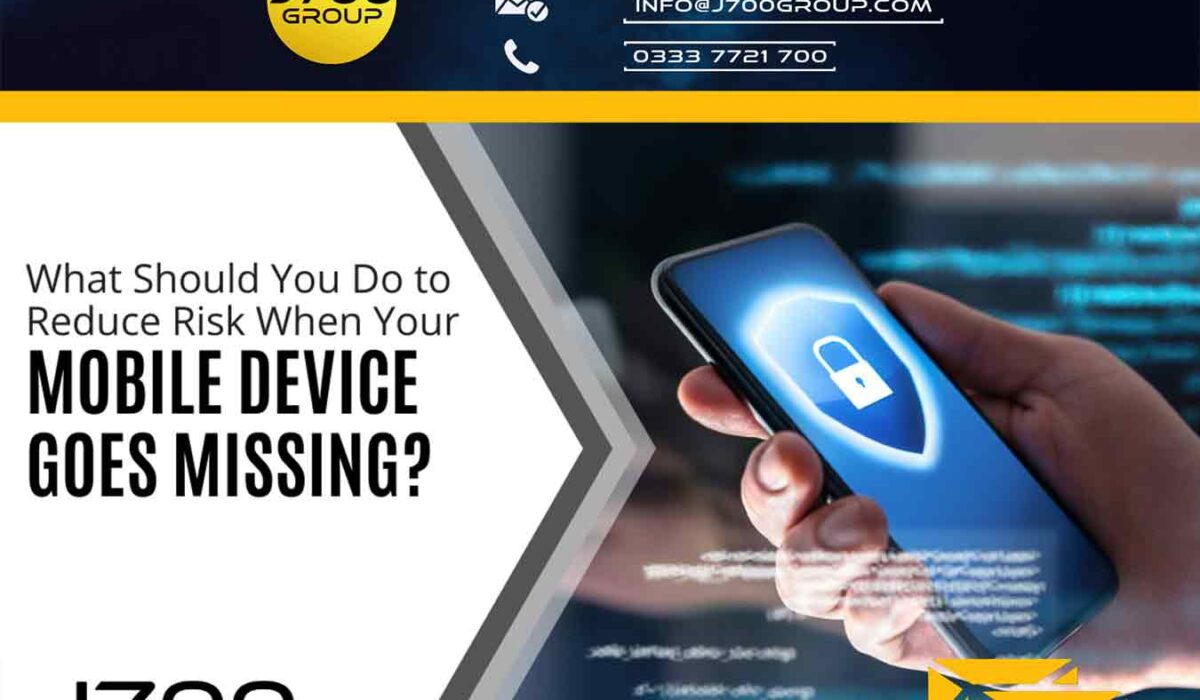
J700 Group understand that few things invoke instant panic like a missing smartphone or laptop. These devices hold a good part of our lives. This includes files, personal financials, apps, passwords, pictures, videos, and so much more.
The information they hold is more personal than even that which is in your wallet. It’s because of all your digital footprints. This makes a lost or stolen device a cause for alarm.
It’s often not the device that is the biggest concern. It’s the data on the device and access the device has to cloud accounts and websites. The thought of that being in the hands of a criminal is quite scary.
There are approximately 70 million lost smartphones every year. The owners only recover about 7% of them. Workplace theft is all too common. The office is where 52% of stolen devices go missing.
If it’s a work laptop or smartphone that goes missing, even worse. This can mean the company is subject to a data privacy violation. It could also suffer a ransomware attack originating from that stolen device.
In 2020, Lifespan Health System paid a $1,040,000 HIPAA fine. This was due to an unencrypted stolen laptop breach.
The things you do in the minutes after missing a device are critical. This is the case whether it’s a personal or business device. The faster you act, the less chance there is for exposure of sensitive data.
When a criminal gets their hands on a smartphone, tablet, or laptop, they have access to a treasure trove. This includes:
As we mentioned, time is of the essence when it comes to a lost mobile device. The faster you act, the more risk you mitigate for a breach of personal or business information.
Here are steps you should take immediately after the device is missing.
Most mobile devices and laptops will include a “lock my device” feature. It allows for remote activation if you have enabled it. You will also need to enable “location services.” While good thieves may be able to crack a passcode, turning that on immediately can slow them down.
What about “find my device?”
There is usually also a “find my device” feature available in the same setting area. Only use this to try to locate your device if you feel it’s misplaced, but not stolen. You don’t want to end up face to face with criminals!
If you use the device for business, notify your company immediately. Even if all you do is get work email on a personal smartphone, it still counts. Many companies use an endpoint device manager. In this case, access to the company network can be immediately revoked.
Reporting your device missing immediately can allow your company to act fast. This can often mitigate the risk of a data breach.
Most mobile devices have persistent logins to SaaS tools. SaaS stands for Software as a Service. These are accounts like Microsoft 365, Trello, Salesforce, etc.
Use another device to log into your account through a web application. Then go to the authorized device area of your account settings. Locate the device that’s missing, and log it out of the service. Then, revoke access, if this is an option.
This disconnects the device from your account so the thief can’t gain access.
J700 advise it’s very important to include cloud storage applications when you revoke access. Is your missing device syncing with a cloud storage platform? If so, the criminal can exploit that connection.
They could upload a malware file that infects the entire storage system. They could also reset your device to resell it, and in the process delete files from cloud storage.
Hopefully, you are backing up all your devices. This ensures you have a copy of all your files in the case of a lost device.
Does it look like the device is not simply misplaced, but rather stolen or lost for good? If so, then you should use a remote “wipe my device” feature if it has been set up. This will wipe the hard drive of data.
No matter what size company you have, mobile device management is vital. Contact one of the team at J700 Group to learn more about our endpoint security solutions.
J700 Group are a Lancashire-based, family-run, professional and responsive, Managed Solutions Provider helping Businesses, to utilise Innovative IT Consultancy Services, Cloud Solutions, Cyber Security, Microsoft 365, Telecoms, Web Design and SEO solutions to propel their organisation to the next level and beyond.
As an experienced IT Support Provider, helping businesses across Lancashire & Manchester, if you need any assistance with your IT including IT Hardware, a Disaster Recovery Policy or Managed Backup Solutions; Contact Us today on 0333 7721 700 to see how we can help your business.
Where to find us: Prinny Mill Business Centre, 68 Blackburn Road, Haslingden, Lancashire, BB4 5HL

Why Zero Trust Security Is No Longer Optional for Lancashire and Manchester SMEs Most small…
Read More
A practical guide for SMEs across Lancashire and the North West If you’ve been hearing…
Read More
Running a business in Lancashire is hard enough without your IT company adding to your…
Read More
Most businesses don’t lose data because of a dramatic cyberattack. They lose it, or expose…
Read More
For manufacturers, downtime isn’t just frustrating, it’s expensive. When production stops, everything slows down. Orders…
Read More
Artificial Intelligence is no longer something businesses are experimenting with. In 2026, it’s becoming part…
Read More
An email landed in my inbox this week from “Jonathan Cundliffe” — our Managing Director.…
Read More
For years, businesses protected their data like a medieval castle: build a thick wall (a…
Read More
For many small and medium-sized businesses, cybersecurity is still viewed as an IT problem. Firewalls,…
Read More
Cloud technology is no longer a luxury or a cost-saving alternative to on-site servers. For…
Read More
Remember when we jokingly wondered if Apple was borrowing our name? Well, the rumours were…
Read More
AI hasn’t just changed the way we work, it has completely rewritten the rulebook for…
Read More
For many businesses, the office phone is like part of the furniture, it’s always there,…
Read More
We are thrilled to announce a significant milestone in the J700 Group journey. To keep…
Read More
For years, many small and medium-sized business owners in the North West have operated under…
Read More
In a modern healthcare setting, the stethoscope and the blood pressure cuff aren’t the only…
Read More
When people hear the word cybersecurity, they often imagine complex systems, expensive software and specialist…
Read More
As we count down to midnight, most of us are thinking about gym memberships or…
Read More
It’s Christmas Eve in Lancashire. The Preston bypass is a nightmare, the last-minute dash to…
Read More
For many businesses, the Christmas period means quieter offices, reduced staffing and systems left running…
Read More
Or: Why we’d like to have a word with Tim Cook this Christmas. There are…
Read More
Hackers Love Christmas: Learn Why your Business Could be at Risk This Holiday SeasonThe festive…
Read More
In recent months, high-profile companies like Land Rover and Co-op have made headlines due to…
Read More
Explore 7 essential tips for effective cloud solutions comparison to find the best fit for…
Read More
Learn how to secure business data for UK SMEs with this step-by-step guide focused on…
Read More
Cybersecurity basics explained for UK businesses—core concepts, major threats, essential safeguards, and compliance requirements. A…
Read More
Discover the essential role of IT support desks, core functions, key benefits, types of support,…
Read More
Discover 10 microsoft 365 alternatives for UK SMEs, comparing features and benefits to help your…
Read More
Discover the best microsoft 365 alternatives in our comparison of 10 top products to enhance…
Read More
Discover the best microsoft 365 alternatives in our comparison of 10 top products to enhance…
Read More
Discover a business connectivity checklist with 7 actionable steps to boost IT reliability, security, and…
Read More
Discover 7 essential business continuity planning steps to protect your SME. Learn practical strategies for…
Read More
Small Business Office 365 comprehensive guide for UK SMEs: core features, setup process, security essentials,…
Read More
Small Business Office 365 guide for UK firms. Learn core features, setup, security, costs, and…
Read More
Small business Office 365 guide covering essential features, security, costs, local support, and practical benefits…
Read More
Follow this cybersecurity checklist for SMEs to secure your business in Lancashire and Manchester. Step-by-step…
Read More
Follow this cybersecurity checklist for SMEs to boost protection, reduce risks, and secure business data…
Read More
Cloud security explained: A comprehensive guide for UK businesses covering threat types, protection strategies, compliance,…
Read More
Data protection strategies for UK SMEs—types, key components, GDPR compliance, business risks, and best practices…
Read More
Why cybersecurity matters for UK businesses: core concepts, main risks, common threats, legal requirements, and…
Read More