



For years, businesses protected their data like a medieval castle: build a thick wall (a…
Read More
Choosing the right tools or services for your business can shape how smoothly your team works and how secure your data stays. The variety on the market ranges from all-in-one platforms to office software and dedicated IT support. With so many features and promises, finding a solution that fits your needs and budget can feel like a challenge. Some products are packed with clever security, others focus on flexibility, and many bring new technology to everyday tasks. You might discover an unexpected favorite as you look through the options ahead.
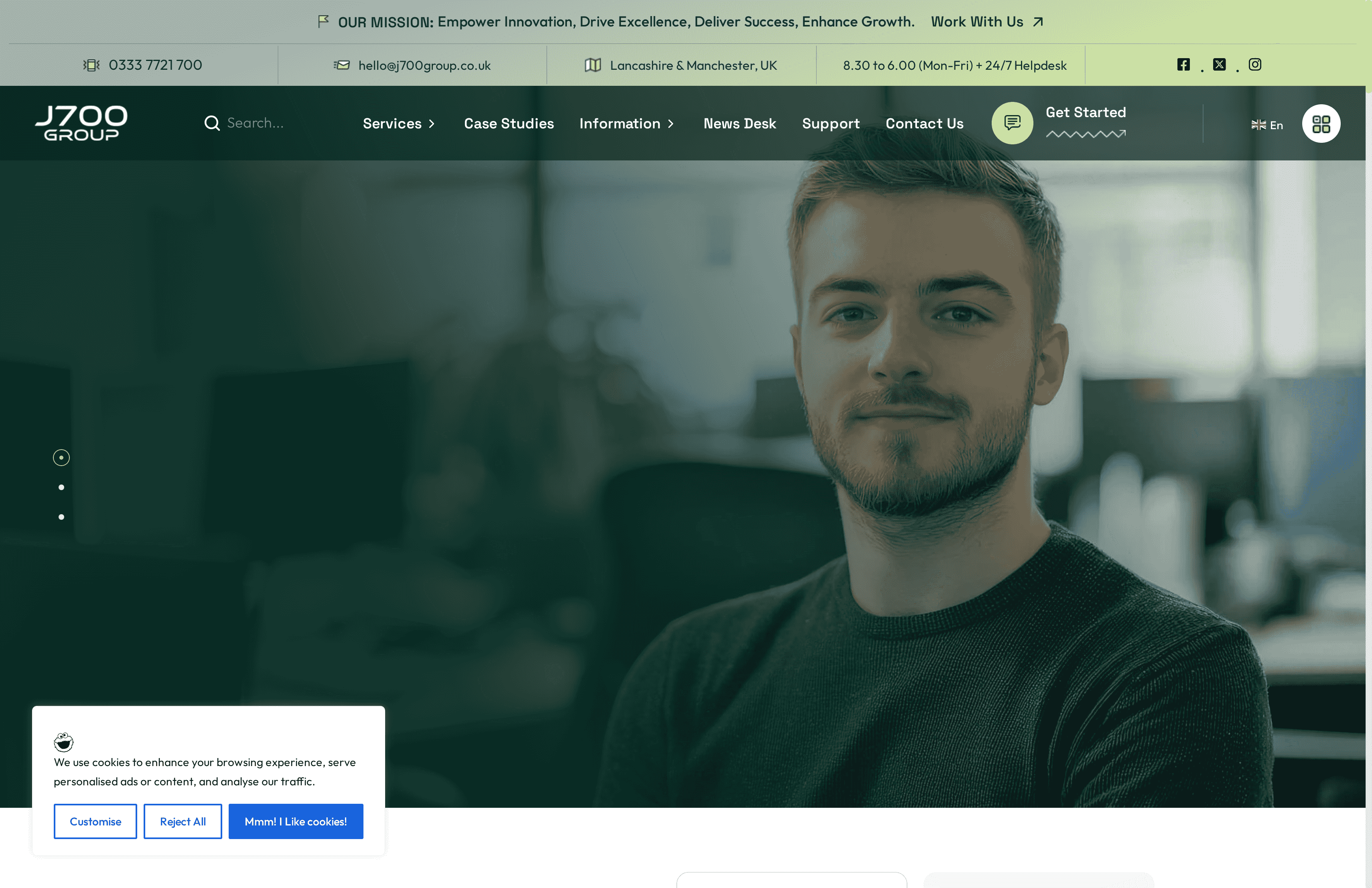
J700 Group is a Lancashire-based IT support provider delivering hands-on, proactive managed services across Lancashire and the North West. Their strength lies in rapid local response, comprehensive service coverage—from Microsoft 365 setup to VoIP—and a practical focus on preventing downtime rather than constantly firefighting. If you run an SME in Preston, Blackburn, Burnley or Manchester and you value reliability and regional knowledge, J700 Group is tailored for you.
J700 Group combines proactive 24/7 monitoring and a responsive helpdesk with cybersecurity services such as firewalls and staff training, Microsoft 365 setup and ongoing support, plus cloud computing including secure servers and backups. They also supply business connectivity solutions — fast internet, leased lines and 3CX phone systems (VoIP) — and offer website design, hosting and software development. The balance of on-premise support, cloud productivity and communications creates a single partner to reduce both vendor complexity and your operational risk.
J700 Group is ideal for small to medium-sized enterprises across Lancashire and the North West that need a reliable, single-source IT partner. If your business needs Microsoft 365 deployment, robust backups, managed security, dependable internet or VoIP telephony, and you prefer a partner who understands local constraints and compliance considerations, this is the fit. You want someone who will pick up the phone and be on-site when it matters.
J700 Group’s decisive advantage is the fusion of local presence with enterprise-grade processes. Unlike remote-only providers, they combine immediate on-site capability with proactive 24/7 monitoring, bespoke Microsoft 365 support as a Microsoft partner, and a full stack of services from cybersecurity training to hosted servers. This reduces vendor fragmentation, shortens mean time to resolution, and aligns technology with business goals. Their Lancashire base isn’t a limitation — it’s a design choice that delivers faster response times, stronger client relationships and tailored, regionally aware IT strategies that outpace generic national suppliers.
A Blackburn-based manufacturer engaged J700 Group for cybersecurity hardening, cloud backups and remote IT support. The result was measurable: reduced downtime, streamlined staff collaboration through managed Microsoft 365, and clearer disaster-recovery processes. The manufacturer reported faster incident resolution and fewer production stoppages after the engagement.
Quote-based — pricing is not explicitly specified on the website; interested clients are encouraged to contact J700 Group for a consultation and tailored proposal.
Website: https://j700group.co.uk
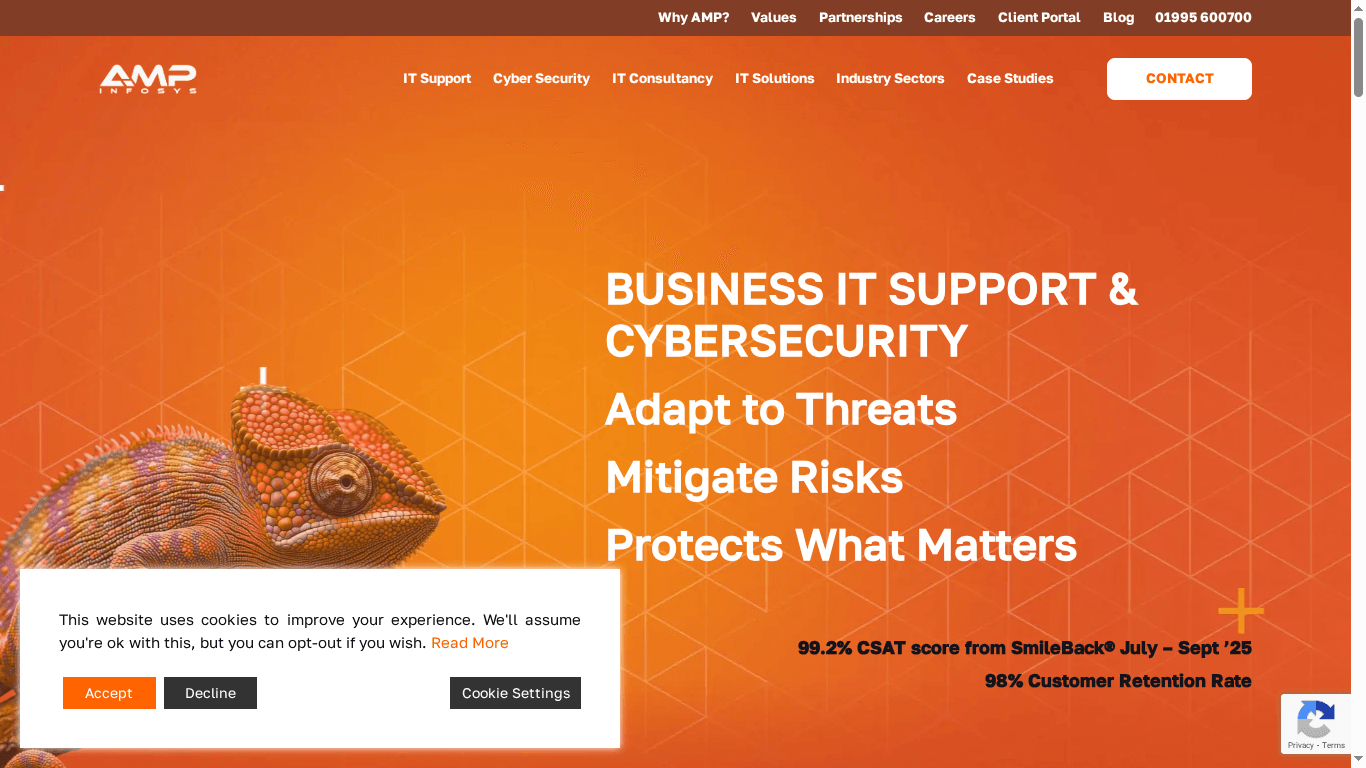
Amp Infosys is a Lancashire-based IT support provider with a clear security-first approach and 25 years of sector experience. They combine full-service IT support, cybersecurity management, and scalable cloud services aimed at keeping businesses productive and secure. If you prize proactive, preventative support and strong customer retention, Amp Infosys is worth evaluating. That said, pricing and granular service-level details are not provided in the source material, so expect to request a quote for specifics.
Amp Infosys delivers a broad mix of capabilities tailored to SMEs: full-service IT support including web services, cybersecurity management and awareness training, scalable cloud storage and communications, and proactive system management for business continuity. Their “security by design” philosophy suggests solutions are built with compliance and risk reduction front of mind. The feature set reads as an integrated IT and security offering designed to limit disruptions and adapt as businesses grow.
Amp Infosys suits businesses across the North West—especially professional services, accountancy firms, manufacturers and veterinary practices—that value reliability, compliance and hands-on IT management. If your organisation needs a local partner that thinks about security, continuity and scalable cloud services, Amp is positioned to meet those needs.
The firm’s strongest selling points are longevity and client satisfaction: 25 years of experience paired with near-perfect satisfaction and retention rates. Their security-first, preventative support model promises fewer interruptions and a steady focus on compliance and continuity, which is useful for regulated sectors.
A veterinary practice worked with Amp Infosys to upgrade to Windows 11 with minimal disruption; Amp handled planning, execution and security checks so clinical staff experienced little downtime and patient record integrity was maintained.
Not specified in the provided content.
Website: https://ampinfo.co.uk
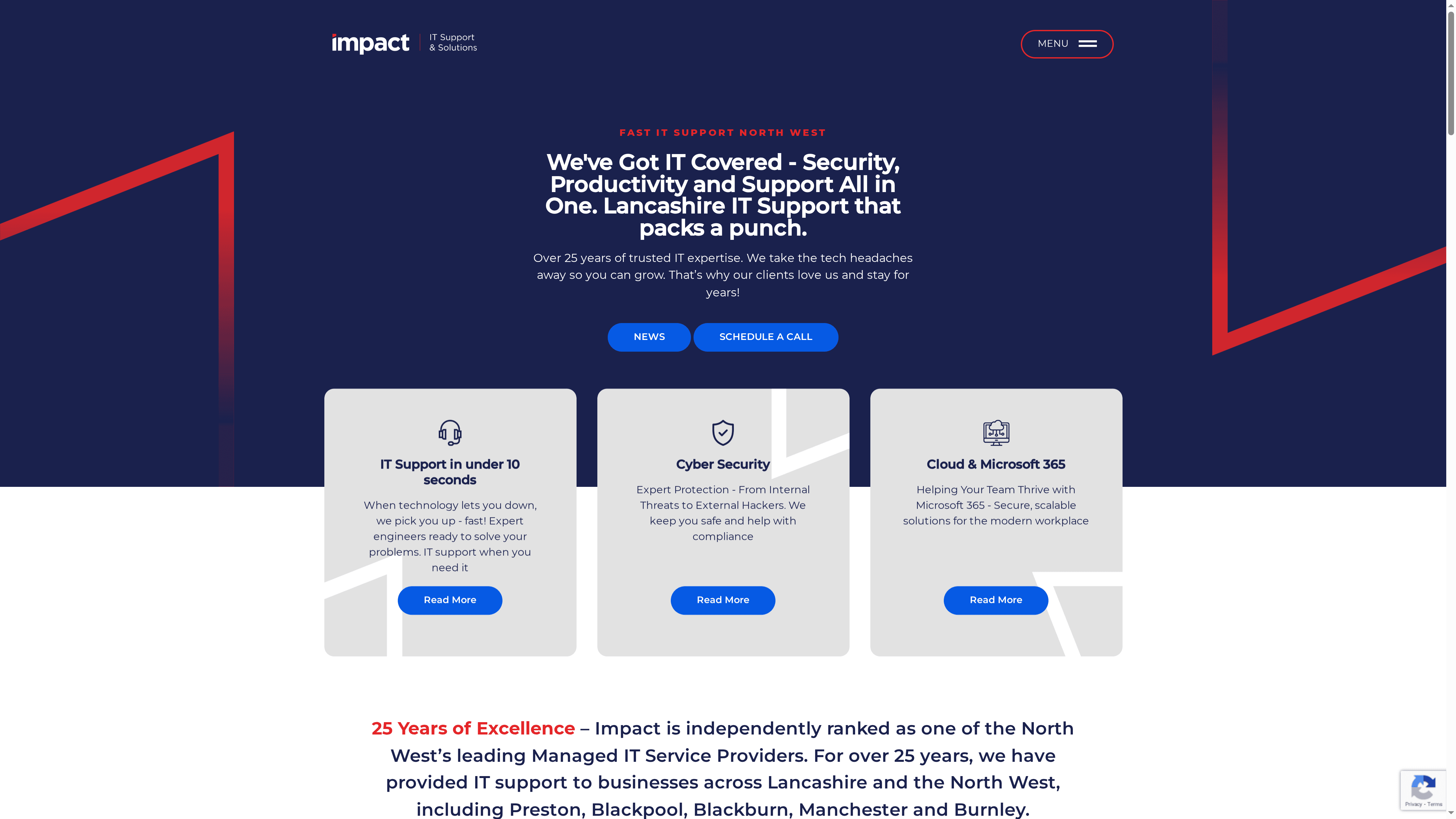
Impact Computing is a Lancashire-based IT support provider with more than 25 years’ experience delivering managed IT, security and cloud services across the North West. Their promise centres on removing technology headaches for SMEs and multi-site organisations through fast response times and tailored solutions. Bottom line: if responsiveness and local, sector-aware support matter to you, Impact Computing is a credible option — though pricing transparency is not currently available.
Impact Computing offers a compact but practical set of services focused on business continuity and security: managed IT services, cyber security solutions, cloud and Microsoft 365 support, complex network systems management and multi-site business support. The emphasis is on end-to-end support — from securing infrastructure to managing migrations to Microsoft 365 and coordinating networks across several sites — all delivered with local knowledge of Lancashire and the broader North West business landscape.
Impact Computing is best suited to SMEs, professional service firms and multi-site organisations in Lancashire and the North West that need dependable, locally responsive IT and security support. If your business values a partner that understands regional industry patterns and can scale support as you grow across sites, this provider is a fit.
Impact Computing’s strength lies in combining long-standing experience with hyper-local responsiveness — notably their rapid response times and sector-tailored approaches. That mix is valuable for businesses that prefer an accessible, relationship-driven IT partner rather than a distant, one-size-fits-all vendor.
A growing SME in Lancashire migrated to Impact Computing for managed IT services and Microsoft 365 support; the business benefited from rapid support responses, improved security posture and a scalable cloud solution that eased expansion across multiple sites.
Not specified in the provided content.
Website: https://impactcomputing.co.uk
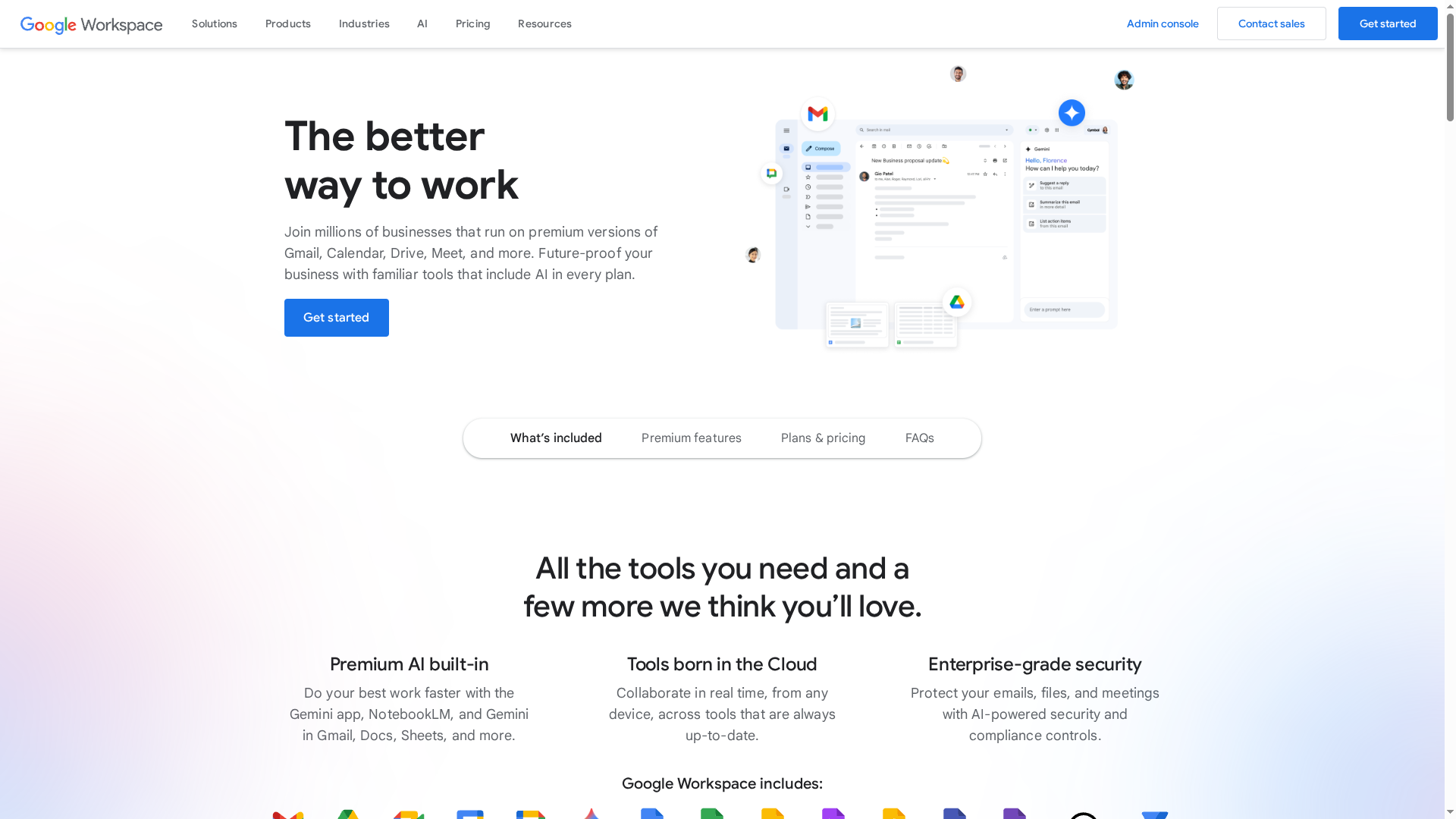
Google Workspace is a comprehensive, cloud-first suite that combines email, storage, video meetings and real-time collaboration with emerging AI assistants to speed everyday work. It’s built to scale from sole traders to multinational teams, with security controls that meet enterprise needs. Bottom line: reliable and familiar, but costs and advanced controls can become complex as you grow.
Google Workspace provides custom business email on your domain, pooled cloud storage with scalable tiers (up to 5TB per user on certain plans), and video conferencing via Meet with recording capabilities. Collaboration centres on Docs, Sheets, Slides and Forms for simultaneous editing and easy version history. AI assistants such as Gemini AI and NotebookLM are included on some plans to accelerate research and content creation, while enterprise-grade security tools—data loss prevention, encryption and management controls—help protect sensitive information. Migration tools and guided support smooth the transition from legacy systems.
Google Workspace suits businesses of all sizes that prioritise cloud-first collaboration and need integrated email, calendars and document editing. It’s especially useful for organisations seeking scalable security controls and teams that rely on real-time co-authoring, remote meetings and AI-assisted workflows.
Workspace’s strength is the seamless combination of real-time collaboration tools with Google’s broader ecosystem—search, storage and AI—allowing teams to centralise communication and content in one platform while leveraging intelligent assistants to reduce repetitive work.
A small retail business uses Workspace to manage branded email, share calendars for staff rotas, co-edit product lists in Sheets, and host virtual customer consultations on Meet, while using AI features to produce marketing copy and extract sales insights.
Starting at $3.50 per user/month for the Starter plan, with higher tiers offering increased storage, security and AI features, and custom enterprise plans available on request.
Website: https://workspace.google.com
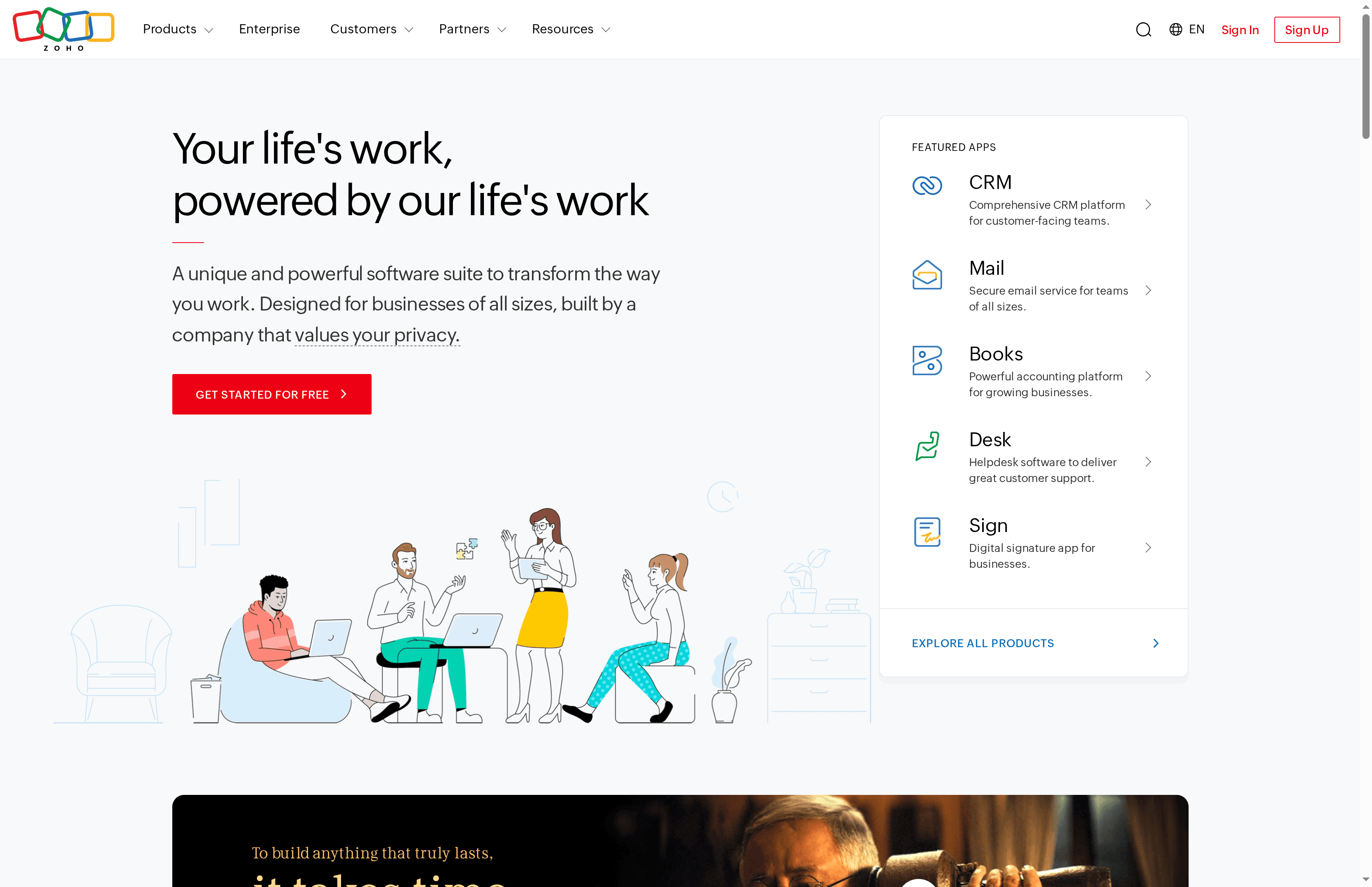
Zoho is a broad cloud software suite that brings CRM, email, accounting, HR and helpdesk into a single ecosystem, with AI assistance via Zia and an explicit emphasis on privacy and data security. It’s designed to suit businesses of all sizes and is particularly valuable when you want to reduce tool sprawl and centralise operations. Expect a powerful, highly customisable platform that pays off for organisations willing to invest time in setup. Not ideal if you need a minimal, out-of-the-box solution.
Zoho’s core capabilities centre on an integrated set of business applications: a comprehensive CRM for sales and customer-facing teams, secure business email, an accounting module for finance teams, HR automation tools, and a helpdesk for customer support. These apps are tied together under Zoho One, which aims to operate as a unified platform across departments, and Zia — Zoho’s AI assistant — provides contextual automation and insight. The suite is built to break down silos so data flows between sales, finance, HR and support without constant manual exports.
Zoho is ideal for businesses that want a single, integrated platform to run multiple departments and value privacy and flexibility. It suits SMEs that plan to scale processes, IT teams that can invest in configuration, and organisations that prefer to avoid stitching together multiple vendors. If you run a small sole-trader operation and want immediate simplicity, this may be overkill.
Zoho’s unique strength is its breadth: a single vendor delivering CRM, finance, HR and support tools that interoperate under one licence and with AI assistance from Zia. That unified approach reduces data fragmentation and administrative overhead while enabling custom workflows across departments.
A typical implementation sees a company move sales into Zoho CRM, automate invoicing through Zoho’s accounting module, manage recruitment and leave in HR, and combine customer tickets in the helpdesk — all feeding a single view of customer and employee data that speeds decision-making and reduces manual reconciliation.
Free tier available; detailed pricing varies by app and plan, with Zoho One offered as a subscription model for the entire suite.
Website: https://zoho.com
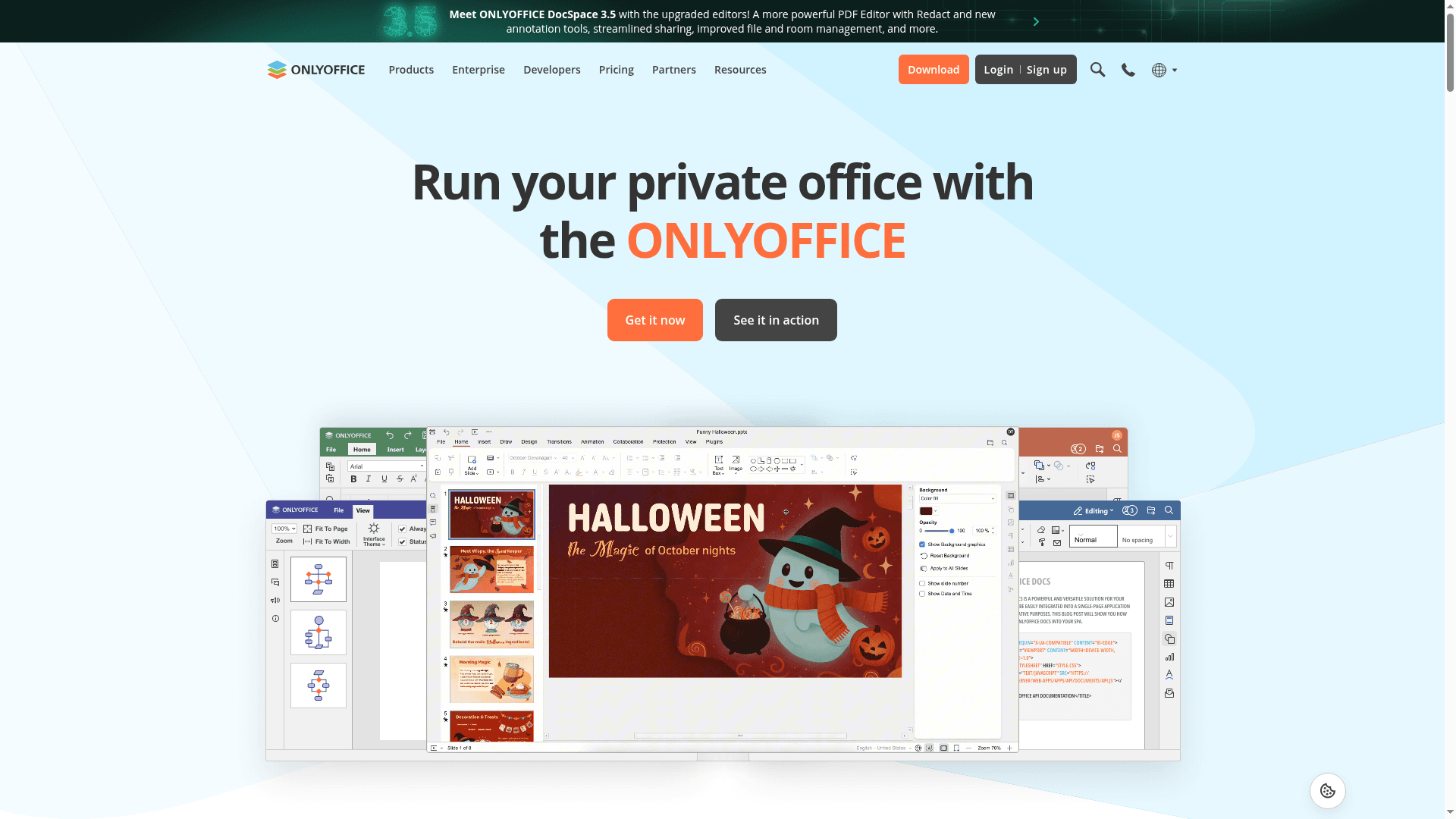
OnlyOffice is a secure, open-source office suite that covers document, spreadsheet, presentation and PDF workflows across web, desktop and mobile platforms. It emphasises privacy and encryption while offering real-time collaboration, PDF editing and AI-assisted helpers to speed common tasks. For organisations seeking a no-cost, self-hostable alternative to proprietary suites, OnlyOffice delivers a compelling, security-first foundation. Expect a slightly steeper onboarding curve for staff new to feature-rich, self-managed systems.
OnlyOffice provides online and offline document editing with real-time co-editing, comments and integrated chat for collaborative work. PDF support includes annotation and redaction, while document conversion tools can export content to Markdown or HTML. The suite also supports diagram navigation and textbook-to-e-book conversion, and offers AI-powered virtual assistants to aid productivity. Multiple deployment options—cloud, desktop apps and mobile—mean you can run OnlyOffice on premises or in hosted environments depending on your data-control needs.
Worth noting.
OnlyOffice suits organisations and individuals that prioritise data control, security and cost-effectiveness—especially those willing to manage or host their own systems. It is a solid fit for SMEs, non-profit bodies or IT teams that need rich collaboration tools without vendor lock-in. If you want an office suite that you can tune and host to your policies, OnlyOffice is worth testing.
OnlyOffice’s unique strength is its combination of open-source freedom, multi-platform availability and security-first design, all wrapped in a collaborative editing environment. It lets you keep full control over your documents while offering AI enhancements and PDF tooling that many free suites omit.
A municipal government in Virginia adopted OnlyOffice to enable remote working for 500 employees, demonstrating the suite’s scalability and suitability for public-sector environments that require secure, centrally managed document collaboration.
Free and open-source; various free solutions available including desktop apps, mobile apps and cloud services.
Website: https://onlyoffice.com
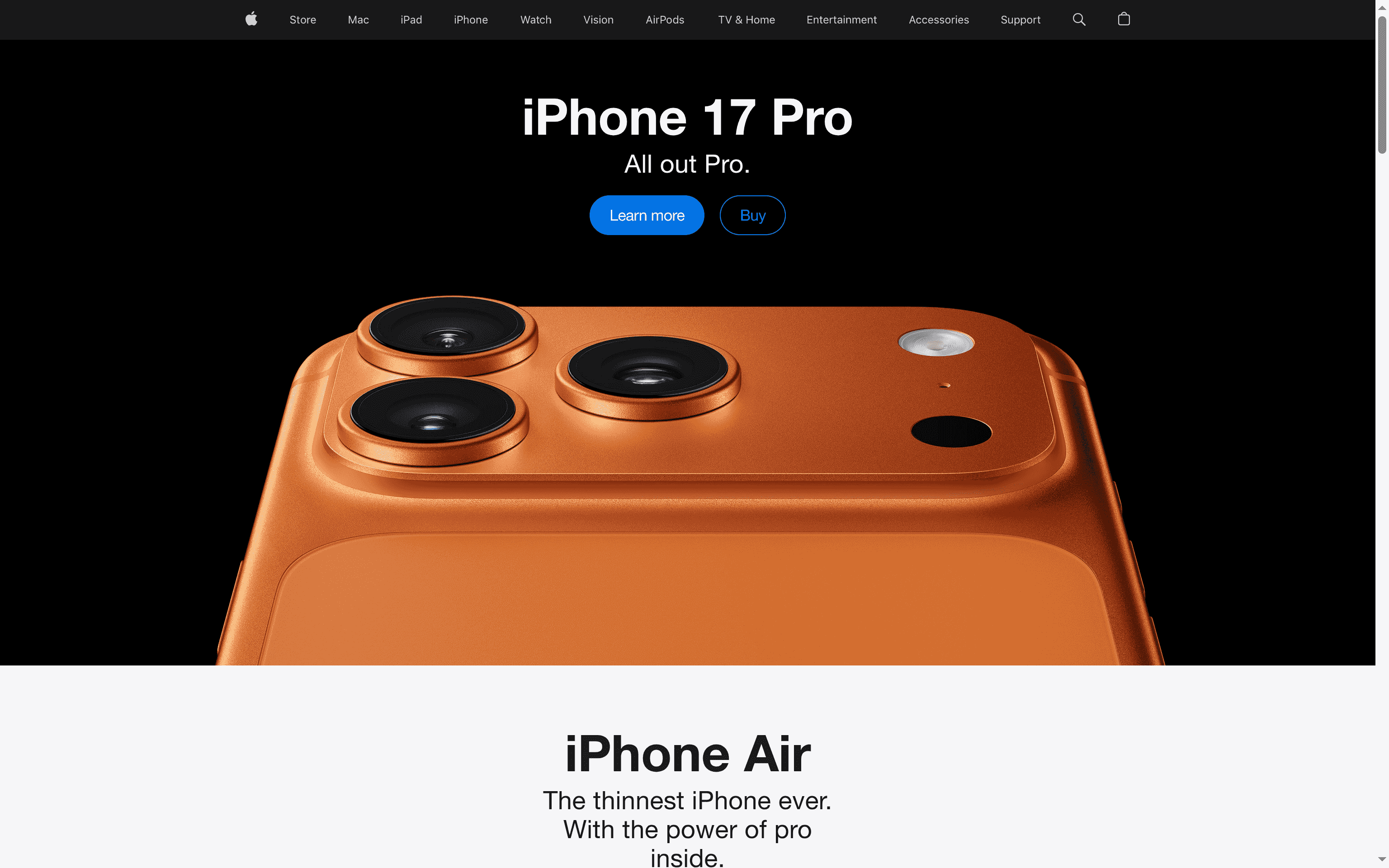
Apple delivers a coherent portfolio of premium devices and services, tying iPhone, MacBook, iPad, Apple Watch and AirPods into a tightly integrated experience. Expect high-quality hardware, thoughtful design and services such as Apple TV+ and trade-in or finance options that smooth upgrades. For businesses and professionals who value reliability and a consistent user experience, Apple is a safe, albeit premium, choice.
Apple’s core strengths lie in device variety and cross-device integration: flagship smartphones (iPhone 17 Pro and iPhone Air), laptops (MacBook Pro 14″ with M5, MacBook Air with M4), tablets (iPad Pro with advanced AI performance), wearables (Apple Watch Series 11) and audio (AirPods Pro 3). These pieces work together through a unified ecosystem that shares apps, continuity features and services like Apple TV+, Apple Card and trade-in programmes. The result is seamless handoff between devices, consistent app behaviour and a single vendor for hardware, operating systems and subscription content.
Apple suits tech enthusiasts, creative professionals and ecosystem loyalists who prioritise performance, design and seamless device interactions. It also fits health-conscious users who value the Watch’s tracking and businesses that want consistent endpoints for staff. If you need standardised, simple-to-manage devices and can accommodate premium spend, Apple is a strong contender.
Apple’s unique value is the combination of tightly engineered hardware, first-party software and subscription services that work as one. Instead of stitching solutions together, you get an end-to-end environment where devices, OS updates and services are coordinated by a single vendor — reducing integration headaches and speeding up adoption.
A professional upgrades both iPhone and MacBook to the latest models to benefit from faster chips and better battery life, subscribes to Apple TV+ for staff entertainment, uses Apple Card or trade-in to manage costs, and relies on continuity features to move effortlessly between email, documents and calls.
Varies depending on the product and configuration; generally premium-priced.
Website: https://apple.com
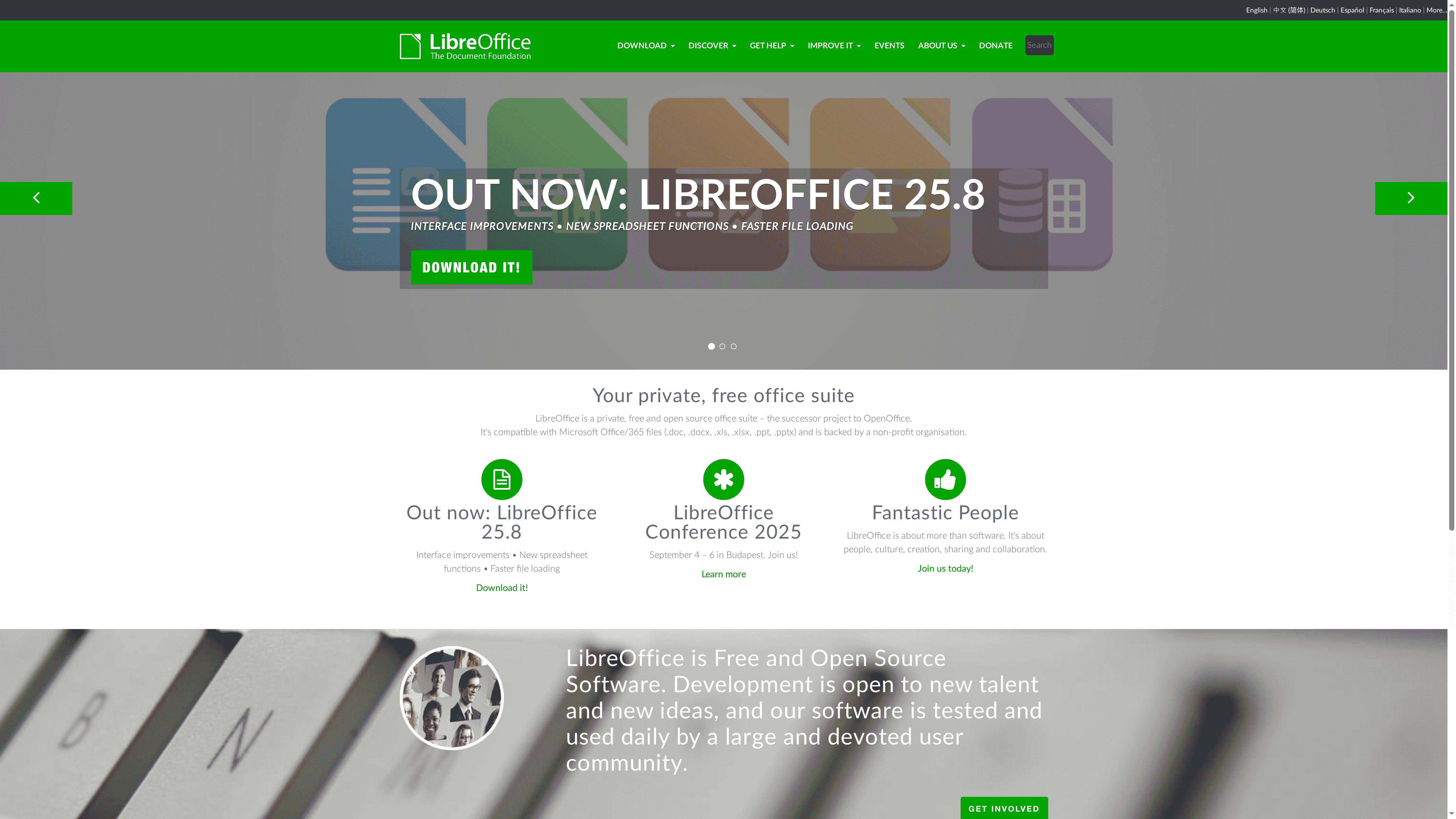
LibreOffice is a private, free and open-source office suite that delivers strong compatibility with Microsoft Office formats while being supported by a large, active community. It’s well suited for users who prioritise cost, accessibility and community-driven development over proprietary feature sets. Recent updates (notably version 25.8) bring interface polish, faster file loading and new spreadsheet functions — tangible improvements that make it a viable daily driver for many businesses and educational settings.
LibreOffice provides a full suite for document creation, spreadsheets and presentations with explicit compatibility for .doc, .docx, .xls, .xlsx, .ppt and .pptx files. Its open development process allows community contributions and frequent updates, and it includes accessibility support for users with visual impairments. The project focuses on creation, sharing and collaboration while continually refining performance and functionality via community testing and releases.
LibreOffice is ideal for individuals, educational institutions, non-profit organisations and small to medium-sized businesses that need a capable, cost-free office suite with solid file compatibility and accessibility. If you manage an organisation looking to reduce licensing spend while keeping familiar workflow formats, LibreOffice is a practical, low-risk option.
LibreOffice’s chief strength is its combination of zero cost, open-source transparency and community-driven development, delivering an office suite that organisations can adapt and trust without vendor lock-in. It balances practical compatibility with inclusive accessibility features — all maintained by an engaged global user base.
A university uses LibreOffice to teach students document and presentation skills while ensuring files remain compatible with Microsoft Office submissions; the accessibility tools also support visually impaired students during lectures and coursework. It’s dependable for classroom and administrative workflows.
Free
Website: https://libreoffice.org
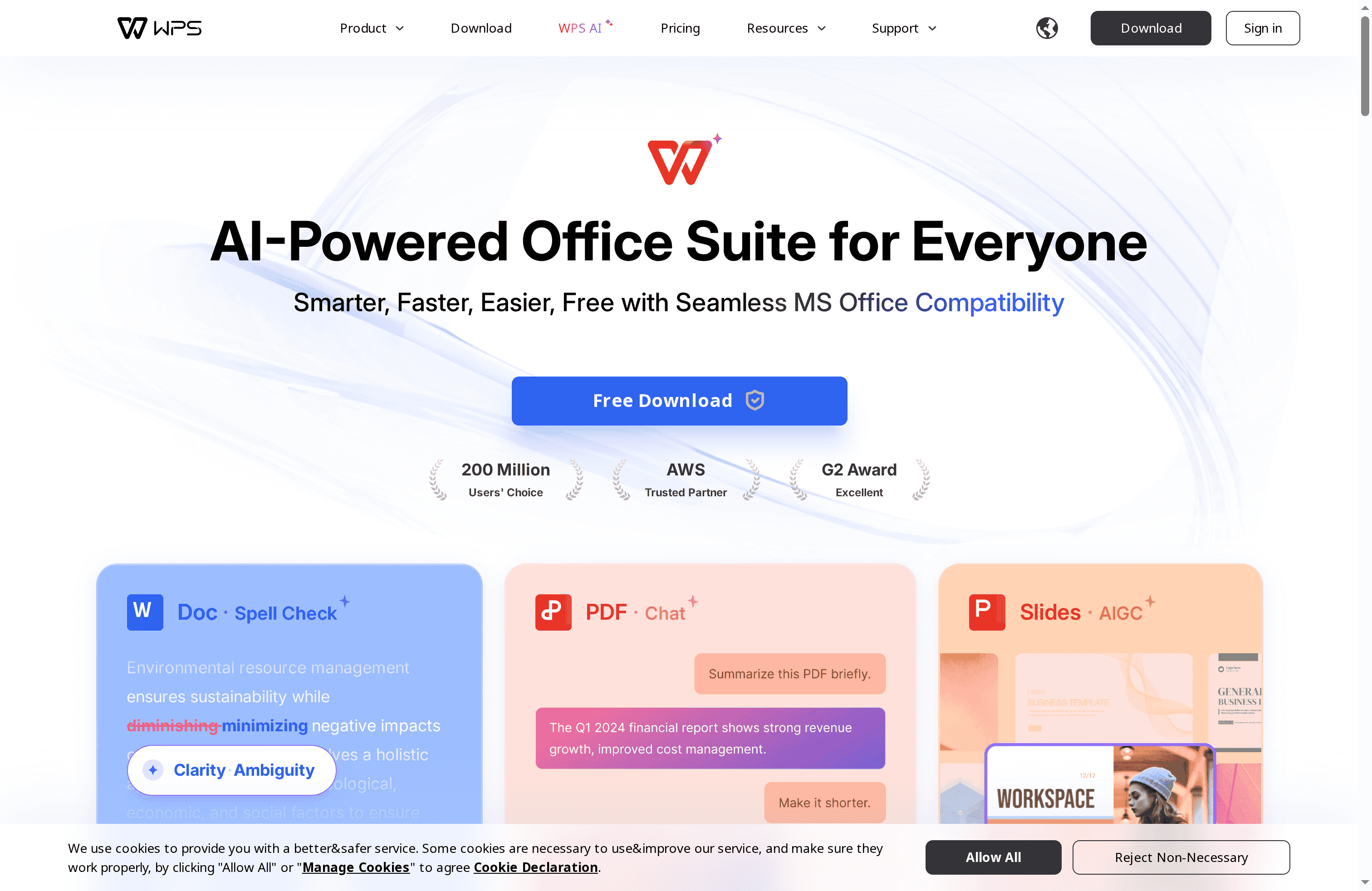
WPS Office is a lightweight, AI-enabled office suite that provides free access to document, spreadsheet, presentation and PDF tools with strong Microsoft Office compatibility. It’s fast to install and responsive in daily use, making it attractive for individuals and small teams who need a reliable, low-cost alternative. The trade-off is that some advanced AI features and cloud capacity sit behind paid tiers, so expect to upgrade if you need higher-volume collaboration or premium assistants. Overall, it’s an efficient, practical option when budget and speed matter.
WPS Office bundles core productivity apps equivalent to Word, Excel and PowerPoint, alongside advanced PDF editing and conversion tools. Built-in AI assists with spell checking, translation and document generation, while cloud storage and real-time collaboration enable team editing across Windows, mobile and web platforms. The suite emphasises MS Office compatibility so files open and save predictably, and lightweight design keeps performance snappy on modest hardware.
WPS Office suits individuals, students, educators and small to medium-sized teams that want a cost-effective, feature-rich office suite with modern AI helpers. If you prioritise fast performance, MS Office compatibility and a free starting point, WPS is a sensible choice. If your organisation needs extensive enterprise-grade collaboration or large-scale cloud storage, you may find the paid plans necessary.
WPS Office combines a genuinely usable free tier with AI tools and robust PDF handling in a compact, compatible package. Its selling point is the balance of speed, low resource use and smart features that let smaller organisations and budget-conscious users get professional results without heavy overhead.
A university student drafts essays, builds presentations and shares files with peers via cloud storage; they use AI-powered proofreading to speed up editing and PDF conversion tools to submit assignments in required formats. The student benefits from free access and MS Office compatibility when collaborating with others.
Free tier available; premium plans start from $2.99/month for WPS Pro and $9.99/month for WPS AI, with yearly billing options.
Website: https://wps.com
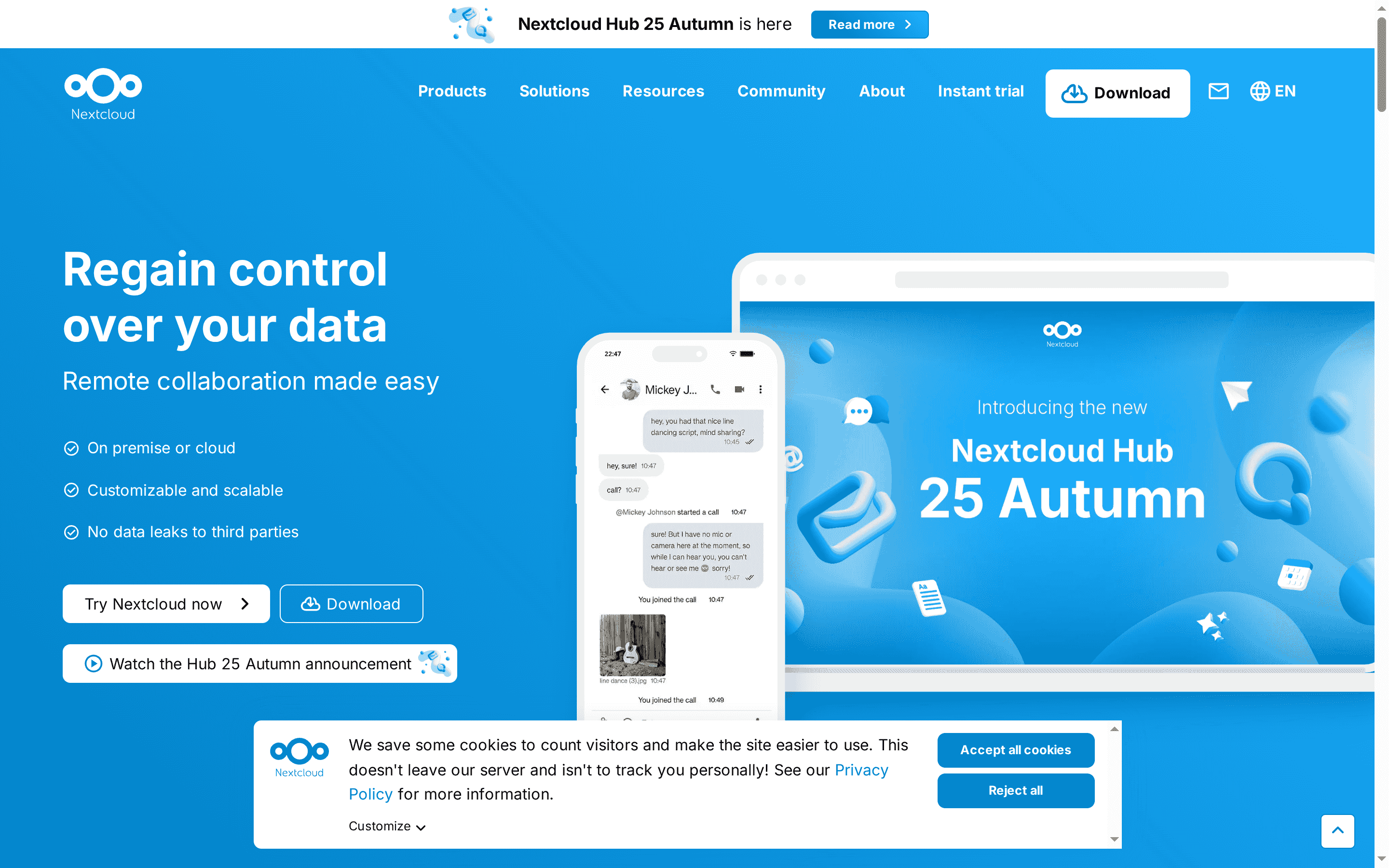
Nextcloud is an open source, self-hosted content collaboration platform designed to put you back in control of your data. It combines file storage, collaboration apps and an AI assistant into a single Hub that scales from individual use to large enterprise deployments. If privacy, compliance and customisability matter to your business, Nextcloud is a strong contender — but expect a technical lift for large-scale rollouts.
Nextcloud centres on self-hosted file storage and sync, wrapped into Nextcloud Hub which integrates files, Talk (chat and conferencing), groupware, online office capabilities and an AI-powered assistant. It supports collaborative editing across major document formats, automations via Nextcloud Flow, and an ecosystem of apps that extend functionality for teams and organisations. The platform emphasises privacy and compliance as core design principles, and offers enterprise support and custom branding for larger deployments.
Nextcloud is ideal for organisations and individuals who need a private, secure and open source collaboration platform they can host themselves. If your business prioritises data sovereignty, regulatory compliance or custom integration with existing systems, Nextcloud fits well — especially where technical resource is available to manage deployment or you plan to engage enterprise support.
Nextcloud’s unique strength is the combination of self-hosted control with an integrated collaboration Hub: files, chat, office editing and an AI assistant all under your administration. That blend of privacy-first architecture and extensibility sets it apart from cloud-only solutions for organisations that cannot, or prefer not to, relinquish control of their data.
A university hosts Nextcloud on its own servers to give students and staff secure file storage, collaborative document editing, and integrated chat and conferencing tools, ensuring academic data remains within institutional control while facilitating everyday collaboration.
Quote-based / subscription plans: Nextcloud offers various subscription plans, starting from per-user/year pricing for enterprise packages, with additional tiers and services available depending on selected features.
Website: https://nextcloud.com
This table provides a concise comparison of various IT solutions and software providers, focusing on their core offerings, strengths, and pricing models.
| Provider | Key Features | Pros | Cons | Pricing |
|---|---|---|---|---|
| J700 Group | Proactive IT support, Microsoft 365, VoIP | Local expertise, comprehensive services | Pricing not specified | Quote-based |
| Amp Infosys | Cybersecurity, cloud, IT support | Long industry experience, strong retention | Pricing and SLAs not specified | Quote-based |
| Impact Computing | Managed IT, Microsoft 365, multi-site support | Fast response, tailored solutions | Regional focus | Not specified |
| Google Workspace | Cloud email, storage, video meetings | Comprehensive suite, flexible plans | Pricing complexity | Starting at $3.50/user/month |
| Zoho | CRM, email, accounting, HR | All-in-one, customisable | Complexity, learning curve | Free tier, varies by app |
| OnlyOffice | Open-source office suite | Free, secure, multi-platform | Complexity for new users | Free |
| Apple | Premium devices, seamless integration | High-quality hardware, ecosystem integration | Premium pricing | Varies by product |
| LibreOffice | Open-source office suite | Free, Microsoft format compatibility | Community-based development | Free |
| WPS Office | Office suite with AI features | Free tier, MS Office compatible | Paid subscription for advanced features | Free tier available |
| Nextcloud | Self-hosted collaboration | Privacy-focused, scalable | Complex setup for large deployments | Quote-based |
Finding the best Microsoft 365 alternative can be overwhelming, especially when considering security, collaboration and cost. This article highlights common challenges like complex pricing models, limited support options and the need for scalable solutions that fit your unique business needs. If you feel frustrated by unreliable systems or difficulty managing multiple platforms you are not alone. Many businesses seek a dependable, local partner who understands regional demands and offers tailored Microsoft solutions that keep operations seamless.
Take control of your IT environment with the expert support of J700 Group. Our Lancashire-based team specialises in Microsoft 365 setup and ongoing management designed specifically for SMEs striving for smooth productivity without downtime. We combine proactive monitoring, robust cybersecurity and practical cloud computing with fast local response – so your team stays focused on what matters.
Explore our comprehensive Microsoft services and learn how your workforce can thrive whether in the office or working from home. Let us help you harness the full benefits of modern collaboration tools including Microsoft Teams without the headaches.
Ready to see how a trusted regional IT partner can transform your business technology? Contact J700 Group now at https://j700group.co.uk/contact/ for a personalised consultation. Take the first step towards hassle-free IT and smarter Microsoft 365 alternatives that work for you.
When selecting a Microsoft 365 alternative, focus on key features such as collaboration tools, storage options, security measures, and integration capabilities. Evaluate whether the software can handle real-time editing, cloud storage size, and compliance standards, all crucial for seamless team operations.
To compare productivity suites effectively, create a checklist of essential features you need, such as document editing, email services, and project management tools. Rate each alternative based on how well it meets your checklist to identify which aligns best with your business objectives.
Look for alternatives that offer robust user support options, including live chat, email assistance, and extensive knowledge bases. This ensures that you can resolve issues quickly, significantly reducing downtime and maintaining productivity.
Most Microsoft 365 alternatives offer subscription-based pricing, often with tiered plans that scale according to feature sets and user volume. Assess your team size and budget to choose a plan that offers the best value, typically falling between $3 to $30 per user per month.
One common pitfall is underestimating the time required for staff training on new software. Ensure to allocate time for a smooth transition, ideally 30–60 days, to allow your team to get accustomed to the system and maintain efficiency.
To secure your data during the transition, choose an alternative with strong encryption and compliance certifications. Implement strict data access controls and regularly review security settings to protect sensitive information throughout the migration process.
For years, businesses protected their data like a medieval castle: build a thick wall (a…
Read More
For many small and medium-sized businesses, cybersecurity is still viewed as an IT problem. Firewalls,…
Read More
Cloud technology is no longer a luxury or a cost-saving alternative to on-site servers. For…
Read More
Remember when we jokingly wondered if Apple was borrowing our name? Well, the rumours were…
Read More
AI hasn’t just changed the way we work, it has completely rewritten the rulebook for…
Read More
For many businesses, the office phone is like part of the furniture, it’s always there,…
Read More
We are thrilled to announce a significant milestone in the J700 Group journey. To keep…
Read More
For years, many small and medium-sized business owners in the North West have operated under…
Read More
In a modern healthcare setting, the stethoscope and the blood pressure cuff aren’t the only…
Read More
When people hear the word cybersecurity, they often imagine complex systems, expensive software and specialist…
Read More
As we count down to midnight, most of us are thinking about gym memberships or…
Read More
It’s Christmas Eve in Lancashire. The Preston bypass is a nightmare, the last-minute dash to…
Read More
For many businesses, the Christmas period means quieter offices, reduced staffing and systems left running…
Read More
Or: Why we’d like to have a word with Tim Cook this Christmas. There are…
Read More
Hackers Love Christmas: Learn Why your Business Could be at Risk This Holiday SeasonThe festive…
Read More
In recent months, high-profile companies like Land Rover and Co-op have made headlines due to…
Read More
Explore 7 essential tips for effective cloud solutions comparison to find the best fit for…
Read More
Learn how to secure business data for UK SMEs with this step-by-step guide focused on…
Read More
Cybersecurity basics explained for UK businesses—core concepts, major threats, essential safeguards, and compliance requirements. A…
Read More
Discover the essential role of IT support desks, core functions, key benefits, types of support,…
Read More
Discover 10 microsoft 365 alternatives for UK SMEs, comparing features and benefits to help your…
Read More
Discover the best microsoft 365 alternatives in our comparison of 10 top products to enhance…
Read More
Discover a business connectivity checklist with 7 actionable steps to boost IT reliability, security, and…
Read More
Discover 7 essential business continuity planning steps to protect your SME. Learn practical strategies for…
Read More
Small Business Office 365 comprehensive guide for UK SMEs: core features, setup process, security essentials,…
Read More
Small Business Office 365 guide for UK firms. Learn core features, setup, security, costs, and…
Read More
Small business Office 365 guide covering essential features, security, costs, local support, and practical benefits…
Read More
Follow this cybersecurity checklist for SMEs to secure your business in Lancashire and Manchester. Step-by-step…
Read More
Follow this cybersecurity checklist for SMEs to boost protection, reduce risks, and secure business data…
Read More
Cloud security explained: A comprehensive guide for UK businesses covering threat types, protection strategies, compliance,…
Read More
Data protection strategies for UK SMEs—types, key components, GDPR compliance, business risks, and best practices…
Read More
Why cybersecurity matters for UK businesses: core concepts, main risks, common threats, legal requirements, and…
Read More
Comprehensive guide to IT issues Lancashire businesses face, including security threats, system downtime, cloud solutions,…
Read More
Comprehensive guide on cyber security threats in the UK. Learn common types, key characteristics, real-world…
Read More
Follow this IT security checklist for a step-by-step process to secure your business effectively in…
Read More
Explore the benefits of managed IT services for businesses in Manchester and Lancashire, enhancing efficiency…
Read More
Explore the role of cybersecurity in business. Understand its importance, how it works, and key…
Read More
Discover 7 key advantages of Microsoft 365 for SMEs that can enhance productivity, collaboration, and…
Read More
Explore why use managed IT services and how they benefit businesses. Gain comprehensive insights on…
Read More
Comprehensive guide explaining cyber threats, focusing on their importance, how they work, and the key…
Read More