



For years, businesses protected their data like a medieval castle: build a thick wall (a…
Read More
“Hybrid office” is the new buzzword you’ll hear used in business discussions. It’s the mix of having employees both working at the office and working from home. This has become more than a buzzword and is now the reality for many companies.
We`re here to share with you a survey of employees with remote-capable jobs. J700 Group found the survey discovered as of February of 2022, 42% of them were working a hybrid schedule, in addition, 39% were working from home full time.
The global pandemic brought on this all new hybrid office transition. It forced many companies to operate with teams that could no longer safely come to the office. During this time, employers and employees experienced the benefits of hybrid work firsthand.
Here at J700 Group we believe these benefits of remote teams included cost savings for both workers and employers. It also allowed the company to operate with more flexibility. Improved worker morale was another advantage.
One fact surprised us at J700 Group is that many employers that feared remote work would tank productivity. It actually increased in many circumstances.
63% of high-growth companies use a “productivity anywhere” hybrid work approach.
In order for hybrid teams to be productive, they also must stay connected. No matter where they work, the right technology tools should enable them.
One of the leaders in this space has been Microsoft. The company plans to add several exciting updates this year. These will provide more tools for companies to enable their hybrid teams.
Here are some of the ways J700 Groups Managing Director, Jonathan Cundliffe believes you can use Microsoft 365 to optimize a productive hybrid office. Note, that some of these features are already out, and others should release later this year.
Microsoft Teams is much more than a team messaging app. J700 Group believes the application combines the best features of virtual video meetings and messaging channels. It brings them together into a platform designed to be a secure online work hub.
MS Teams has come a long way in the last five years. And the company continues to add more features to enable hybrid offices. Some of the recent feature updates include:
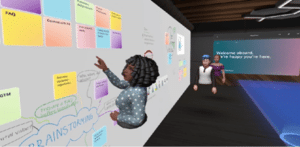
One of the challenges, when everyone isn’t working in the same place, is how to know when to “clock in” and “clock out.” As well as how to let colleagues know whether you are working at home next week or at the office.
To help business hybrid teams better coordinate, Outlook is getting an update. It will allow users to RSVP to meetings. This can let team members know whether they are attending virtually or in person.
We believe one thing that can distract from the purpose of a meeting is someone’s background at home. Positioning of the camera can also be problematic. One person might have their face taking up 80% of the video screen. Another may only take up 20% because they’re sitting farther away from their PC’s camera.
A new Surface Hub 2S Smart Camera will allow for better face framing. This will affect when people are meeting virtually in Microsoft Teams. Features include adjusting the room view so people’s faces will be clearer. As well as having more consistent sizing.
The video display will also automatically adjust as people join or leave a physical room.
People often share a screen in a video call and present a PowerPoint presentation. It can be difficult to keep everyone as engaged as when you’re presenting in person.
For example, in person, you can maintain eye contact. People can clearly see your facial expressions as you emphasise various things. That’s not always the case when presenting virtually. The app may push your video feed into a tiny box.
There’s a new upcoming feature for Teams that is called Cameo, this will allow you to seamlessly integrate PowerPoint with MS teams. You can decide exactly how you want your video feed to appear in relation to your presentation.
Another addition is Recording Studio. This new feature for PowerPoint allows you to record professional-looking on-demand videos. You can do it right inside the app.
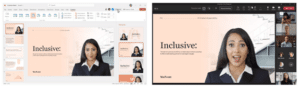
Cameo in PowerPoint & MS Teams
Microsoft has poured a lot of AI capabilities into Microsoft 365 over the last several years. One that we think will soon help you deliver better virtual presentations is Speaker Coach.
This is a private and personalized coach. It can help you hone your presentation skills. This improves your switch to the differences between presenting online versus in person.
Some of the feedback it can provide include:
Microsoft 365 has a ton of helpful features. But it does help to have an expert guide to help you navigate these capabilities. Contact us today to set up a chat about how Microsoft 365 can help your business grow.
#tech #technews #technology #j700group #itsupport #lancashire #Microsoft365 #HybridOffice #RemoteProductivity #WFHProductivity
For years, businesses protected their data like a medieval castle: build a thick wall (a…
Read More
For many small and medium-sized businesses, cybersecurity is still viewed as an IT problem. Firewalls,…
Read More
Cloud technology is no longer a luxury or a cost-saving alternative to on-site servers. For…
Read More
Remember when we jokingly wondered if Apple was borrowing our name? Well, the rumours were…
Read More
AI hasn’t just changed the way we work, it has completely rewritten the rulebook for…
Read More
For many businesses, the office phone is like part of the furniture, it’s always there,…
Read More
We are thrilled to announce a significant milestone in the J700 Group journey. To keep…
Read More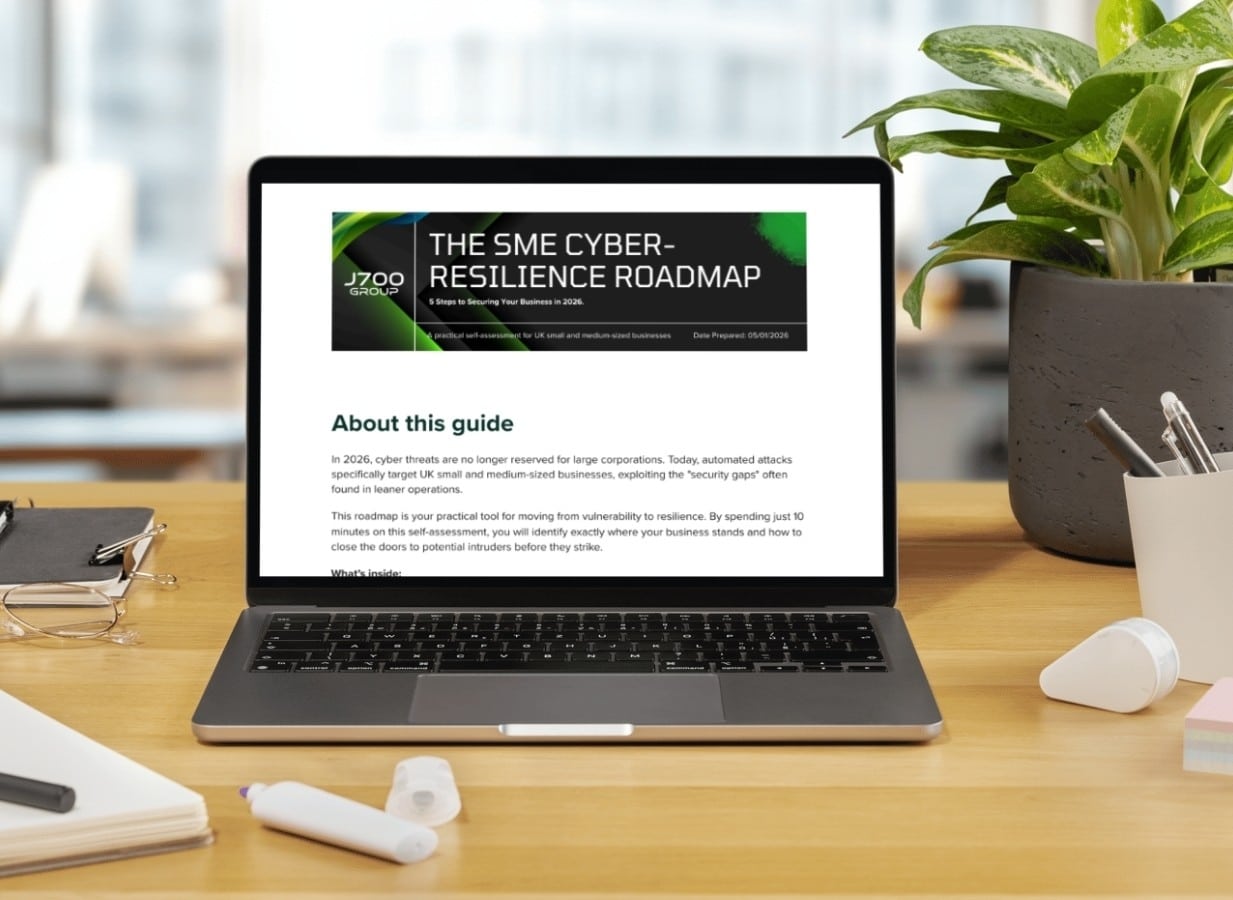
For years, many small and medium-sized business owners in the North West have operated under…
Read More
In a modern healthcare setting, the stethoscope and the blood pressure cuff aren’t the only…
Read More
When people hear the word cybersecurity, they often imagine complex systems, expensive software and specialist…
Read More
As we count down to midnight, most of us are thinking about gym memberships or…
Read More
It’s Christmas Eve in Lancashire. The Preston bypass is a nightmare, the last-minute dash to…
Read More
For many businesses, the Christmas period means quieter offices, reduced staffing and systems left running…
Read More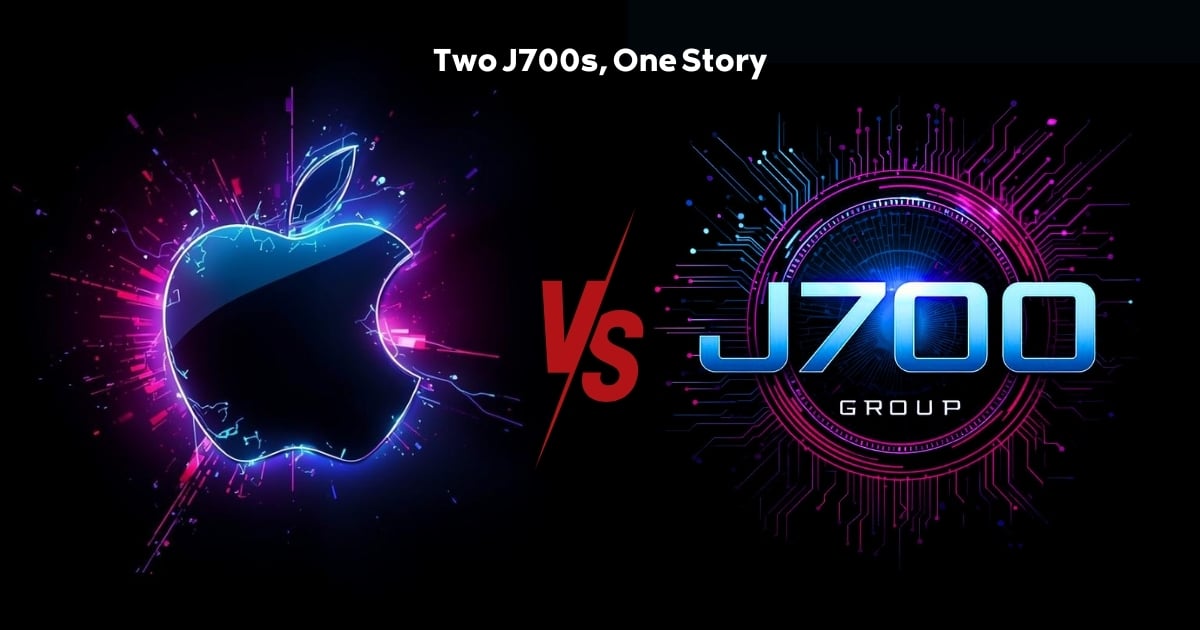
Or: Why we’d like to have a word with Tim Cook this Christmas. There are…
Read More
Hackers Love Christmas: Learn Why your Business Could be at Risk This Holiday SeasonThe festive…
Read More
In recent months, high-profile companies like Land Rover and Co-op have made headlines due to…
Read More
Explore 7 essential tips for effective cloud solutions comparison to find the best fit for…
Read More
Learn how to secure business data for UK SMEs with this step-by-step guide focused on…
Read More
Cybersecurity basics explained for UK businesses—core concepts, major threats, essential safeguards, and compliance requirements. A…
Read More
Discover the essential role of IT support desks, core functions, key benefits, types of support,…
Read More
Discover 10 microsoft 365 alternatives for UK SMEs, comparing features and benefits to help your…
Read More
Discover the best microsoft 365 alternatives in our comparison of 10 top products to enhance…
Read More
Discover a business connectivity checklist with 7 actionable steps to boost IT reliability, security, and…
Read More
Discover 7 essential business continuity planning steps to protect your SME. Learn practical strategies for…
Read More
Small Business Office 365 comprehensive guide for UK SMEs: core features, setup process, security essentials,…
Read More
Small Business Office 365 guide for UK firms. Learn core features, setup, security, costs, and…
Read More
Small business Office 365 guide covering essential features, security, costs, local support, and practical benefits…
Read More
Follow this cybersecurity checklist for SMEs to secure your business in Lancashire and Manchester. Step-by-step…
Read More
Follow this cybersecurity checklist for SMEs to boost protection, reduce risks, and secure business data…
Read More
Cloud security explained: A comprehensive guide for UK businesses covering threat types, protection strategies, compliance,…
Read More
Data protection strategies for UK SMEs—types, key components, GDPR compliance, business risks, and best practices…
Read More
Why cybersecurity matters for UK businesses: core concepts, main risks, common threats, legal requirements, and…
Read More
Comprehensive guide to IT issues Lancashire businesses face, including security threats, system downtime, cloud solutions,…
Read More
Comprehensive guide on cyber security threats in the UK. Learn common types, key characteristics, real-world…
Read More
Follow this IT security checklist for a step-by-step process to secure your business effectively in…
Read More
Explore the benefits of managed IT services for businesses in Manchester and Lancashire, enhancing efficiency…
Read More
Explore the role of cybersecurity in business. Understand its importance, how it works, and key…
Read More
Discover 7 key advantages of Microsoft 365 for SMEs that can enhance productivity, collaboration, and…
Read More
Explore why use managed IT services and how they benefit businesses. Gain comprehensive insights on…
Read More
Comprehensive guide explaining cyber threats, focusing on their importance, how they work, and the key…
Read More