




For years, businesses protected their data like a medieval castle: build a thick wall (a…
Read More
More than 90 percent of UK small businesses rely on digital tools to streamline daily operations. With competition growing in Lancashire and Manchester, finding secure, adaptable technology is crucial for staying ahead. Discover how Microsoft 365 brings together powerful apps, cloud storage, and robust security to help local businesses work smarter and protect valuable data while supporting growth across every stage.
| Point | Details |
|---|---|
| Comprehensive Suite | Microsoft 365 integrates essential tools like Word, Excel, and Teams with cloud capabilities to enhance productivity for small businesses. |
| Robust Security Features | The platform offers advanced security solutions, including identity protection and GDPR compliance, ensuring data safety for businesses. |
| Flexible Integration & Scalability | Microsoft 365 supports a wide range of devices and provides scalable solutions tailored to businesses of all sizes. |
| Cost-Efficient Licensing | Multiple subscription tiers exist, allowing businesses to select the appropriate package based on their specific needs and avoid common implementation mistakes. |
Microsoft 365 is a comprehensive digital solution designed specifically to empower small businesses across Lancashire and Manchester with cutting-edge productivity tools. According to government marketplace research, this powerful platform integrates essential business applications like Word, Excel, PowerPoint, and Outlook with advanced cloud-based capabilities that transform how companies operate.
At its core, Microsoft 365 provides small businesses with a robust suite of collaborative applications that enable seamless communication and workflow management. Key features include:
For Lancashire and Manchester small businesses seeking efficient, secure technology solutions, Understanding the Benefits of Microsoft 365 offers deeper insights into how this platform can revolutionise your operational efficiency. Whether you’re a startup in Preston or an established enterprise in Blackburn, Microsoft 365 provides the technological infrastructure to help your business compete effectively in today’s digital marketplace.
Microsoft 365 delivers an integrated suite of collaboration tools designed to transform how small businesses in Lancashire and Manchester communicate and work together. According to government marketplace research, the platform combines powerful applications that enable seamless productivity across multiple devices and locations.
The core collaboration features include:
Here’s a summary of Microsoft 365’s key collaboration tools for small businesses in Lancashire and Manchester:
| Tool | Purpose | Notable Features |
|---|---|---|
| Microsoft Teams | Online meetings & chat | Video calls Group chat Screen sharing |
| SharePoint | Document sharing & team sites | Co-authoring Secure access Version control |
| Outlook | Email & calendar management | Custom domain Calendar sharing Focus inbox |
| OneDrive | Personal cloud storage | 1TB per user File sync Mobile access |
| Yammer | Enterprise social networking | Internal groups Announcements Polls & feedback |
These tools are particularly valuable for small businesses seeking flexible, secure communication solutions. With advanced features like Windows Defender malware protection and custom domain support, Microsoft 365 provides robust security alongside collaborative capabilities. 7 Technology Trends Changing the Way We Work offers additional insights into how these digital tools are revolutionising business operations across the North West region.
Microsoft 365 provides robust security solutions specifically designed to protect small businesses across Lancashire and Manchester from evolving digital threats. According to Microsoft’s Secure Configuration Blueprint, the platform offers comprehensive guidance for securing identities, protecting devices, and configuring services to safeguard critical business data.
Key security and compliance features include:
For Lancashire businesses navigating complex data privacy regulations, Microsoft 365 simplifies compliance management.
As UK research indicates, the platform enables businesses to extract, move, and secure data online while maintaining strict regulatory standards. 6 Things Your Business Should Do to Handle Data Privacy Updates provides additional insights into protecting your digital infrastructure and maintaining robust data governance across your organisation.
Microsoft 365 provides unparalleled integration capabilities designed to meet the diverse technological needs of small businesses across Lancashire and Manchester.
According to government research, the platform offers remarkable flexibility, supporting seamless connectivity across multiple devices including PCs, Macs, iPads, Android tablets, and Windows devices.
Key integration and scalability features include:
For Lancashire businesses seeking local, personalised support, Microsoft 365’s Secure Configuration Blueprint provides comprehensive guidance on configuring services and protecting devices. 7 Technology Trends Changing the Way We Work offers additional insights into how emerging technologies can transform your business infrastructure, ensuring you stay ahead in the rapidly evolving digital landscape of the North West region.
Microsoft 365 offers flexible licensing options designed to meet the diverse budgetary needs of small businesses across Lancashire and Manchester. According to UK research, the platform provides multiple subscription levels, with each tier offering different features and tools to support business operations and compliance requirements.
Common licensing and implementation mistakes to avoid include:
Businesses in the North West region can mitigate these risks by carefully evaluating their specific requirements and seeking expert guidance. The E3 subscription level, for instance, provides comprehensive data migration and encryption tools that can significantly enhance your digital infrastructure. 6 Things Your Business Should Do to Handle Data Privacy Updates offers additional insights into navigating the complex landscape of digital compliance and cost-effective technology implementation.
Many small businesses in Lancashire and the North West face daily challenges keeping their IT running smoothly. The article highlighted how confusing licensing choices, data security worries, and poor integration can slow your team down. If you have spent hours searching for practical answers about Microsoft 365 or struggled with features that go unused, you are not alone. Discover real solutions and timely advice by exploring our Microsoft expertise.
Now is the time to transform your office technology into a real business advantage. J700 Group specialises in tailored Microsoft 365 support that helps small businesses stay secure, compliant and competitive. Contact us today at J700 Group to schedule your free consultation. Let us take the stress out of IT so you can focus on your business goals. For those seeking smarter ways to work in the cloud, view our latest guidance on Cloud Solutions and see what is possible for your future.
Microsoft 365 offers small businesses a suite of applications including Word, Excel, PowerPoint, and Outlook, along with collaboration tools like Microsoft Teams, OneDrive for cloud storage, SharePoint for document sharing, and advanced security features like Windows Defender.
Microsoft 365 facilitates collaboration through tools such as Microsoft Teams for online meetings and group chats, SharePoint for document sharing and co-authoring, and Yammer for enterprise social networking, allowing seamless communication and workflow management.
Microsoft 365 includes robust security features such as identity protection, data encryption, GDPR compliance tools, and advanced threat protection through Windows Defender, ensuring that business data is secure from evolving digital threats.
To avoid mistakes, businesses should ensure they select the correct subscription tier that meets their needs, properly configure security settings, carefully manage data migrations, and fully utilize the features available within Microsoft 365 to enhance operational efficiency.
For years, businesses protected their data like a medieval castle: build a thick wall (a…
Read More
For many small and medium-sized businesses, cybersecurity is still viewed as an IT problem. Firewalls,…
Read More
Cloud technology is no longer a luxury or a cost-saving alternative to on-site servers. For…
Read More
Remember when we jokingly wondered if Apple was borrowing our name? Well, the rumours were…
Read More
AI hasn’t just changed the way we work, it has completely rewritten the rulebook for…
Read More
For many businesses, the office phone is like part of the furniture, it’s always there,…
Read More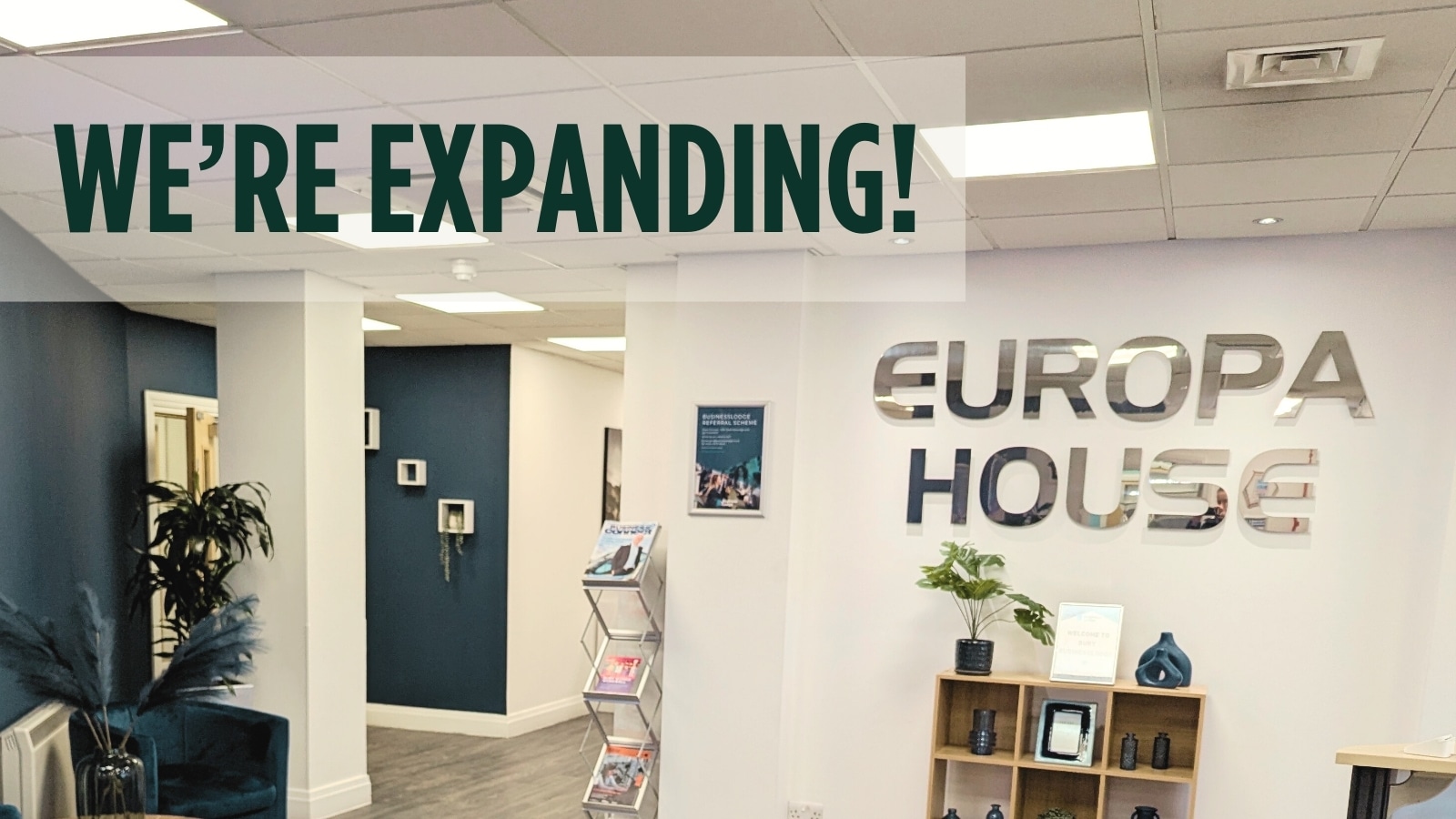
We are thrilled to announce a significant milestone in the J700 Group journey. To keep…
Read More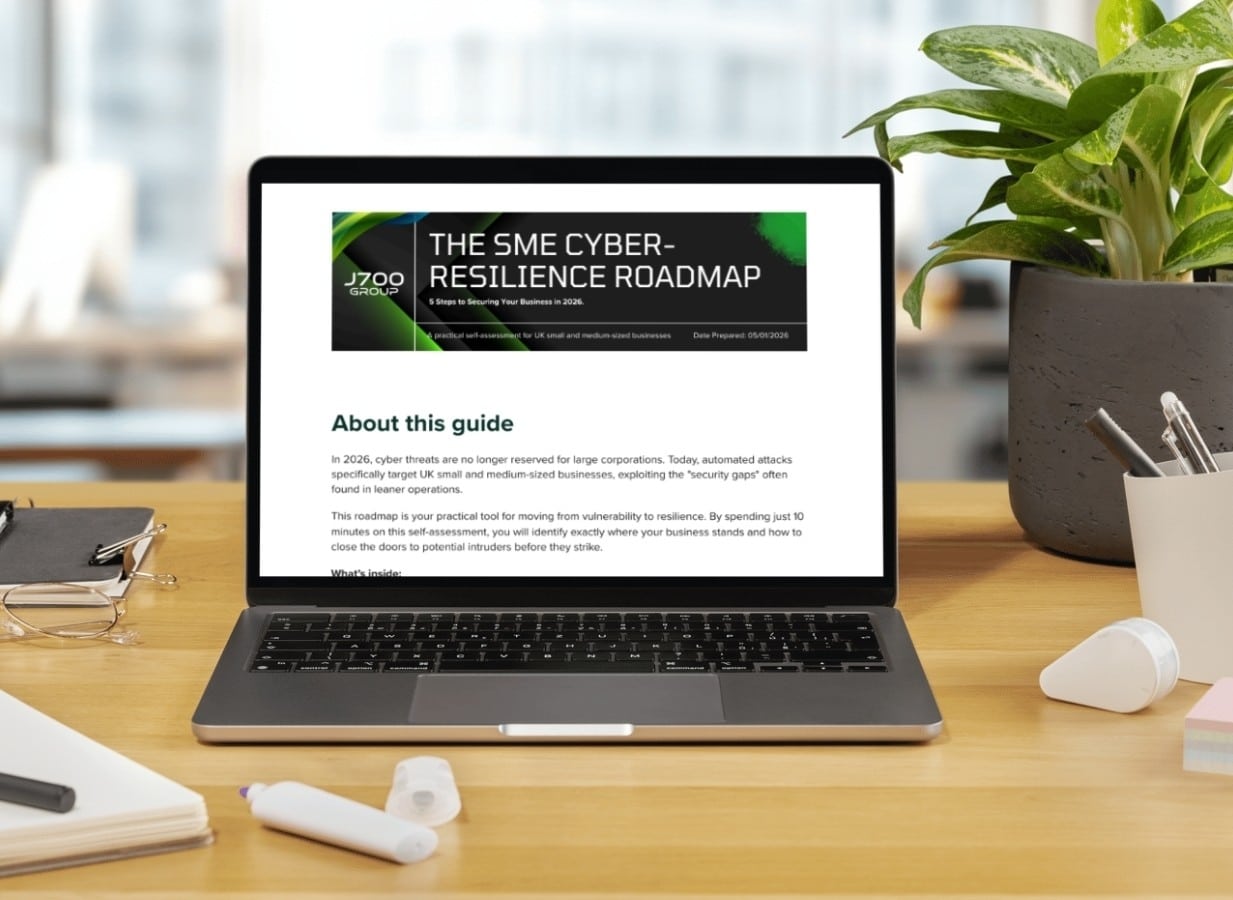
For years, many small and medium-sized business owners in the North West have operated under…
Read More
In a modern healthcare setting, the stethoscope and the blood pressure cuff aren’t the only…
Read More
When people hear the word cybersecurity, they often imagine complex systems, expensive software and specialist…
Read More
As we count down to midnight, most of us are thinking about gym memberships or…
Read More
It’s Christmas Eve in Lancashire. The Preston bypass is a nightmare, the last-minute dash to…
Read More
For many businesses, the Christmas period means quieter offices, reduced staffing and systems left running…
Read More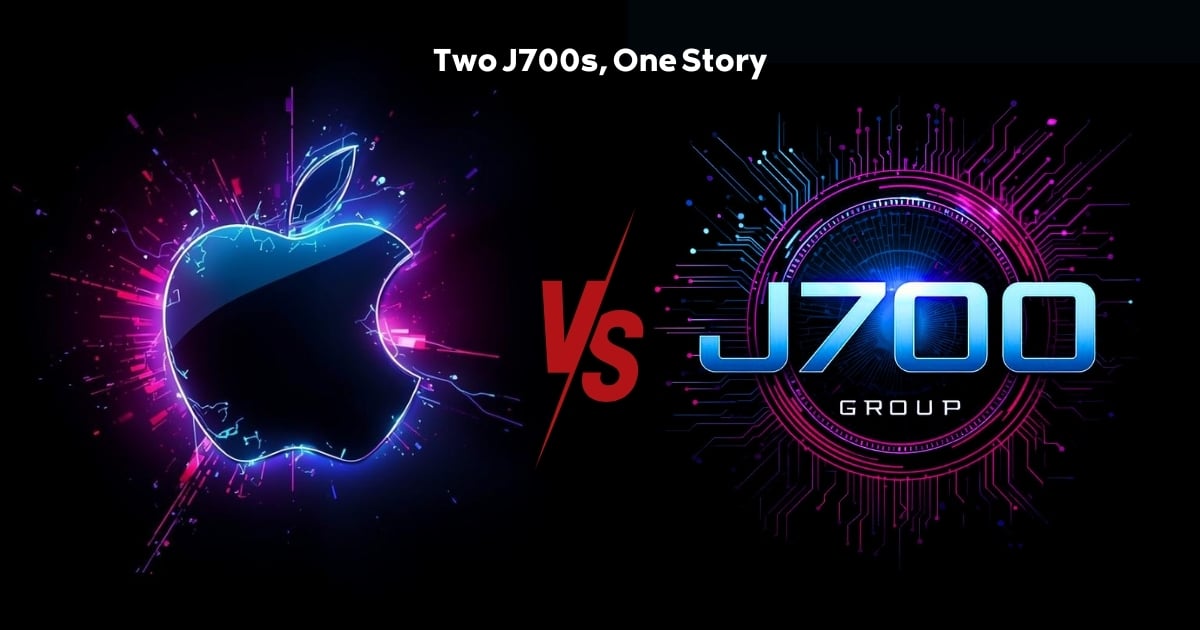
Or: Why we’d like to have a word with Tim Cook this Christmas. There are…
Read More
Hackers Love Christmas: Learn Why your Business Could be at Risk This Holiday SeasonThe festive…
Read More
In recent months, high-profile companies like Land Rover and Co-op have made headlines due to…
Read More
Explore 7 essential tips for effective cloud solutions comparison to find the best fit for…
Read More
Learn how to secure business data for UK SMEs with this step-by-step guide focused on…
Read More
Cybersecurity basics explained for UK businesses—core concepts, major threats, essential safeguards, and compliance requirements. A…
Read More
Discover the essential role of IT support desks, core functions, key benefits, types of support,…
Read More
Discover 10 microsoft 365 alternatives for UK SMEs, comparing features and benefits to help your…
Read More
Discover the best microsoft 365 alternatives in our comparison of 10 top products to enhance…
Read More
Discover a business connectivity checklist with 7 actionable steps to boost IT reliability, security, and…
Read More
Discover 7 essential business continuity planning steps to protect your SME. Learn practical strategies for…
Read More
Small Business Office 365 comprehensive guide for UK SMEs: core features, setup process, security essentials,…
Read More
Small Business Office 365 guide for UK firms. Learn core features, setup, security, costs, and…
Read More
Small business Office 365 guide covering essential features, security, costs, local support, and practical benefits…
Read More
Follow this cybersecurity checklist for SMEs to secure your business in Lancashire and Manchester. Step-by-step…
Read More
Follow this cybersecurity checklist for SMEs to boost protection, reduce risks, and secure business data…
Read More
Cloud security explained: A comprehensive guide for UK businesses covering threat types, protection strategies, compliance,…
Read More
Data protection strategies for UK SMEs—types, key components, GDPR compliance, business risks, and best practices…
Read More
Why cybersecurity matters for UK businesses: core concepts, main risks, common threats, legal requirements, and…
Read More
Comprehensive guide to IT issues Lancashire businesses face, including security threats, system downtime, cloud solutions,…
Read More
Comprehensive guide on cyber security threats in the UK. Learn common types, key characteristics, real-world…
Read More
Follow this IT security checklist for a step-by-step process to secure your business effectively in…
Read More
Explore the benefits of managed IT services for businesses in Manchester and Lancashire, enhancing efficiency…
Read More
Explore the role of cybersecurity in business. Understand its importance, how it works, and key…
Read More
Discover 7 key advantages of Microsoft 365 for SMEs that can enhance productivity, collaboration, and…
Read More
Explore why use managed IT services and how they benefit businesses. Gain comprehensive insights on…
Read More
Comprehensive guide explaining cyber threats, focusing on their importance, how they work, and the key…
Read More