



For years, businesses protected their data like a medieval castle: build a thick wall (a…
Read More
Choosing the right tools and services for your business can feel overwhelming with so many options on offer. Each product brings its own mix of strengths and unique features designed to help teams work smarter, stay secure, and keep connected. Whether you want more control over your data, reliable support close to home, or a better way to collaborate online, finding the best fit matters. As you look through the choices, you might be surprised by how much they differ and which one lines up with your needs. Ready to see what stands out and why
J700 Group, your local IT support provider based in Lancashire UK, delivering cutting-edge technology solutions across Lancashire and the North West. We specialise in managed IT services, Microsoft 365, cloud computing, cybersecurity protection, and business connectivity for SMEs in Preston, Blackburn, Blackpool, Burnley, Chorley, Lancaster, Bury, Bolton, Rossendale, Manchester and beyond. If you’re tired of IT headaches – slow systems, security risks, or unreliable internet – we’re here to help. Our Lancashire-based team offers proactive IT support to keep your business running smoothly, saving you time and money.
Bottom line: for small and medium-sized businesses across the North West seeking a single, reliable IT partner, J700 Group delivers local knowledge, proactive monitoring and an all-in-one service approach that reduces downtime and complexity.
J700 Group bundles proactive 24/7 monitoring and support with all-in-one IT solutions that cover support, cloud and telecoms. As a recognised Microsoft Partner they provide Microsoft 365 setup and ongoing support alongside cloud hosting, managed backups and data protection designed for scalability and security. Their cybersecurity offering includes threat monitoring and staff training to reduce human risk, and business connectivity services ensure reliable internet and telecoms. Additional capabilities include website design and hosting plus bespoke software development, making J700 a practical single-vendor option for SMEs who want fewer suppliers and clearer accountability.
J700 Group is aimed squarely at SMEs in Lancashire and the wider North West that need dependable, locally delivered IT services. If you run a retail, professional services or distribution business in Preston, Blackburn, Blackpool, Burnley, Chorley, Lancaster, Bury, Bolton, Rossendale or Manchester and you want a partner who understands regional challenges, J700 is built for you. It’s especially suitable where security, Microsoft 365 adoption or reliable business connectivity are priorities.
J700 Group’s unique strength is its combination of local presence and comprehensive technical scope. Rather than splitting services across several national suppliers, J700 brings managed IT, Microsoft expertise, cloud hosting, cybersecurity and connectivity under one Lancashire-based team. That design choice trades broad geographical scale for rapid on-the-ground support, faster incident resolution and advice aligned to local business realities. Being a Microsoft Partner brings assurance around M365 deployments, while proactive 24/7 monitoring and staff security training reduce risk and operational friction. Pricing by quote is a deliberate choice to tailor services precisely to SME budgets and needs, avoiding overpaying for unnecessary features. In short: local, joined-up IT that saves you time and money while improving resilience — a clear edge for regional SMEs.
A retail business in Preston engages J700 Group to implement Microsoft 365, migrate email to the cloud, install managed backups and introduce threat monitoring plus staff cyber-awareness training. The result is fewer outages, faster problem resolution outside business hours and a measurable reduction in security incidents that previously disrupted sales.
Not specified, contact for a quote
Website: https://j700group.co.uk
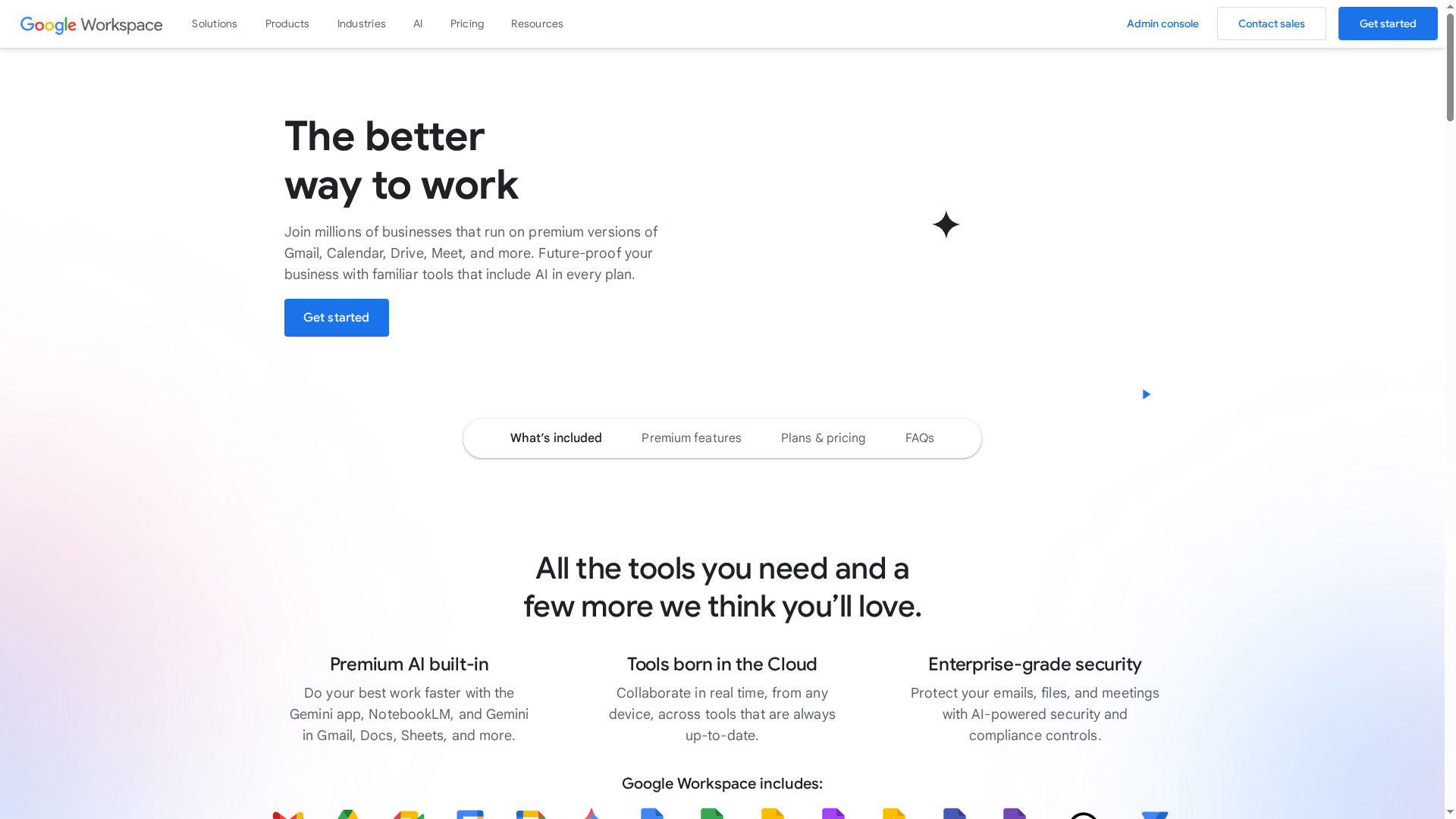
Google Workspace is a secure, cloud-first suite of productivity and collaboration tools built for teams of all sizes. It bundles Gmail, Drive, Meet, Chat, Docs, Sheets and Slides with pooled storage, domain email and growing AI features to speed everyday work. For UK SMEs it’s a dependable, scalable option that prioritises real-time collaboration, but reliance on internet connectivity and some complexity for advanced features are trade-offs to consider.
Google Workspace delivers a tightly integrated set of tools designed around cloud collaboration: custom business email tied to your domain; pooled cloud storage accessible across users; video conferencing through Meet; synchronous document editing in Docs, Sheets and Slides; and team messaging with Chat. Recent additions include AI-powered capabilities (Gemini) and low-code automation via AppSheet, which aim to reduce repetitive tasks and improve productivity without heavy IT overhead.
Google Workspace suits organisations of all sizes that need integrated, secure and AI-ready collaboration tools for remote and hybrid work. It’s particularly useful for SMEs that want easy onboarding, centralised email and shared storage, and for organisations planning to scale without replacing core productivity systems.
Workspace’s strength is the depth of integration: email, chat, meetings and documents all live in the same ecosystem, reducing friction between tools. Its emphasis on collaborative editing and AI-assisted workflows sets it apart for teams that prioritise speed and simultaneous co-working.
A small business uses Google Workspace to centralise email on their domain, co-edit proposals in Docs in real time, schedule client meetings via Calendar and Meet, and apply AI tools to draft customer responses—cutting response times and reducing email back-and-forth.
Starting at $5.60 per user/month with multiple plans up to custom enterprise pricing, including discounts for annual commitments and trial periods.
Website: https://workspace.google.com
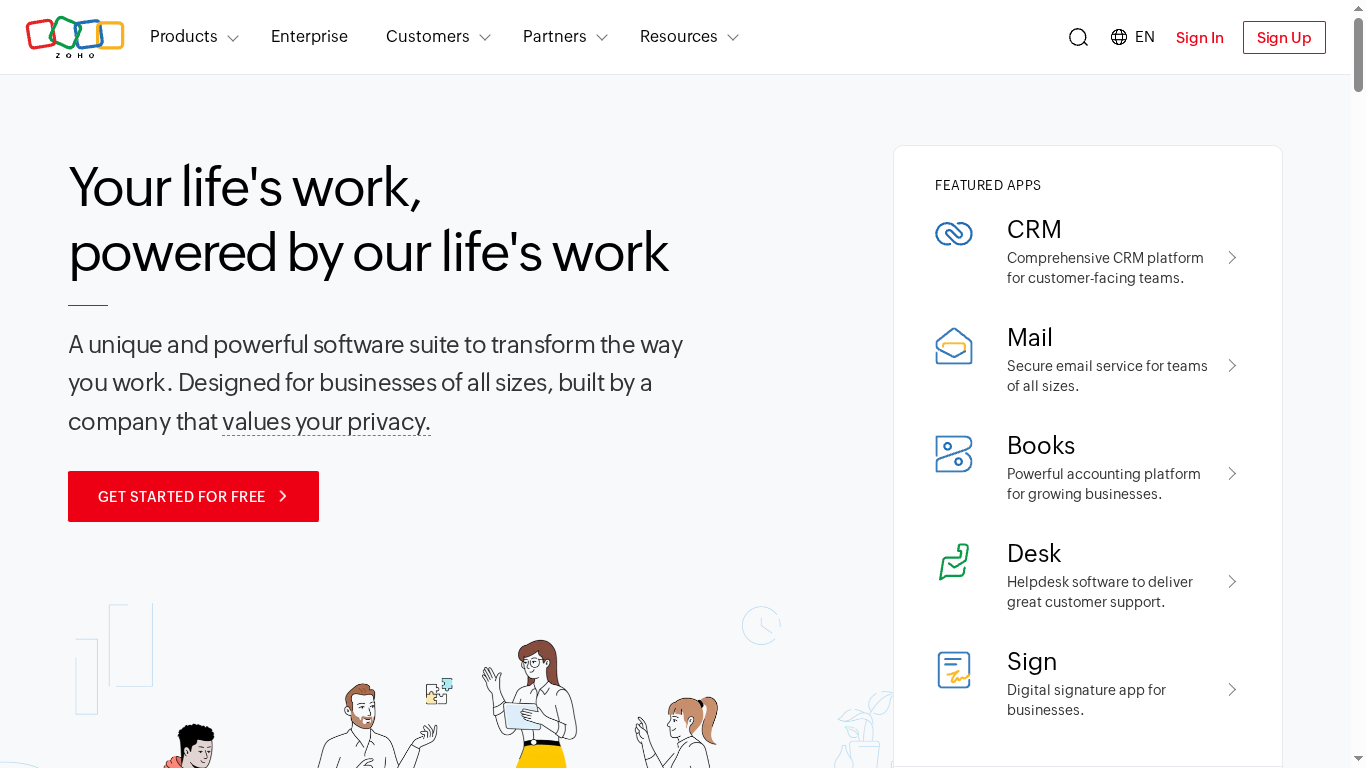
Zoho is a comprehensive cloud software suite that packs CRM, email, accounting, HR and helpdesk tools into a single operating system known as Zoho One. If you want to reduce the number of separate subscriptions and centralise operations, it’s a compelling choice. It places clear emphasis on privacy, customisation and ecosystem integration — though the breadth of features can feel overwhelming at first. Bottom line: powerful and economical, but expect a learning curve.
Zoho’s core capabilities centre on an integrated CRM for customer-facing teams, a secure business email service, a capable accounting platform, and HR automation tools. It also includes helpdesk software for customer support and an AI assistant, Zia, which helps with insights and automation across the suite. Together these components form an all-in-one platform for managing sales, finance, HR and support workflows without stitching multiple vendors together.
No fluff. Just functionality.
Zoho suits businesses of all sizes that want to centralise core operations on a single, customisable platform — particularly organisations aiming to cut subscription sprawl and improve data consistency. It’s a strong match for SMEs that have the capacity to invest in setup or training and want privacy-conscious, scalable software that grows with them.
Zoho’s unique strength is its breadth: a single vendor that covers CRM, communications, finance, HR and support with an AI layer on top. That combination reduces integration overhead, keeps data within one governed environment and can materially lower total cost of ownership for multi-functional teams.
A company can use Zoho One to unify sales, marketing, customer support, accounting and HR on one platform, configure workflows to match internal processes, and deploy Zia to automate reporting and routine tasks — resulting in fewer handoffs and clearer accountability across departments.
Pricing details are not specified in the provided data; Zoho typically operates tiered subscription plans with free trials or entry tiers available.
Website: https://zoho.com
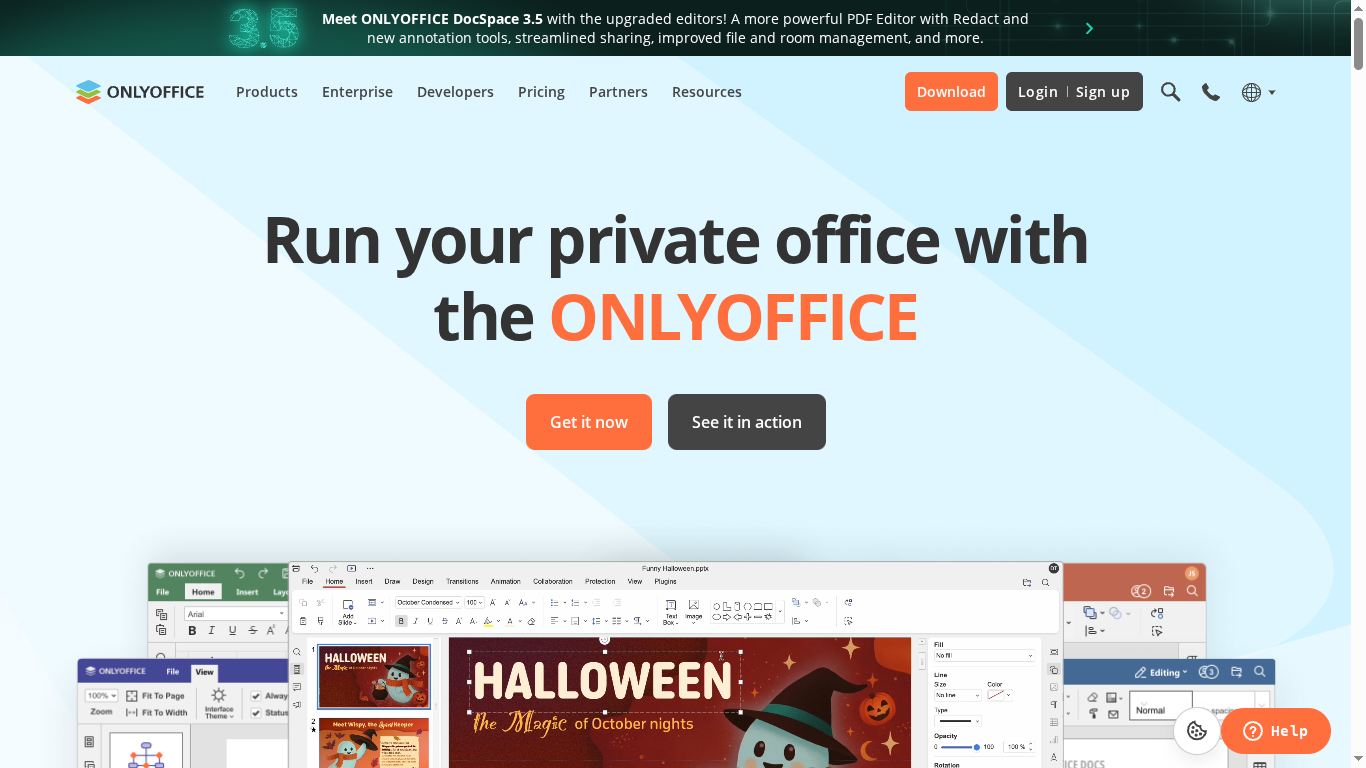
OnlyOffice is a full-featured online office suite used by over 15 million people, offering document, spreadsheet and presentation editing alongside powerful PDF tools and AI assistants. It supports cloud and private-server deployments, prioritising encryption and secure sharing — ideal if security matters as much as functionality. However, private hosting can be technically demanding and the interface may feel dense to newcomers. Overall: a strong, secure alternative for SMEs that need control and flexibility.
OnlyOffice provides collaborative editing for documents, sheets and slides with real-time co-authoring and integrated AI-powered virtual assistants for text, image and code generation, translation and more. The suite includes a powerful PDF editor with redaction, annotation and fillable-form creation, plus conversion to markdown and HTML. It supports diagram viewing, multiple integrations (Box, Moodle, Nextcloud, WordPress), and desktop and mobile apps for offline work on Windows, Linux, macOS, iOS and Android. Multiple encryption and permission levels help organisations manage secure document sharing across cloud or private deployments.
OnlyOffice suits businesses, organisations and individuals who prioritise security, customisability and offline capability. It works particularly well for IT-savvy SMEs, education providers integrating document editors into platforms like Moodle, and teams that want private-server deployments or heavy integration with tools such as Nextcloud and WordPress.
OnlyOffice combines open-source flexibility with enterprise-grade document capabilities — from PDF redaction to AI assistants — while offering the choice to run on your own servers. That mix of control, security and collaborative features is the product’s core differentiator.
The City of Hopewell replaced Google Docs and Microsoft Office with OnlyOffice to enable secure remote work for 500 employees, using the suite for document editing and collaboration without compromising on data privacy or deployment control.
Free tier available, with paid plans for additional features and services.
Website: https://onlyoffice.com
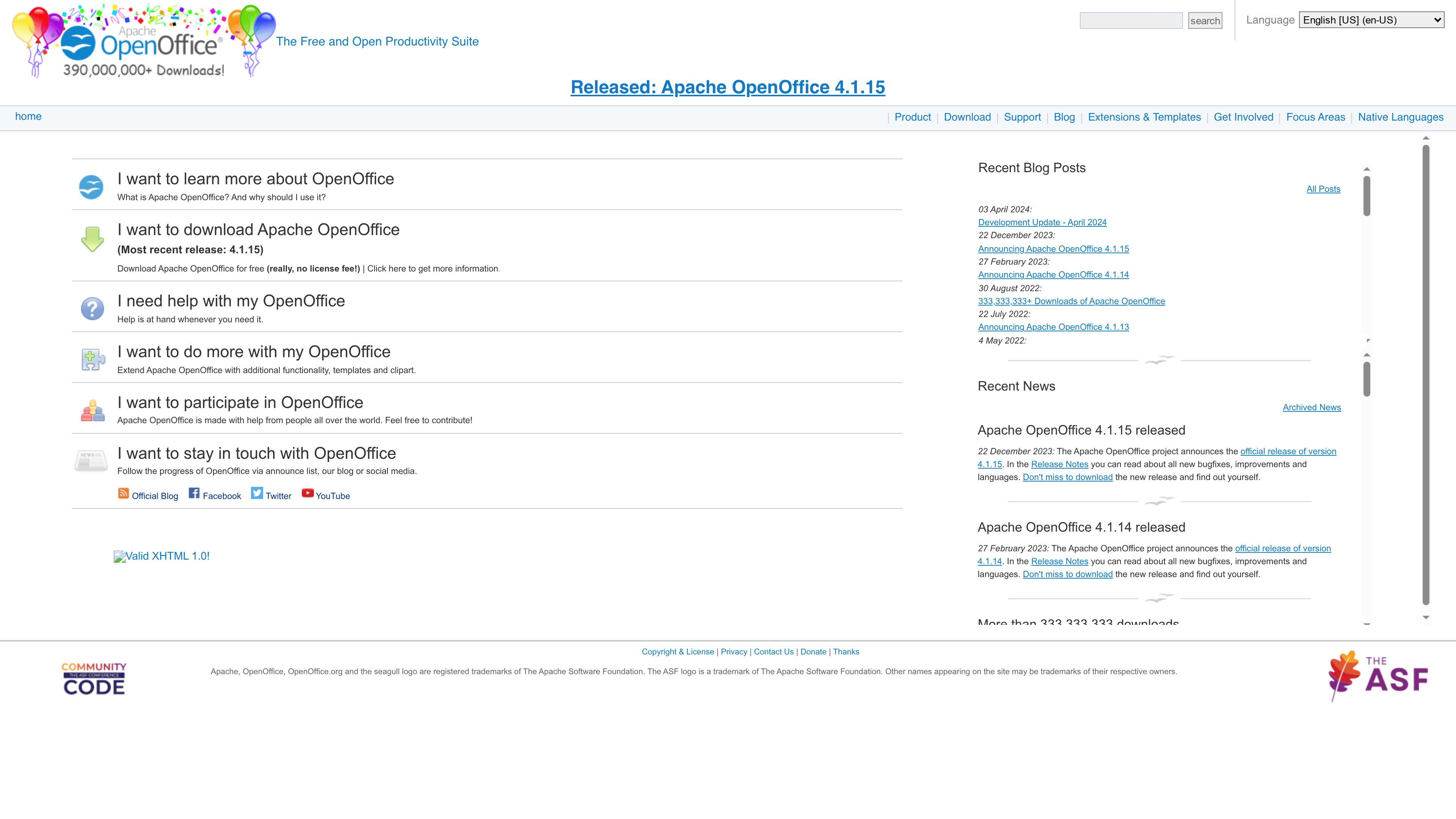
Apache OpenOffice is a free, community-driven productivity suite that covers word processing, spreadsheets, presentations, graphics and databases. With over 333 million downloads as of 2022 and maintenance by the Apache Software Foundation, it’s a dependable, low-cost alternative for organisations that need core office functionality without licensing fees. It’s not flashy, but it does the essential work reliably — ideal when budget matters more than cutting-edge bells and whistles.
Apache OpenOffice bundles a complete set of office tools: a word processor, spreadsheet application, presentation builder, graphics editor and a simple database module. It supports numerous languages, can open and save common Microsoft Office formats, and is extendable with community-created templates and extensions. The suite receives regular updates and bug fixes from contributors worldwide, and runs on major operating systems including Windows, macOS and Linux.
Apache OpenOffice suits individuals, educational institutions and small organisations seeking a no-cost, open-source alternative to proprietary office software. It’s particularly appropriate for businesses that prioritise cost savings and document compatibility over advanced cloud collaboration features. If you manage IT for a small firm in Lancashire or Manchester and need to keep software budgets low, this is a practical choice.
What sets Apache OpenOffice apart is its combination of zero licensing cost, broad format compatibility and community-backed extensibility. For teams that need the fundamentals—documents, sheets, slides and basic databases—without cloud lock-in or subscription fees, it provides a self-contained, adaptable solution.
A city government migrated 900 desktops to Apache OpenOffice to eliminate licence fees, reportedly saving about 360,000 euros in licensing costs. That demonstrates how the suite can deliver substantial savings at scale while covering standard office tasks across a large user base.
Free and open source
Website: https://openoffice.org
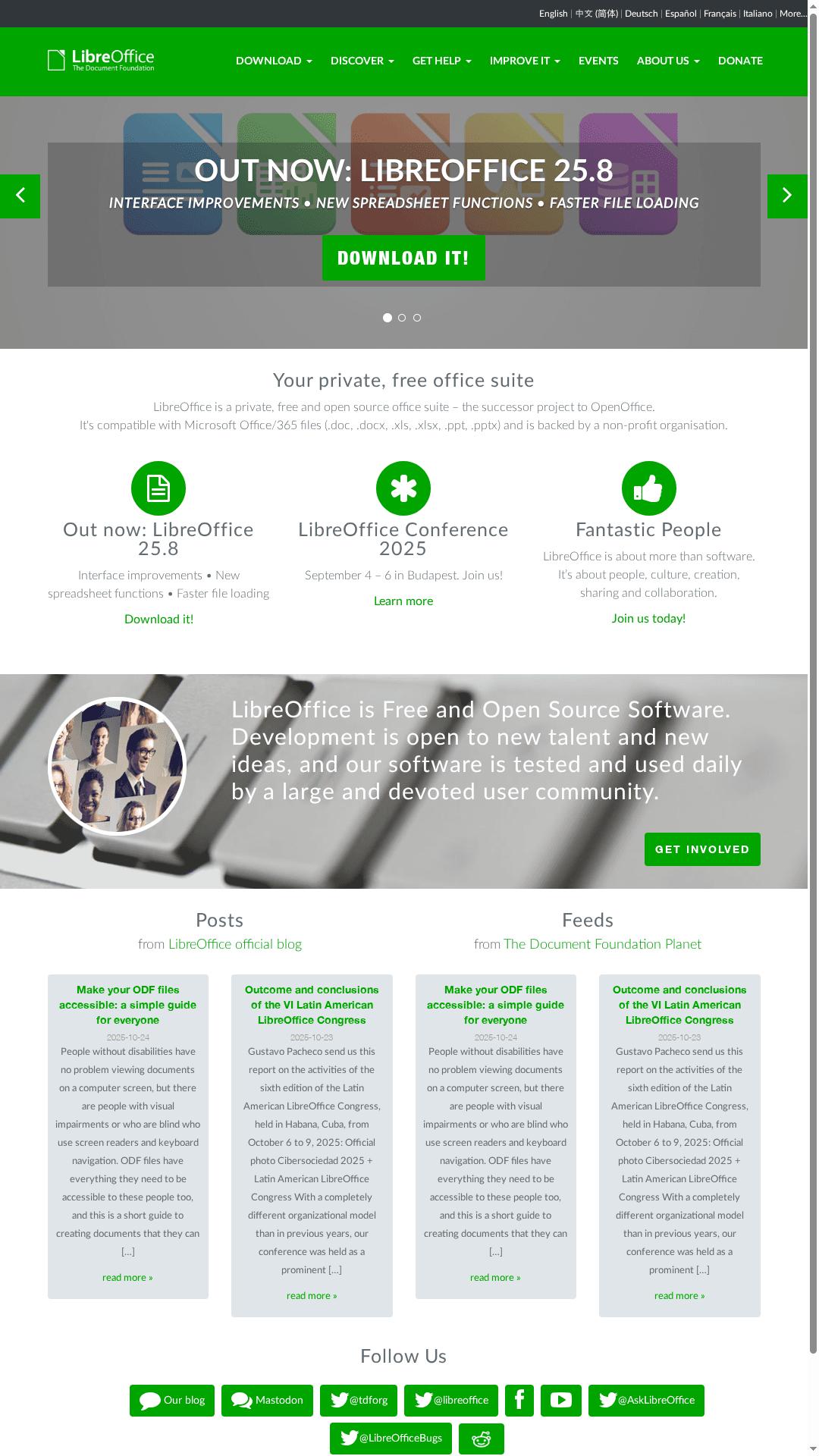
LibreOffice is a free, open-source office suite developed by The Document Foundation that aims to be a viable alternative to Microsoft 365 for cost-conscious UK SMEs. It offers strong compatibility with common Microsoft Office formats, frequent community-driven updates (for example, version 25.8), and built-in accessibility features. If you want to cut licensing costs while keeping your documents usable across Office environments, LibreOffice deserves serious consideration.
LibreOffice provides a full desktop office suite: word processing, spreadsheets, presentations and basic collaboration tools. Key strengths are its open-source nature and compatibility with .doc/.docx, .xls/.xlsx and .ppt/.pptx formats, plus regular releases driven by an active community. The suite includes accessibility options for users with visual impairments and focuses on faster file loading and interface improvements in recent updates.
LibreOffice suits individuals and organisations that need a robust, cost-free office suite with solid Microsoft file compatibility — notably educators, students and small to medium-sized businesses wanting to reduce licensing overhead without losing the ability to exchange files with partners using Office. It’s especially relevant for Lancashire and Manchester SMEs looking to cut software spend while keeping desktop productivity intact.
LibreOffice’s unique value lies in its combination of zero licensing cost and practical cross-format compatibility, maintained by an active open-source community under The Document Foundation. For SMEs that prioritise control over software and budgets, it offers a dependable, transparent alternative to subscription-based suites.
A small business transitions from Microsoft Office to LibreOffice to reduce monthly licensing fees but continues to send .docx and .xlsx files to clients. The team installs LibreOffice across office PCs, trains staff on a few formatting quirks, and maintains productivity while lowering ongoing costs.
Free
Website: https://libreoffice.org

Apple provides a coherent family of high-end devices and services built around design, performance and tight integration. The lineup in the data emphasises flagship hardware — from the iPhone 17 Pro and iPhone Air to MacBook Pro M5 and Apple Watch Series 11 — together with services such as Apple TV+ and trade-in and financing options. For SMEs looking for reliable hardware that ‘‘just works’’, Apple’s ecosystem reduces friction between devices and services. Expect premium pricing and an experience designed for anyone who prioritises polished hardware and ongoing software updates.
Apple’s core capabilities centre on hardware breadth and ecosystem continuity. The product set lists multiple current devices: iPhone 17 Pro and iPhone Air, MacBook Pro 14” with the M5 chip, MacBook Air with M4, iPad Pro focused on AI performance and gaming, Apple Watch Series 11 for health monitoring, and AirPods Pro 3 with active noise cancellation. Alongside devices, Apple offers services such as Apple TV+, and customer-focused options like trade-ins and finance to improve accessibility. Regular updates to both features and performance complete the offering, ensuring devices remain current over several years.
Apple is aimed at tech-savvy users and professionals who value design, performance and a seamless user experience. It suits creative professionals, content editors and managers who rely on consistent, well-supported hardware, as well as students and entertainment enthusiasts who appreciate polished devices and integrated services.
Apple’s unique strength is the combination of premium hardware, tightly integrated software and a services layer that includes trade-in and financing options. That combination simplifies procurement, device management and day-to-day use for teams that prioritise reliability and user experience above lowest-capex.
A professional photographer uses an iPhone 17 Pro for advanced shooting, edits footage on a MacBook Pro with M5, and monitors recovery and workouts with an Apple Watch Series 11 — keeping content creation, editing and wellbeing data synchronised across devices.
Various, starting from entry-level models to premium devices; pricing details available on the website.
Website: https://apple.com
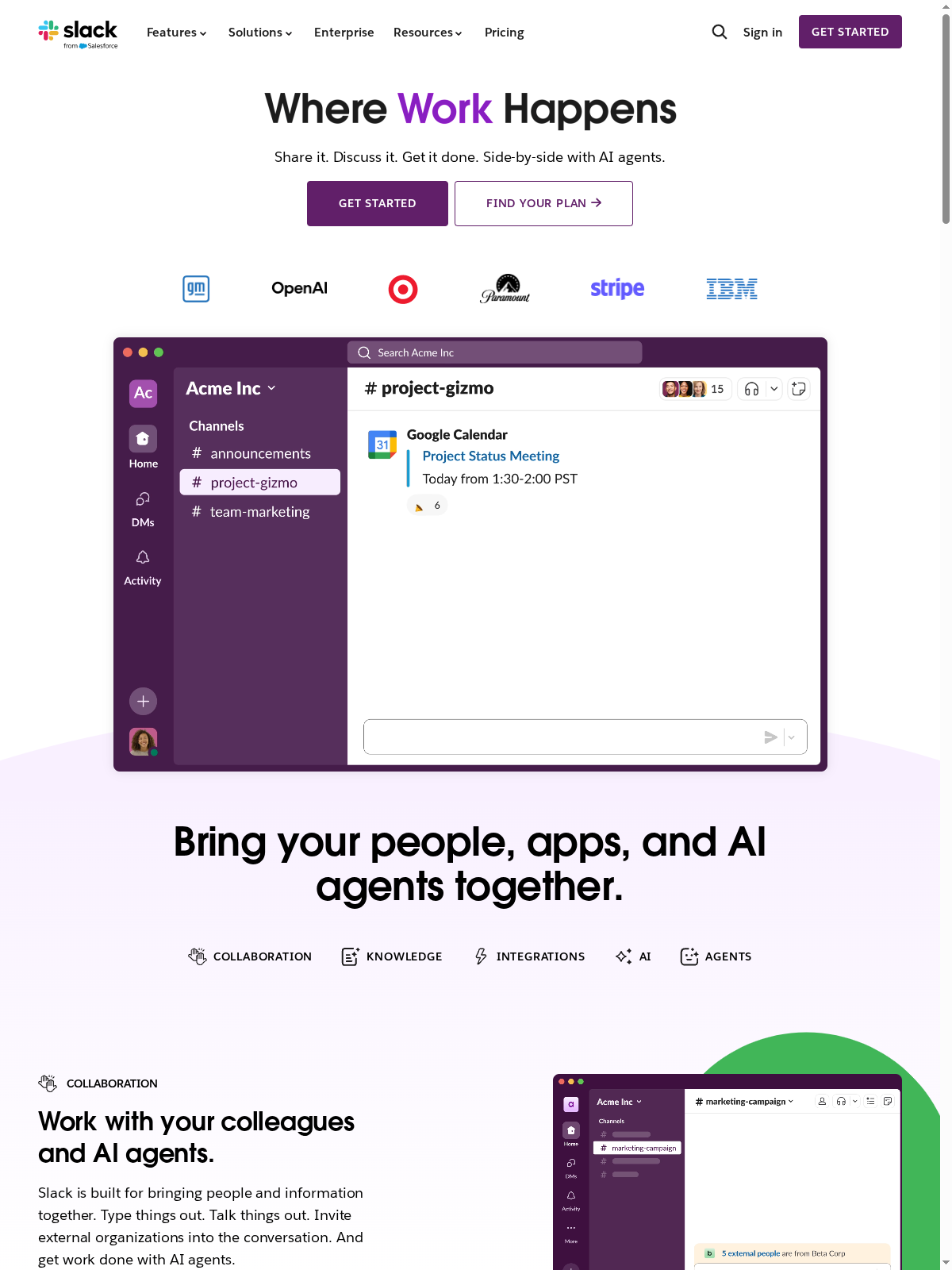
Slack is a mature collaboration hub that centralises messaging, file sharing, meetings and app integrations into a single, searchable workspace. It excels at keeping teams connected in real time and scaling integrations across an organisation. For UK SMEs in Lancashire and Manchester, Slack speeds up decision-making and reduces email noise — though it takes some time to tune for optimal use.
Slack offers channels for organised conversations, persistent, searchable message and file history, and audio/video meetings via Slack Huddles. It connects to over 2,600 apps — from Google Drive to ChatGPT — enabling automated workflows and consolidated notifications. External collaboration is supported through Slack Connect, which permits secure channels and direct messages with external partners across many organisations, and AI-driven features help with summarising and improving search relevance.
Slack suits organisations and teams that prioritise fast, integrated communication—especially medium to large enterprises, tech firms and distributed or remote teams. If your business depends on rapid decision-making, frequent collaboration with partners, or linking many cloud tools into a single workflow, Slack is a strong match.
Slack’s strength lies in combining searchable conversation history, a massive app ecosystem and AI-assisted productivity into one platform that supports internal and external collaboration at scale. It turns scattered notifications and files into a single, searchable knowledge base.
A product team uses Slack to co-ordinate releases: channels for sprint planning, integrations with issue trackers and Google Drive for assets, a Huddle for daily stand-ups, and Slack Connect to share launch plans with an external marketing agency — all centrally searchable and auditable.
Free tier available; paid plans from $7.25 per user/month when billed annually (Pro and Business+ tiers and custom Enterprise+ pricing are offered).
Website: https://slack.com
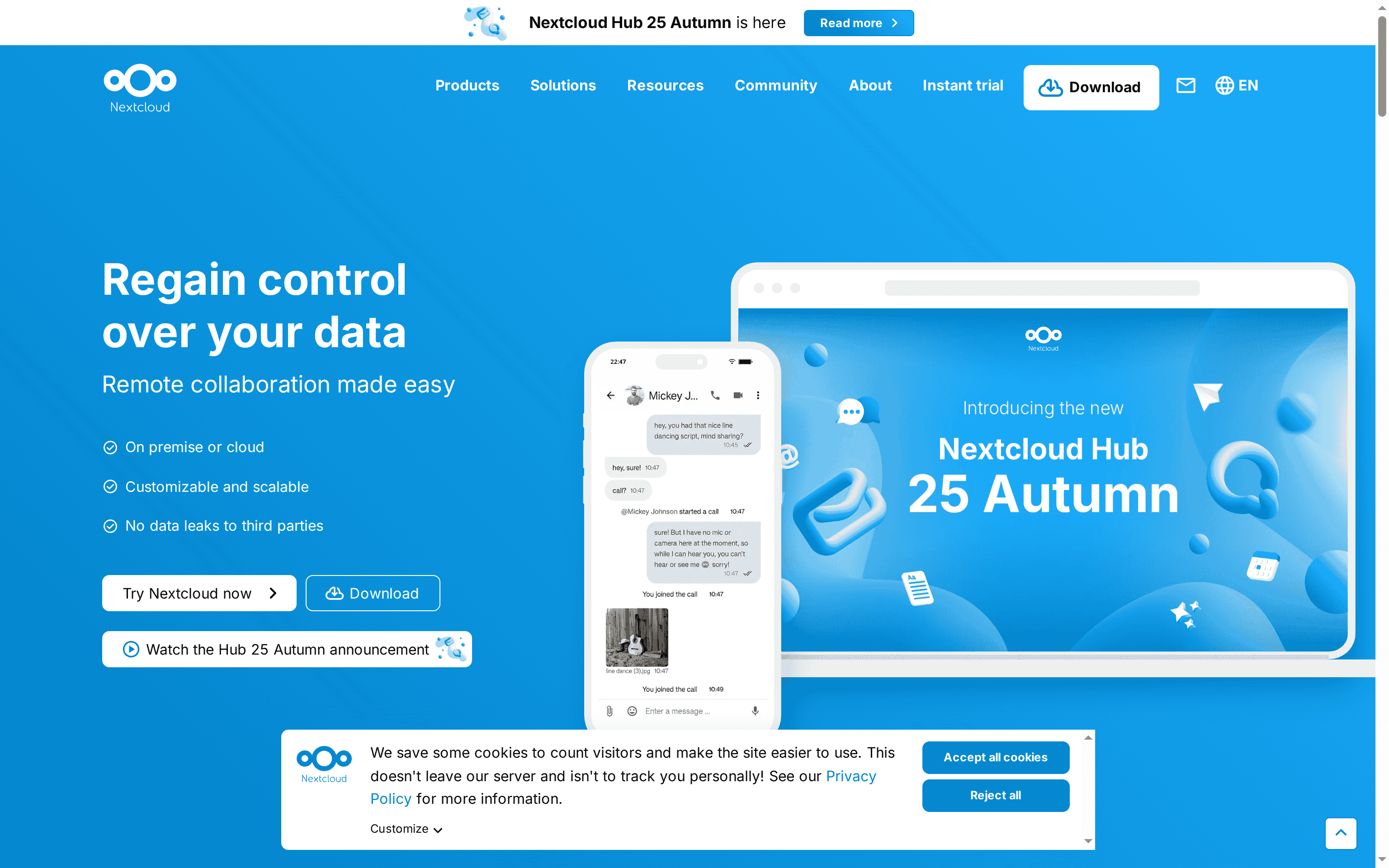
Nextcloud is an open-source content collaboration platform focused on secure, private and scalable cloud storage and teamwork. It shines where data sovereignty and compliance matter most, offering self-hosting, enterprise support and a broad set of collaboration tools. That said, it demands technical know-how to deploy and some advanced capabilities come with additional costs. A strong choice if you need control over your data — and can support it.
Nextcloud offers self-hosted file storage and sync, real-time document collaboration, private audio/video conferencing and chat, plus integration with external apps and services. It supports workflow automation through Nextcloud Flow and a Windmill-based automation package, and can handle structured data with Nextcloud Tables and related apps. The platform balances core collaboration tools with extensible apps so teams can pick the capabilities they actually need.
Nextcloud suits organisations and individuals that prioritise privacy, compliance and control over cloud data — notably public sector bodies, enterprises and education providers that need to host data on-premises or in a trusted environment. It also appeals to service providers who want a scalable, white‑label platform to offer clients.
Nextcloud’s distinct advantage is its combination of open-source flexibility and enterprise-grade features focused squarely on data sovereignty. You get an integrated collaboration stack you can host yourself, plus the option of enterprise support — a blend rarely matched by purely cloud-hosted competitors.
A government agency deploys Nextcloud on its own servers to centralise internal documents, enable secure remote collaboration and maintain strict audit trails for compliance with data protection rules. Staff gain file sync, editing and private conferencing without data leaving controlled infrastructure.
Starting at approximately €67.89 per user/year for enterprise Standard plans; the core Nextcloud software itself is open-source and free, with hosting and advanced features priced separately.
Website: https://nextcloud.com
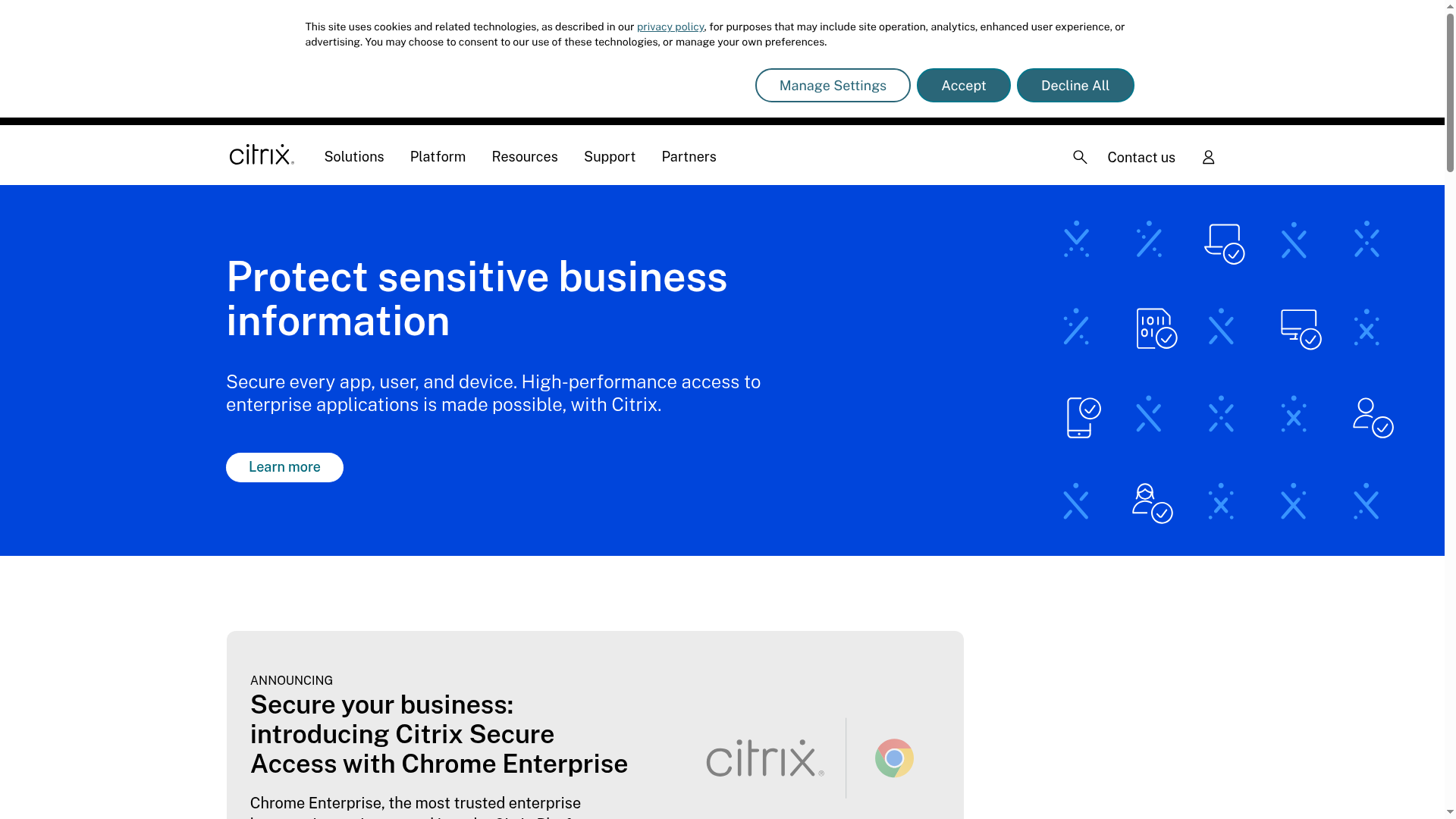
Citrix provides secure, scalable solutions for application and desktop virtualisation, with strong emphasis on high performance and centralised management for hybrid workforces. It excels where security and compliance matter — think healthcare, finance and government — and offers tools for endpoint management and seamless access across devices. That strength comes with complexity; expect a technical setup and potential cost implications for large deployments.
Citrix’s platform centres on application and desktop virtualisation, delivered through a Workspace app that gives users secure, consistent access to applications and desktops on any device. The suite includes endpoint management and security tools, centralised app and desktop management to streamline provisioning, and integrations such as Chrome Enterprise to widen device compatibility. In short: secure access, performance tuning and central control are the pillars.
Citrix is aimed at IT professionals and organisations that need secure, scalable enterprise application and desktop virtualisation — especially those in healthcare, finance, government and other regulated industries. If you run an organisation where data protection, compliance and consistent user experience across devices are non-negotiable, Citrix is a contender.
Citrix’s unique value lies in combining high-performance virtual delivery with enterprise-grade security and centralised management, enabling organisations to control applications and desktops from a single point while supporting a distributed workforce. It’s less about flashy user features and more about reliable, compliant delivery at scale.
A healthcare organisation uses Citrix to deliver patient-data applications to doctors and staff working remotely or on-site, ensuring compliance, secure access and consistent performance across hospital desktops, home devices and mobile tablets.
Not specified on the website
Website: https://citrix.com
This comprehensive table provides a summary comparison of various office productivity and IT solutions, capturing their core features, pros and cons, target users, unique value propositions, and pricing options.
| Product | Core Features | Pros | Cons | Pricing Information |
|---|---|---|---|---|
| J700 Group | Managed IT services, Microsoft 365 setup, cloud hosting, cybersecurity, business connectivity | Local expertise, comprehensive services, proactive support, transparent pricing | Pricing not specified, local focus may limit broader needs | Contact for a quote |
| Google Workspace | Cloud-based productivity tools, real-time collaboration, AI features | Comprehensive suite, strong security, AI integration, flexible pricing | Pricing escalates, internet dependency | Starts at $5.60/user/month |
| Zoho | CRM, email, accounting, HR, helpdesk in one suite | All-in-one suite, customisable, cost-effective, strong privacy | Complex for new users, may require training | Pricing varies; typically tiered plans |
| OnlyOffice | Document editing, spreadsheet and presentation tools, strong security | Customisable, strong security, integrations, free solutions | Complex setup, advanced features need payment | Free tier available, with paid plans |
| Apache OpenOffice | Word processing, spreadsheets, presentations, graphics tools, community-based | Free and open-source, broad format support, no licensing fees | Dated interface, smaller feature set | Free |
| LibreOffice | Full desktop suite, strong Microsoft file compatibility, open-source | Free, compatibility with Microsoft, regular updates, accessible | Compatibility issues with complex features, installation required | Free |
| Apple | Premium devices, trade-in/financing options, ecosystem integration | Innovative technology, seamless integration, strong AI and performance | Premium pricing, limited customisation | Various, see website |
| Slack | Centralised messaging, file sharing, app integrations, real-time collaboration | Broad app ecosystem, AI-enhanced productivity, secure external collaboration | Feature complexity, potentially costly at scale | Free tier, paid plans from $7.25/user/month |
| Nextcloud | Self-hosted collaboration, strong data sovereignty, integrated features | Open-source, data sovereignty, strong compliance controls | Requires technical expertise, added cost for advanced features | Starting at €67.89/user/year for enterprise Standard plans |
| Citrix | Application and desktop virtualisation, high performance, centralised management | Broad industry support, secure features, hybrid work support | Complex setup, potentially high costs | Not specified |
Choosing the right Microsoft 365 alternative can feel overwhelming when you face concerns like security risks, slow systems or complex cloud setups. This expert comparison highlights key options but navigating which solution fits your SME’s size, budget and regional needs is the real challenge. With terms like managed IT, proactive monitoring and cloud computing mentioned, you want a partner who understands these concepts and can tailor a seamless, secure IT environment.
At J700 Group, we specialise in supporting Lancashire and North West SMEs through precisely this kind of IT transformation. Our local team delivers comprehensive services including Microsoft 365 setups as well as alternative cloud solutions that reduce downtime and complexity. If you’re ready to overcome connectivity frustrations and boost security while keeping your costs controlled, our Microsoft Archives – J700 Group and Cloud Solutions Archives – J700 Group provide valuable insights to inform your decision.
Take the next step towards IT peace of mind today. Contact the Lancashire-based experts at J700 Group now to discuss your exact needs. Let us help you find the best alternative for your business and ensure smooth running with proactive support every step of the way. Reach out through our contact page and put your IT headaches behind you.
Many alternatives to Microsoft 365 cater specifically to SMEs, focusing on productivity, collaboration, and affordability. Consider exploring options like Google Workspace, Zoho, and OnlyOffice for their unique features and pricing structures.
Evaluate your team’s specific needs, including collaboration tools, storage capacity, and budget constraints. Create a comparison chart to weigh features against costs, and select the alternative that aligns best with your operational requirements.
Focus on essential features such as real-time collaboration, document editing capabilities, cloud storage, and security measures. Make a list of these must-have features to guide your evaluation process and ensure you choose a solution that supports your business goals.
Yes, switching may involve costs like subscription fees for the new platform, potential data migration expenses, and training for your team on the new tools. Plan to allocate a budget for this transition phase, which could be around 10-20% of your annual software budget.
The transition timeframe can vary, but typically you can expect it to take anywhere from a few weeks to a couple of months. Allocate time for data migration and staff training to ensure everyone is proficient with the new system.
Common challenges include data migration issues, staff resistance to change, and potential compatibility problems with existing software. Prepare a clear migration plan and provide adequate support to your team to help mitigate these challenges.
For years, businesses protected their data like a medieval castle: build a thick wall (a…
Read More
For many small and medium-sized businesses, cybersecurity is still viewed as an IT problem. Firewalls,…
Read More
Cloud technology is no longer a luxury or a cost-saving alternative to on-site servers. For…
Read More
Remember when we jokingly wondered if Apple was borrowing our name? Well, the rumours were…
Read More
AI hasn’t just changed the way we work, it has completely rewritten the rulebook for…
Read More
For many businesses, the office phone is like part of the furniture, it’s always there,…
Read More
We are thrilled to announce a significant milestone in the J700 Group journey. To keep…
Read More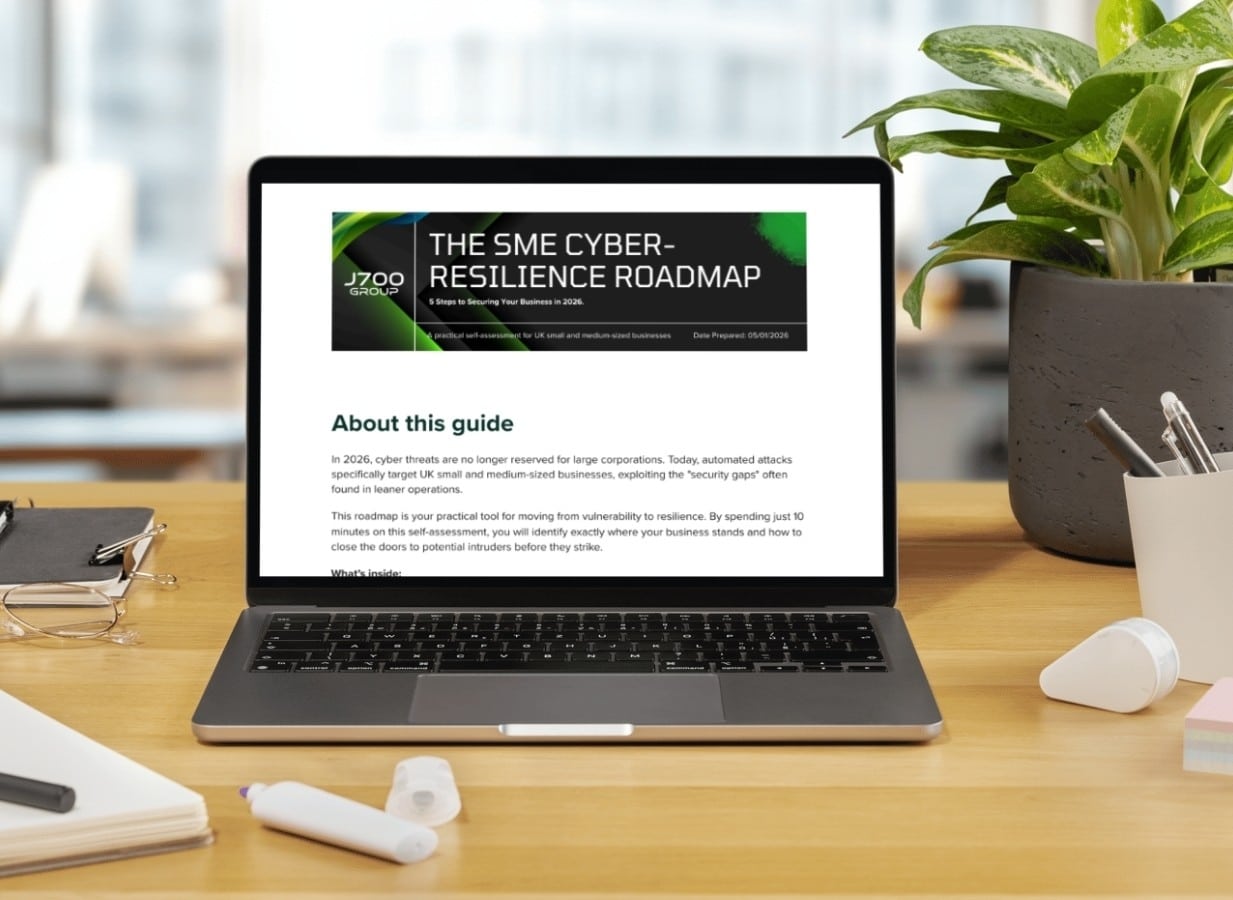
For years, many small and medium-sized business owners in the North West have operated under…
Read More
In a modern healthcare setting, the stethoscope and the blood pressure cuff aren’t the only…
Read More
When people hear the word cybersecurity, they often imagine complex systems, expensive software and specialist…
Read More
As we count down to midnight, most of us are thinking about gym memberships or…
Read More
It’s Christmas Eve in Lancashire. The Preston bypass is a nightmare, the last-minute dash to…
Read More
For many businesses, the Christmas period means quieter offices, reduced staffing and systems left running…
Read More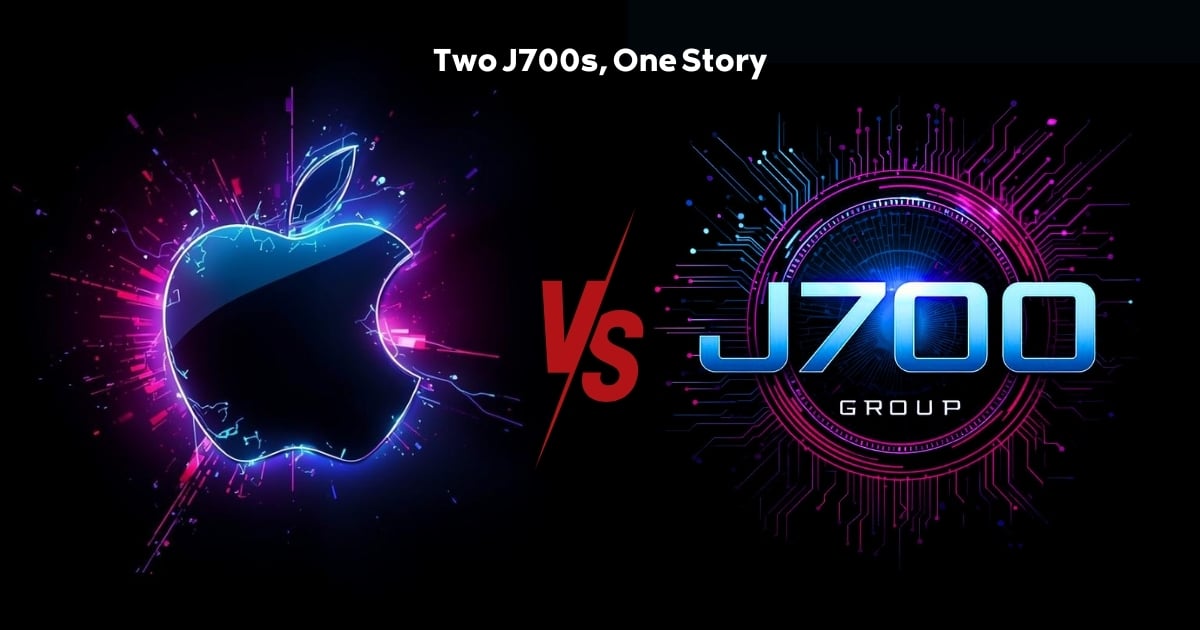
Or: Why we’d like to have a word with Tim Cook this Christmas. There are…
Read More
Hackers Love Christmas: Learn Why your Business Could be at Risk This Holiday SeasonThe festive…
Read More
In recent months, high-profile companies like Land Rover and Co-op have made headlines due to…
Read More
Explore 7 essential tips for effective cloud solutions comparison to find the best fit for…
Read More
Learn how to secure business data for UK SMEs with this step-by-step guide focused on…
Read More
Cybersecurity basics explained for UK businesses—core concepts, major threats, essential safeguards, and compliance requirements. A…
Read More
Discover the essential role of IT support desks, core functions, key benefits, types of support,…
Read More
Discover 10 microsoft 365 alternatives for UK SMEs, comparing features and benefits to help your…
Read More
Discover the best microsoft 365 alternatives in our comparison of 10 top products to enhance…
Read More
Discover a business connectivity checklist with 7 actionable steps to boost IT reliability, security, and…
Read More
Discover 7 essential business continuity planning steps to protect your SME. Learn practical strategies for…
Read More
Small Business Office 365 comprehensive guide for UK SMEs: core features, setup process, security essentials,…
Read More
Small Business Office 365 guide for UK firms. Learn core features, setup, security, costs, and…
Read More
Small business Office 365 guide covering essential features, security, costs, local support, and practical benefits…
Read More
Follow this cybersecurity checklist for SMEs to secure your business in Lancashire and Manchester. Step-by-step…
Read More
Follow this cybersecurity checklist for SMEs to boost protection, reduce risks, and secure business data…
Read More
Cloud security explained: A comprehensive guide for UK businesses covering threat types, protection strategies, compliance,…
Read More
Data protection strategies for UK SMEs—types, key components, GDPR compliance, business risks, and best practices…
Read More
Why cybersecurity matters for UK businesses: core concepts, main risks, common threats, legal requirements, and…
Read More
Comprehensive guide to IT issues Lancashire businesses face, including security threats, system downtime, cloud solutions,…
Read More
Comprehensive guide on cyber security threats in the UK. Learn common types, key characteristics, real-world…
Read More
Follow this IT security checklist for a step-by-step process to secure your business effectively in…
Read More
Explore the benefits of managed IT services for businesses in Manchester and Lancashire, enhancing efficiency…
Read More
Explore the role of cybersecurity in business. Understand its importance, how it works, and key…
Read More
Discover 7 key advantages of Microsoft 365 for SMEs that can enhance productivity, collaboration, and…
Read More
Explore why use managed IT services and how they benefit businesses. Gain comprehensive insights on…
Read More
Comprehensive guide explaining cyber threats, focusing on their importance, how they work, and the key…
Read More