



For years, businesses protected their data like a medieval castle: build a thick wall (a…
Read More
For many businesses, the Christmas period means quieter offices, reduced staffing and systems left running with minimal oversight.
Unfortunately, it’s also one of the most common times for IT issues and cyber incidents to occur, often because no one is around to spot problems early or respond quickly.
A small amount of preparation before you log off for the festive break can prevent unnecessary stress, disruption and costly downtime in the new year.
Here are four essential IT checks every business should complete before Christmas.
Backups are only useful if they’re working and if they can actually be restored.
Too often, businesses assume backups are running as expected, only to discover after an incident that data is missing, corrupted or inaccessible.
Before the break, it’s worth:
A verified backup can be the difference between a minor inconvenience and a major business interruption.
Outdated software remains one of the easiest ways for cybercriminals to exploit business systems.
When offices are closed for extended periods, unpatched vulnerabilities can sit exposed for days or weeks without being noticed.
To reduce risk:
Updating before the festive shutdown helps close known security gaps and reduces the likelihood of attacks during quieter periods.
Christmas often brings temporary changes to staff access, whether through leavers, contractors or shared inboxes used for holiday cover.
These changes can unintentionally create security risks if access isn’t reviewed.
Before logging off:
Even simple access checks can significantly reduce the risk of unauthorised access while teams are away.
If an IT issue occurs during the festive break, knowing who to contact can save valuable time and prevent small problems from escalating.
Every business should have:
Without a plan in place, even minor issues can quickly turn into major disruptions.
The festive break should be a time to switch off, not worry about what might be happening to your systems.
By taking these simple steps now, businesses can reduce risk, protect their data and return in the new year with confidence.
A little preparation before Christmas goes a long way toward ensuring a calmer, more secure start to January.
For years, businesses protected their data like a medieval castle: build a thick wall (a…
Read More
For many small and medium-sized businesses, cybersecurity is still viewed as an IT problem. Firewalls,…
Read More
Cloud technology is no longer a luxury or a cost-saving alternative to on-site servers. For…
Read More
Remember when we jokingly wondered if Apple was borrowing our name? Well, the rumours were…
Read More
AI hasn’t just changed the way we work, it has completely rewritten the rulebook for…
Read More
For many businesses, the office phone is like part of the furniture, it’s always there,…
Read More
We are thrilled to announce a significant milestone in the J700 Group journey. To keep…
Read More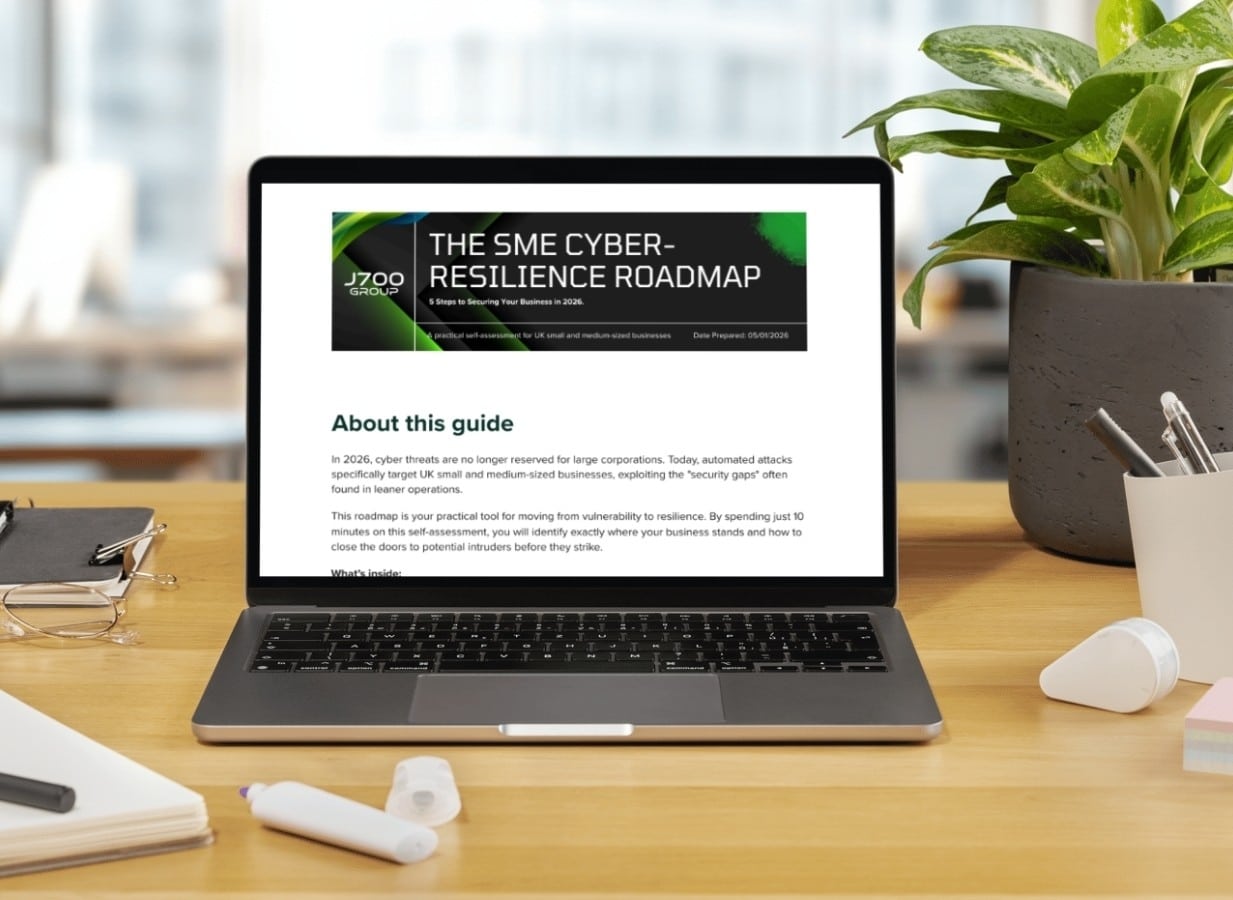
For years, many small and medium-sized business owners in the North West have operated under…
Read More
In a modern healthcare setting, the stethoscope and the blood pressure cuff aren’t the only…
Read More
When people hear the word cybersecurity, they often imagine complex systems, expensive software and specialist…
Read More
As we count down to midnight, most of us are thinking about gym memberships or…
Read More
It’s Christmas Eve in Lancashire. The Preston bypass is a nightmare, the last-minute dash to…
Read More
For many businesses, the Christmas period means quieter offices, reduced staffing and systems left running…
Read More
Or: Why we’d like to have a word with Tim Cook this Christmas. There are…
Read More
Hackers Love Christmas: Learn Why your Business Could be at Risk This Holiday SeasonThe festive…
Read More
In recent months, high-profile companies like Land Rover and Co-op have made headlines due to…
Read More
Explore 7 essential tips for effective cloud solutions comparison to find the best fit for…
Read More
Learn how to secure business data for UK SMEs with this step-by-step guide focused on…
Read More
Cybersecurity basics explained for UK businesses—core concepts, major threats, essential safeguards, and compliance requirements. A…
Read More
Discover the essential role of IT support desks, core functions, key benefits, types of support,…
Read More
Discover 10 microsoft 365 alternatives for UK SMEs, comparing features and benefits to help your…
Read More
Discover the best microsoft 365 alternatives in our comparison of 10 top products to enhance…
Read More
Discover a business connectivity checklist with 7 actionable steps to boost IT reliability, security, and…
Read More
Discover 7 essential business continuity planning steps to protect your SME. Learn practical strategies for…
Read More
Small Business Office 365 comprehensive guide for UK SMEs: core features, setup process, security essentials,…
Read More
Small Business Office 365 guide for UK firms. Learn core features, setup, security, costs, and…
Read More
Small business Office 365 guide covering essential features, security, costs, local support, and practical benefits…
Read More
Follow this cybersecurity checklist for SMEs to secure your business in Lancashire and Manchester. Step-by-step…
Read More
Follow this cybersecurity checklist for SMEs to boost protection, reduce risks, and secure business data…
Read More
Cloud security explained: A comprehensive guide for UK businesses covering threat types, protection strategies, compliance,…
Read More
Data protection strategies for UK SMEs—types, key components, GDPR compliance, business risks, and best practices…
Read More
Why cybersecurity matters for UK businesses: core concepts, main risks, common threats, legal requirements, and…
Read More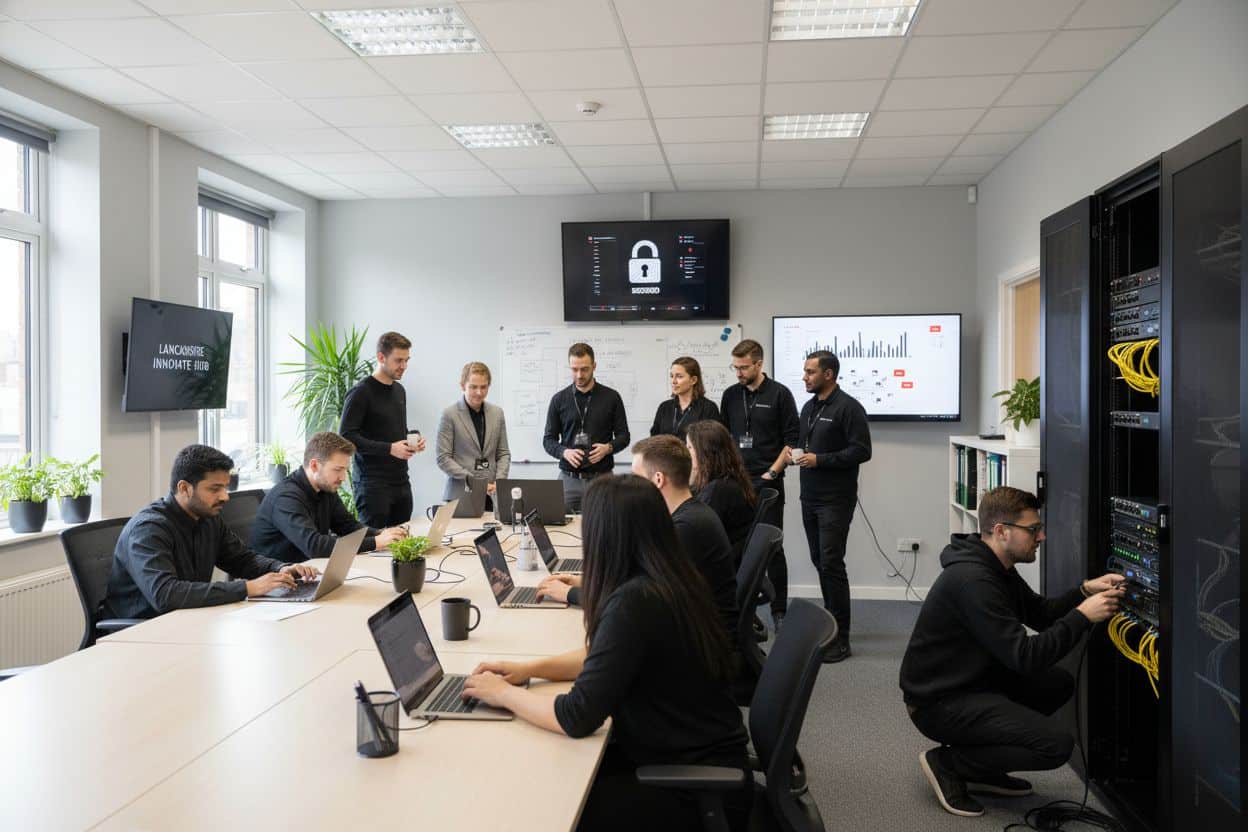
Comprehensive guide to IT issues Lancashire businesses face, including security threats, system downtime, cloud solutions,…
Read More
Comprehensive guide on cyber security threats in the UK. Learn common types, key characteristics, real-world…
Read More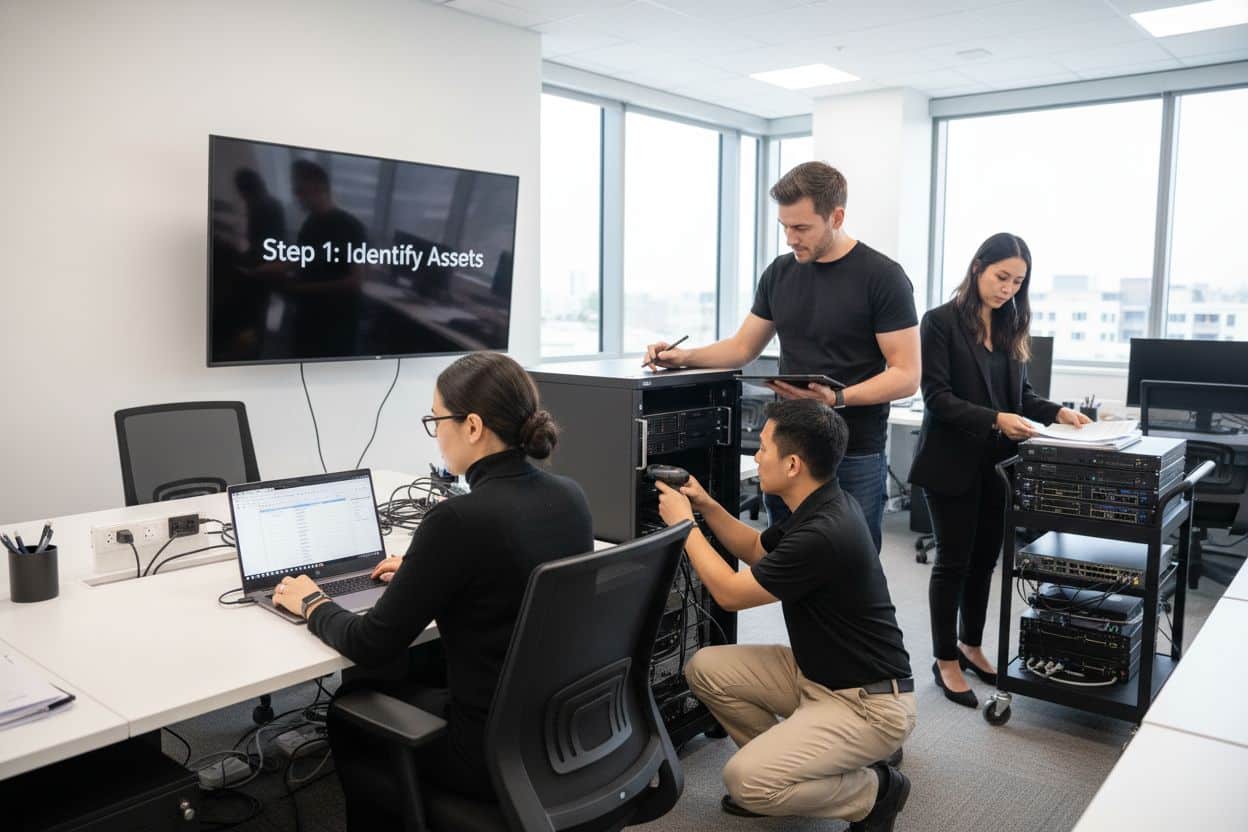
Follow this IT security checklist for a step-by-step process to secure your business effectively in…
Read More
Explore the benefits of managed IT services for businesses in Manchester and Lancashire, enhancing efficiency…
Read More
Explore the role of cybersecurity in business. Understand its importance, how it works, and key…
Read More
Discover 7 key advantages of Microsoft 365 for SMEs that can enhance productivity, collaboration, and…
Read More
Explore why use managed IT services and how they benefit businesses. Gain comprehensive insights on…
Read More
Comprehensive guide explaining cyber threats, focusing on their importance, how they work, and the key…
Read More